
Boost your sales with a free WooCommerce Wishlist feature. Let your customers save and share their favorite p...
Free
100k+ installs 4.7★ (499)
Enhance your WooCommerce store with our Wishlist & Compare Plugin. Let customers save favorite products and compare features for informed decisions.

Wishlist and Compare for WooCommerce is a WordPress plugin designed for WooCommerce stores. It allows customers to create wishlists of their favourite products and compare them based on features. This can enhance the shopping experience by enabling users to shortlist items for future purchases and share their lists with others.
The plugin offers various customisation options for the wishlist button's position and appearance on product pages. Users can also style the comparison table to improve usability. It is suited for eCommerce sites that want to provide customers with wishlist and product comparison functionalities.
Best for: This plugin is best for WooCommerce store owners looking to enhance customer engagement with wishlist and comparison features.
What it does well
Where it falls short
Wishlist and Compare for WooCommerce provides useful functionalities for enhancing the shopping experience. However, further details on its comparison features would be beneficial.
ThemeHigh's own description of Wishlist and Compare for WooCommerce, lightly tidied.
WooCommerce Wishlist and Comparison Plugin enables your customer to Wishlist their favorite products for future purchases. The comparison aspect of the plugin enables you to determine the best in terms of product features Where shoppers can:
Determine the position of the Wishlist button on the shop/product page from:
If the position of the wishlist button is set as “Above Thumbnail” on the shop page, then choose a position for the wishlist thumbnail from the given choices:
The same applies to the product page, with an option:
Add custom text to your wishlist button and the option to upload a custom icon for your wishlist.
You can style the Wishlist Button/Link on the shop page and product page.
To style the ‘Button’:
You can change the Background color, Font color, Border color of the button, if “Use custom style” is selected from the “Wishlist Button/Link Style” dropdown.
To style the ‘Link’:
You can change the font color and font size of the link, if “Use custom style” is selected from the “Wishlist Button/Link Style” dropdown.
Note: if “Use default theme style” is chosen, then the button /link will be displayed in the normal form.
The popup style has been updated to a more user-friendly design.
Other plugins for wishlists and comparisons.
Boost your sales with a free WooCommerce Wishlist feature. Let your customers save and share their favorite p...

WPC Smart Wishlist is a simple but powerful tool that can help your customer save products for buying later.

WooCommerce builder for Elementor & Gutenberg, offering product templates, product sliders, shopping cart,...
ShopLentor – More than a WooCommerce builder. A complete growth plugin to boost conversions, UX, and sales for...
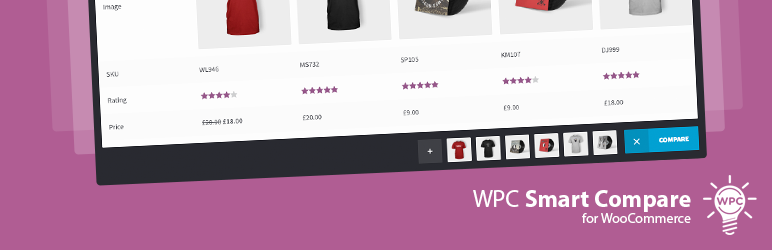
It helps customers compare products with mighty AJAX, doesn't require opening a new page or iframe, and a...
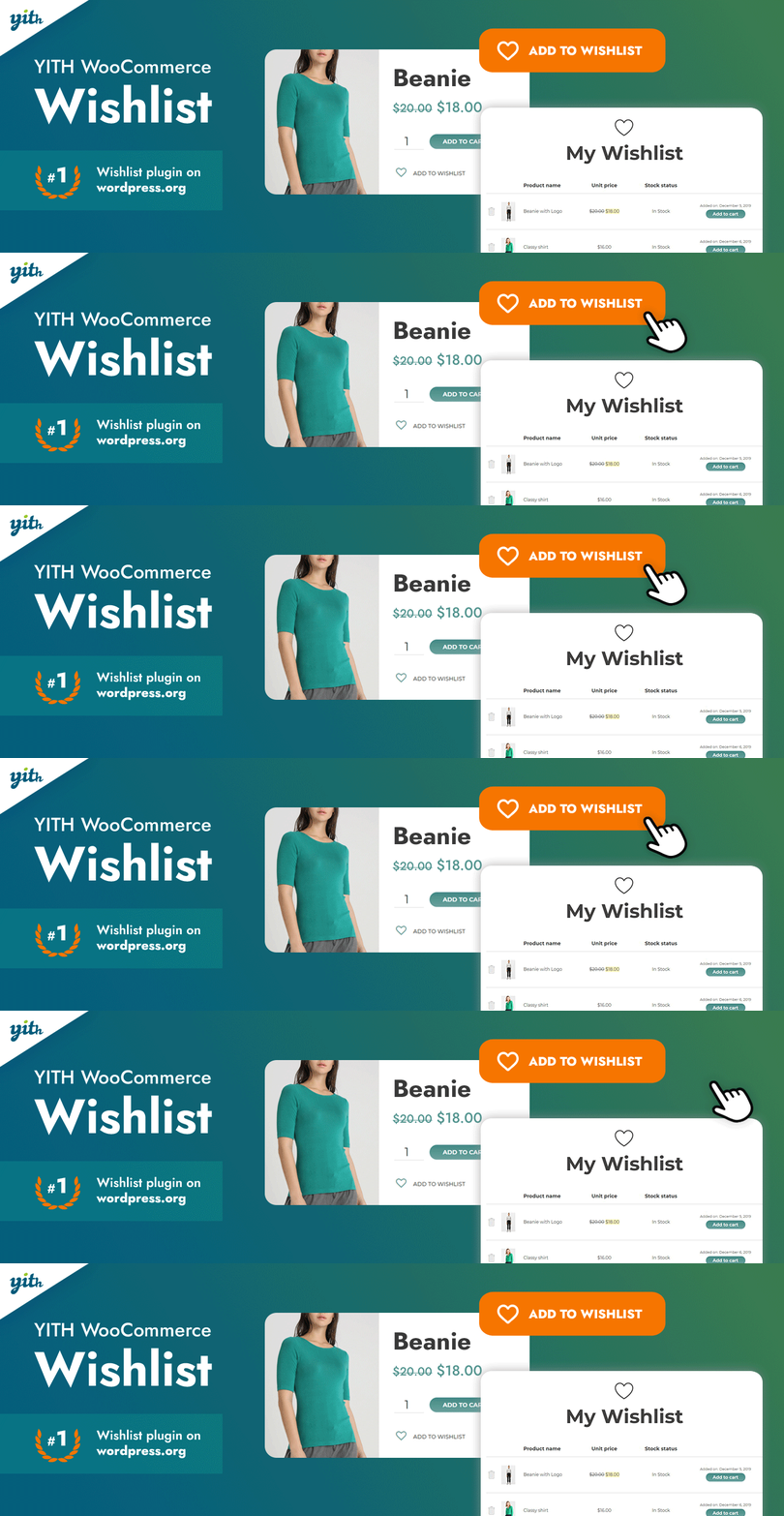
YITH WooCommerce Wishlist add all Wishlist features to your website. Needs WooCommerce to work. WooCommerce 11...