
WooCommerce
94Everything you need to launch an online store in days and keep it growing for years. From your first sale to m...
Free
7M+ installs 4.5★ (4,820)
Customize the Add to Cart buttons in WooCommerce by changing the text, adding a cart icon or changing the colors.
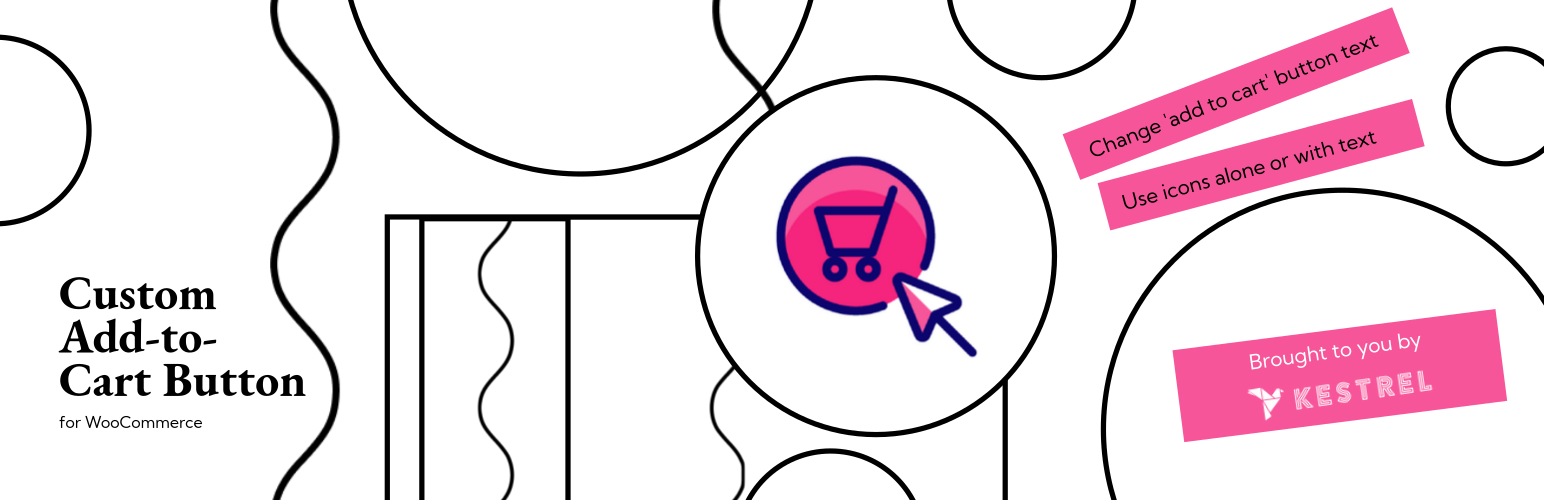
Custom Add To Cart Button for WooCommerce is a plugin that allows you to customise the add to cart buttons in your WooCommerce store. You can change the button text, add a cart icon, or alter the button's background and text colours. The plugin provides options to display the button text in various cases and to use just an icon if preferred.
This plugin is suitable for store owners who want to tailor the add to cart button to better fit their branding or specific sales strategies, such as changing the text to 'Buy Now' or 'Make an Enquiry'. Settings can be adjusted in the WordPress Customizer under WooCommerce options.
Best for: This plugin suits WooCommerce store owners looking to customise their add to cart buttons.
What it does well
Where it falls short
Custom Add To Cart Button for WooCommerce offers basic customisation options for add to cart buttons. It may be useful for those looking to enhance their store's user experience.
Kestrel's own description of Custom Add To Cart Button for WooCommerce, lightly tidied.
Custom Add To Cart Button for WooCommerce is a simple plugin to customize your store’s add to cart buttons. It makes it easy to change the ‘Add to cart’ button text, add a cart icon to the button, replace the text with just an icon, or change the background and text color.
There are lots of reasons why you might want to change the add to cart text. Depending on how you’re using WooCommerce you might want the button to say something different like ‘Add to quote’, ‘Buy Now’, ‘BOOK EVENT’, ‘Enrol’ or ‘Make an Enquiry’.
You might want to make the button more visual by adding a cart icon before the text. Or you may want to replace the button text and just show a cart icon. The plugin uses the same cart icon that is built into WooCommerce itself.
Add to cart button options:
Custom Add To Cart Button for WooCommerce is fully accessible. If you choose to display just the cart icon, the text is still present in the HTML and can be read by screen readers.
Options are set in the Customizer. Once installed, go to Appearance -> Customize -> WooCommerce -> Add to Cart Buttons and choose your settings.
Custom Add To Cart Button for WooCommerce is fully compatible with other Kestrel plugins, including:
Other plugins for selling online.
Everything you need to launch an online store in days and keep it growing for years. From your first sale to m...

Top-rated antispam for contact forms, comments, WooCommerce, eCommerce, and login. No CAPTCHAs, no friction, j...

Weight based shipping methods for WooCommerce. Flexible shipping with table rate rules by cart weight and orde...

Every store loses sales to cart abandonment. But with Cart Abandonment Recovery for WooCommerce, you can win t...

Germanized extends WooCommerce to become a legally compliant shop for the german market. Must Have for every g...

🤩 Make popups & optin forms to get more email newsletter subscribers, leads, and sales - #1 most popular...