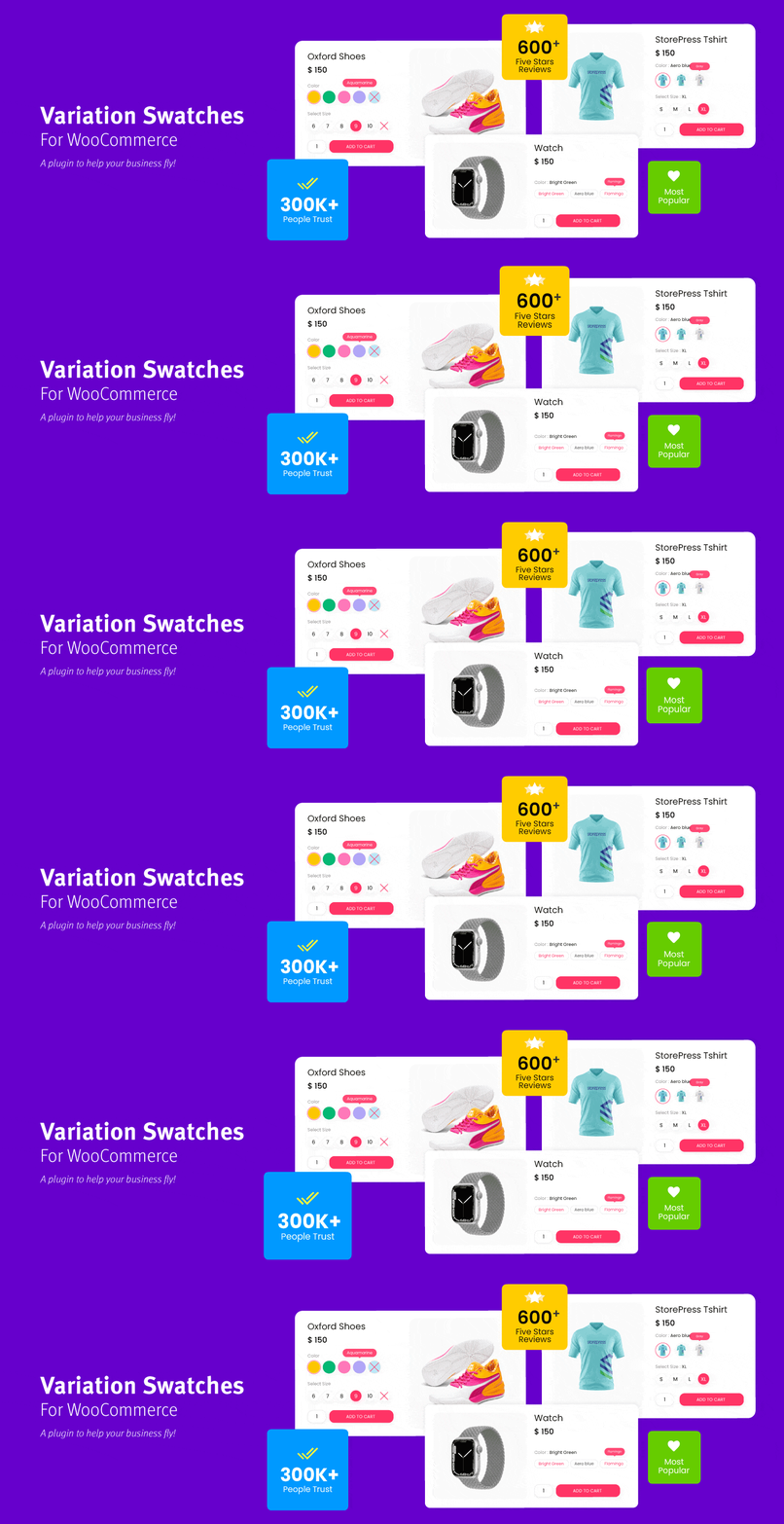
WooCommerce Variation Swatches replaces boring variation dropdowns with engaging color, image, and label swatc...
Free
300k+ installs 4.8★ (919)
Create multi-step builder pages for easy product selection and ordering. Includes option to email configurations to friends

BuildKit is a WordPress plugin designed for WooCommerce that allows customers to build custom products, particularly suited for creating PC configurations. Users can create product builder pages where customers select components step by step, making the process interactive and straightforward.
The plugin supports multiple steps for product selection, allows for custom naming of each step, and includes features like a preview button and quantity selection. It is aimed at WooCommerce users looking to offer a customised shopping experience for products that require multiple components.
Best for: This plugin is best for WooCommerce stores that sell products requiring custom configurations, such as PC building.
What it does well
Where it falls short
BuildKit offers a useful solution for creating custom product builders within WooCommerce, but its limitations may affect some users' experiences.
VillaTheme's own description of BuildKit, lightly tidied.
WooCommerce Product Configurator appears to be a must-have app for any component and part building pages, particularly PC builder pages. Imagine if customers could go through the process of building a PC and selecting the components and parts they want through steps. That would be incredible, and that is what WooCommerce Product Configurator can provide.
WooCommerce Product Builder is a plugin that allows your customers to build a full product set from small parts step by step. This plugin works as a WooCommerce Product Configurator based on the WooCommerce platform, promising to provide you with many useful features like compatible, email completed product, attributes filters …
► Create Product Builder pages: Each product builder will display on front-end as a page, customers will build their products on this page. You can add as many product builders as you want.
► Multiple steps: Add as many steps as you need customers to select product parts.
► Change step name: Select a name for each step like STEP 1 – Mainboard, STEP 2 – CPU… Use the shortcode {step_number} to display the number of currency step.
► Select product and categories for each step: You can select which products categories will appear in each step and then customers can pick one (or more) in that step.
► Quantity field: This option allows customers to select products quantity. If this option is disabled, the quantity will be set as 1.
► Preview button: The preview feature allows customers to view their full product before purchase. The preview page will appear in the last step, by enabling this option you will allow customers to visit the preview page from any step.
► Product per page: Select how many products will be displayed on one page in front-end.
► Attribute Widget: Attribute widgets helps your customers to easier to find the product they want to purchase. To enable attribute widgets, visit Appearance/ Widgets, look for WC Product Builder Widgets and drag/drop them to WC Product Builder Sidebar Area. Please take note that the plugin will not work with custom attributes. To add/edit attributes, please visit Products/ Attributes
Other plugins for product customisation.
WooCommerce Variation Swatches replaces boring variation dropdowns with engaging color, image, and label swatc...
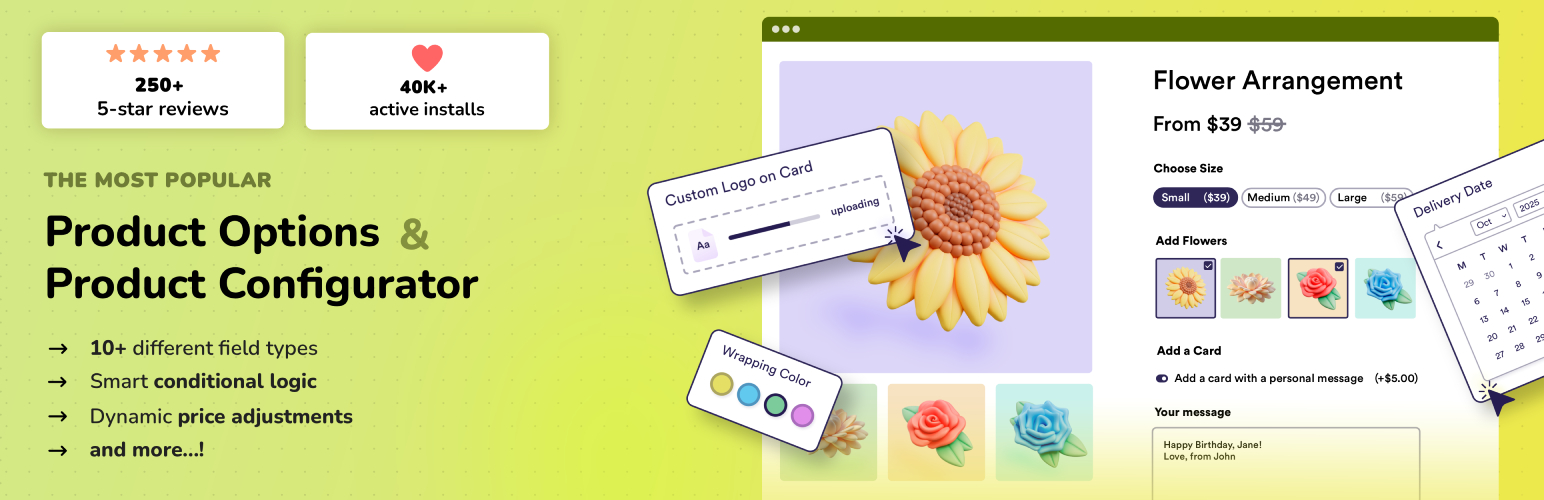
Add options (addons) to your WooCommerce products so your customers can personalize their products. Product fo...

Variation Swatches for WooCommerce replaces dropdowns with color, image & size swatches, helping shoppers...
WooCommerce Product Addons Add custom fields to your WooCommerce product page. With an easy-to-use Custom Form...
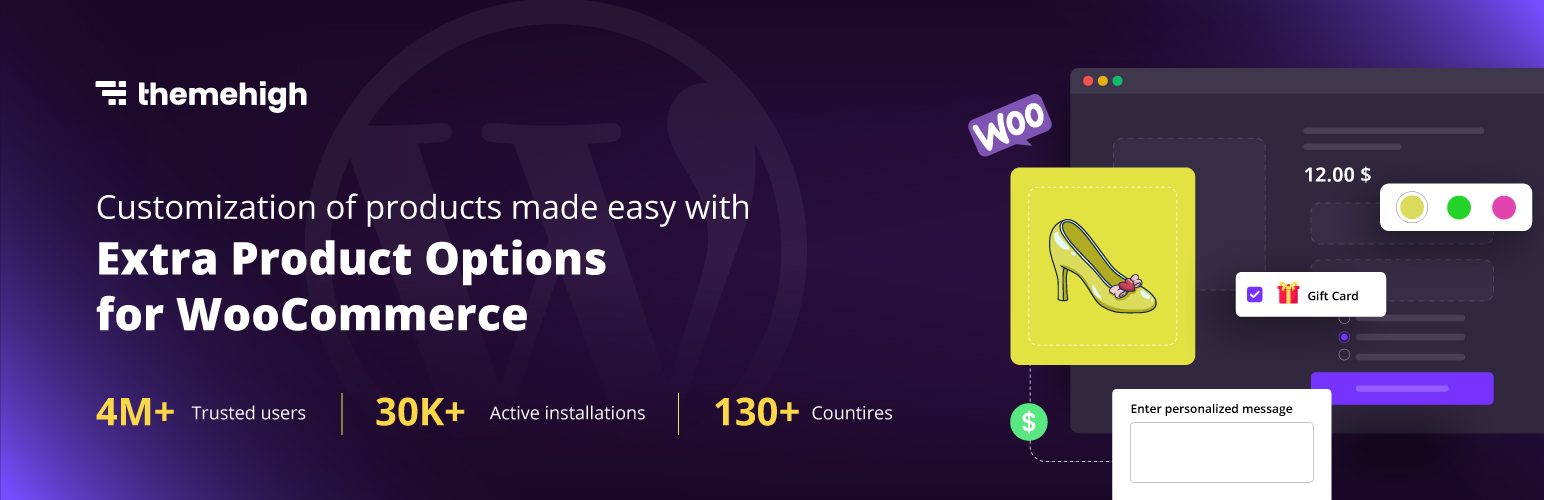
WooCommerce Extra Product Options plugin lets you add product addons (custom products field) of 20 different f...

WCBoost – Variation Swatches is the ultimate plugin to display WooCommerce product variations in style.