
Responsive slider plugin to create sliders in visual editor easily. Build beautiful image slider, layer slider...
Free
800k+ installs 4.9★ (1,123)
Allows adding multiple images per variation to let your store customers to see different sets of images when product variations are switched.
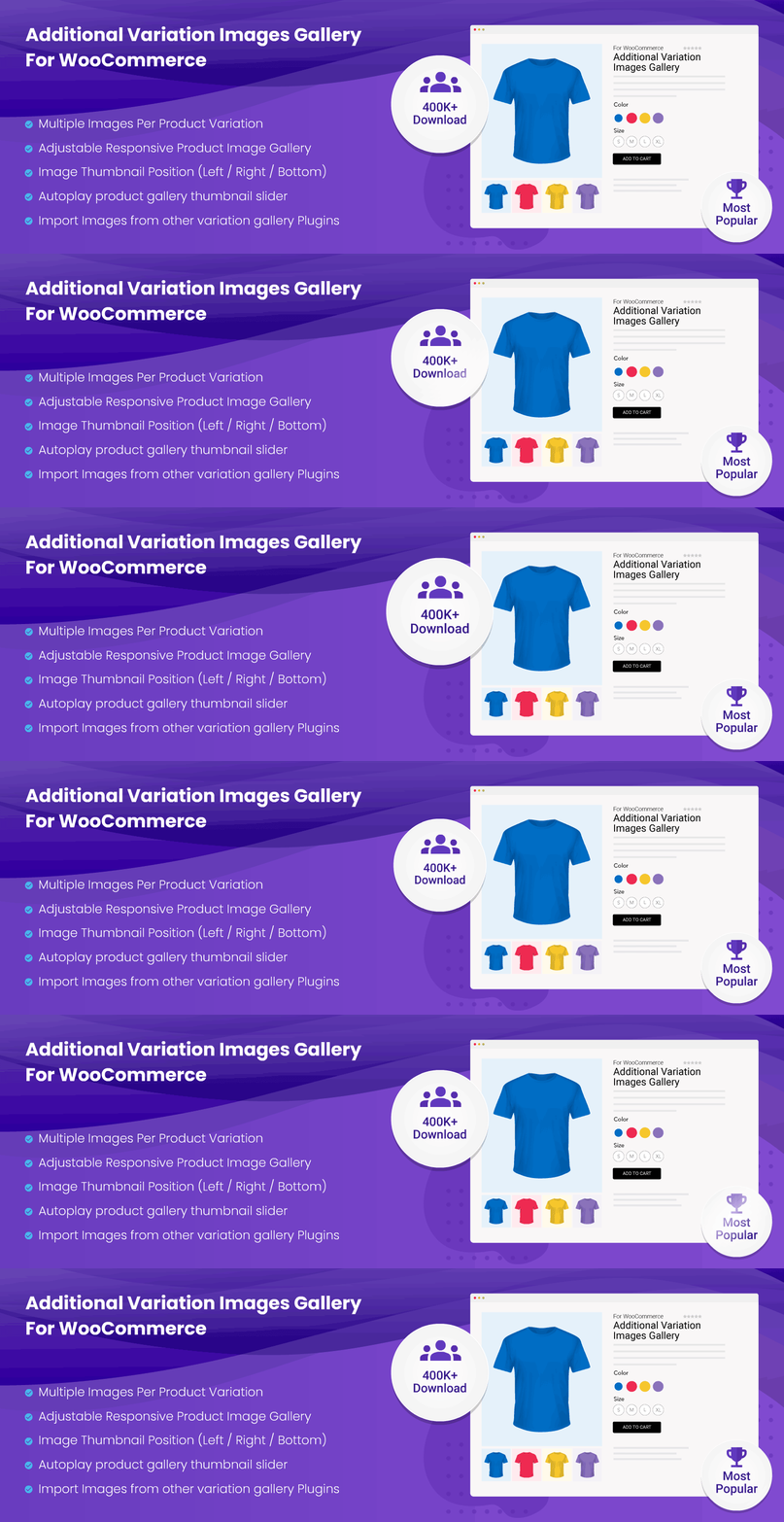
The Additional Variation Images Gallery for WooCommerce is a WordPress plugin that allows you to add multiple images for each product variation in your WooCommerce store. This enables customers to view different sets of images when switching between variations such as colour, style, and size. The plugin is designed to enhance the visual presentation of products, potentially aiding in sales and conversions.
The plugin supports various display options, including adjusting the gallery width for different devices and converting the grid style thumbnail display into a slider. It also offers features like auto sliding and customizable thumbnail counts, making it suitable for users looking to improve their product image galleries in WooCommerce.
Best for: This plugin is best for WooCommerce store owners who want to enhance their product variation displays.
What it does well
Where it falls short
The Additional Variation Images Gallery for WooCommerce offers useful functionality for displaying multiple images per product variation, which can enhance the shopping experience. It is a practical choice for those looking to improve their product galleries.
Emran Ahmed's own description of Additional Variation Images Gallery for WooCommerce, lightly tidied.
Allows adding multiple images per variation to let your store customers to see different sets of images when product variations are switched.
Do you want multiple images for WooCommerce product attribute variation to drive sales and conversion? The Additional Variation Images Gallery for WooCommerce is an incredible option to pick.
WooCommerce offers an option to insert only one image per product variation. It means there is no option to add more than a single variation image when it is essential to show additional product images to boost sales.
To unlock this limitation, the WooCommerce Additional Variation Images Gallery plugin. It allows to upload multiple images for each product variation.
So, with the help of this additional variation images plugin for WooCommerce, it’s possible to show different sets of images to visitors when they switch product variations like Color, Style, and size simultaneously.
If you are looking for a plugin to insert multiple images per variation for WooCommerce variable product, you are in the right place. The plugin is well-documented and optimized to support major WooCommerce themes in the market.
By default, WooCommerce allows inserting only one photo per product variation. This variation images gallery plugin will enable you to insert various pictures in variable product variations.
It offers options to adjust the variation images gallery width for Desktop, Tablet, and Mobile Phones to tailor your variation gallery to all available viewing devices.
WooCommerce initially shows the gallery thumbnail in the bottom position. By installing the WooCommerce Extra Variation Images Gallery plugin, you can move them to the left and right positions.
WooCommerce shows the product gallery thumbnails in the grid style. It will show one after another. We programmed the WooCommerce Variation Multiple Images Gallery plugin to convert the grid into a thumbnail slider.
WooCommerce different images for variations plugin enables auto slider for product feature images. It means customers don’t want to press the arrow to check product photos one by one.
Slider speed helps customers to see the product images quickly. To fulfill this requirement, additional variation images for WooCommerce plugin have the option to increase or decrease the sliding time according to project requirements.
There are two options combined to present product images smartly. Either you can enable the sliding option or the fading one.
Generally, you see the four images in the product thumbnail slider initially. You can set the number from 2 to 8. Besides that, you can define the gap between each thumbnail item.
Other plugins for photo galleries.
Responsive slider plugin to create sliders in visual editor easily. Build beautiful image slider, layer slider...

Slider, gallery, carousel plugin for WordPress. Build your image slider, video slider, post slider, YouTube sl...

FooGallery is a fast, responsive photo gallery and image gallery plugin with 7 gallery layouts, built-in light...

Formerly Easy Fancybox. The most popular WordPress lightbox plugin. Simple, fast, and responsive. Opens images...

The most popular lightbox plugin and responsive gallery builder for WordPress.

The Feeds for YouTube plugin allows you to display customizable YouTube feeds from any YouTube channel.