
WP-Optimize
95Get caching and more with this powerful cache plugin. Cache, optimize images, clean your database and minify f...
Free
1M+ installs 4.8★ (2,606)
Speed up your WordPress site by unloading unnecessary CSS and JavaScript, reducing page bloat, and managing your own Critical CSS per page type.
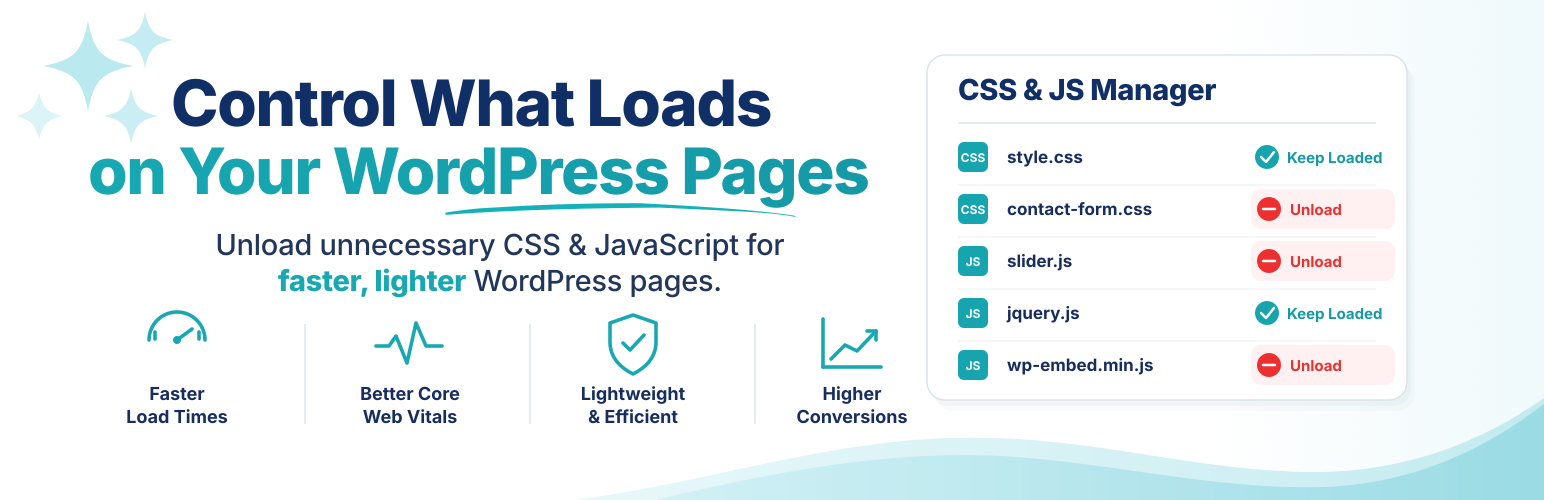
Asset CleanUp: Page Speed Booster is a WordPress plugin designed to help you manage and optimise the loading of CSS and JavaScript on your website. It identifies unnecessary assets that may be loaded on pages where they are not needed, allowing you to unload them to improve page speed and reduce HTTP requests.
The plugin features a Test Mode for administrators to validate changes before they affect visitors. It offers granular control over CSS and JavaScript management, including options to minify, combine, and preload files. Asset CleanUp is suitable for users looking to enhance their site's performance through careful asset management.
Best for: This plugin suits WordPress site owners looking to optimise performance by managing loaded assets.
What it does well
Where it falls short
Asset CleanUp: Page Speed Booster provides a structured approach to managing website assets, which can lead to improved site performance. It is particularly useful for users who want detailed control over their site's loading processes.
Gabe Livan's own description of Asset CleanUp: Page Speed Booster, lightly tidied.
WordPress themes and plugins often load CSS and JavaScript on pages that do not use them. A contact form may load on the homepage, a slider may load on a plain article, or store-related files may load outside the shop.
Asset CleanUp shows you what each page loads and lets you unload what is not needed. This can reduce HTTP requests, page weight, and browser work while complementing your existing caching setup.
Use Test Mode to validate changes as an administrator before they affect visitors.
Asset CleanUp gives you precise, testable control over every optimization.
The Dashboard keeps the technical detail experienced users need while guiding first-time users through Getting Started, Test Mode, and the central Overview page. Test changes before they affect visitors, then review and manage existing or leftover rules from one place.
Add, edit, and remove your own Critical CSS directly from the Dashboard. Keep manual CSS organized by supported page context instead of maintaining one large global block.
Asset CleanUp does not automatically generate Critical CSS. It gives you a structured way to manage CSS that you prepare yourself.
font-display and preconnect controls.font-display.fetchpriority, loading, and decoding attributes to images using simple matching or regular expressions.Other plugins for making sites fast.
Get caching and more with this powerful cache plugin. Cache, optimize images, clean your database and minify f...

All-in-one unbeatable acceleration & PageSpeed improvement: caching, image/CSS/JS optimization...

Comprehensive image optimization with WebP, AVIF, Lazy Load, and more. Optimize images automatically for Faste...

Easy to use Under Construction Page & Coming Soon Page. Enable Under Construction Mode in seconds & sh...

Compress and optimize images, enable lazy load, serve WebP & AVIF, and speed up your site with a global im...

Speed up your website by using our WebP & AVIF Converter. Optimize images and serve WebP and AVIF images i...