WP Categories Widget
Display the list of categories for any taxonomies type (WooCommerce Product Category, Blog Category, Project Category...etc) in sidebar
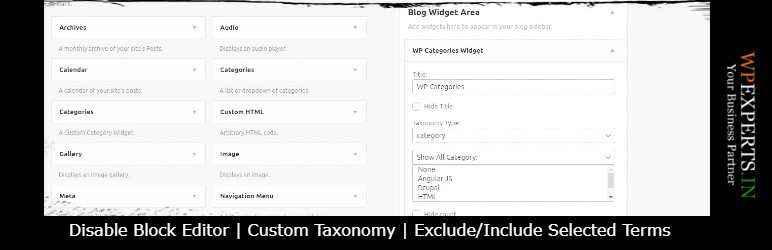
The facts
- Rating
- 4.5★ from 27
- Active installs
- 6k+
- Price
- Free
- Last updated
- 16 Feb 2026
- Added
- Sep 2016
- Requires WP
- 6.0
- Tested up to
- WP 6.9.7
- Requires PHP
- 8.0
- Downloads
- 120,642
Our analysis
AI-assistedWP Categories Widget is a WordPress plugin designed to display a list of categories for various taxonomy types, including WooCommerce product categories and blog categories. You can place this list anywhere on your website and have the option to disable the block editor for a classic widget layout.
The plugin includes features such as displaying category post counts, hiding child categories, and excluding or including specific categories. It also allows for custom styling and additional options like dropdown display and custom CSS for each widget.
Best for: This plugin is suitable for WordPress users who need to display categories for different taxonomies on their site.
What it does well
- ✓Displays categories for various taxonomy types
- ✓Allows for custom styling options
- ✓Includes features to manage category visibility
- ✓Offers both block editor and classic widget layout
Where it falls short
- •Limited information on addon features
- •No pricing details for add-ons provided
Verdict
WP Categories Widget provides a straightforward solution for displaying categories, with several customisation options. It may be beneficial for those looking to enhance their site's navigation.
From the developer
WP-EXPERTS.IN's own description of WP Categories Widget, lightly tidied.
The “WP Categories Widget” is a simple plugin to display the list of categories for any taxonomies type (WooCommerce Product Category, Blog Category, Project Category…etc) on your wordpress website. Using WP Categries Widget you can display list of categories anywhere on your website. And also you can disable the widget block editor and enable the classic widget layut to edit the sidebar.
Note : please don’t forget to leave your valuable feedback and suggestions.
Send your query to AUTHOR
Video Tutorial :
`Features`
- Disable Widget Block Editor
- Display Categories Post Count
- Hide Child Categories
- Hide Widget Title
- Show Categories for Any Taxonomies Type
- Exclude/Include Categories
Addon Features
- Display Category as Drop Down
- Display Category Posts
- Manage WP Widget Style (Background Color, Text Color, Border Style & Color)
-
Add Custom CSS for every Widget
Downalod Add-on.