WP Dashboard Notes
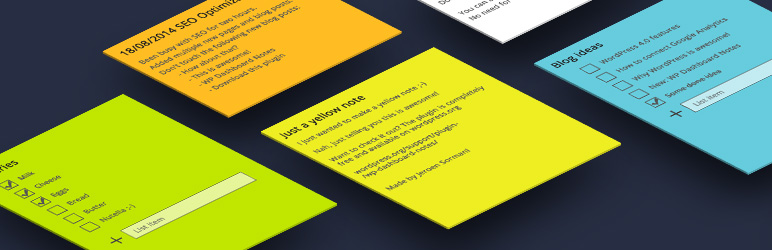
Working with multiple persons on a website? Want to make notes? You can do just that with WP Dashboard Notes. Create beautiful notes with a nice user …
The facts
- Rating
- 4.6★ from 110
- Active installs
- 20k+
- Price
- Free
- Last updated
- 8 Apr 2026
- Added
- Aug 2014
- Requires WP
- 4.0
- Tested up to
- WP 6.8.8
- Downloads
- 253,534
Our analysis
AI-assistedWP Dashboard Notes is a WordPress plugin designed for users who collaborate on a website and need a way to make notes. It allows you to create and manage notes directly from the dashboard, offering options for both public and private notes.
You can create coloured notes, list notes, and regular notes, with the ability to edit them on the dashboard. The plugin supports drag and drop functionality for list items and does not require a save button, making it user-friendly for those who need to organise their thoughts and tasks efficiently.
Best for: This plugin suits teams or individuals collaborating on WordPress sites who need a simple note-taking solution.
What it does well
- ✓Allows creation of coloured notes
- ✓Supports both public and private notes
- ✓Edit notes directly on the dashboard
- ✓Drag and drop functionality for list items
- ✓No save button required
Where it falls short
- •Limited information on advanced features or integrations
Verdict
WP Dashboard Notes provides a straightforward way to manage notes within the WordPress dashboard, making it a useful tool for collaborative environments.
From the developer
Jeroen Sormani's own description of WP Dashboard Notes, lightly tidied.
Working with multiple persons on a website? Want to make notes? You can do just that with WP Dashboard Notes. Create beautiful notes with a nice user experience.
Features:
- Colored notes
- List notes or regular notes
- Public or private notes
- Edit on dashboard
- Add as many notes as you like
- Drag & drop list items
- No save button needed!
Feature requests, ratings and donations are welcome and appreciated!