
WPCode
93Easily add code snippets in WordPress. Insert header & footer scripts, add PHP code snippets with conditio...
Free
3M+ installs 4.9★ (1,873)
A support/troubleshooting plugin for WordPress.
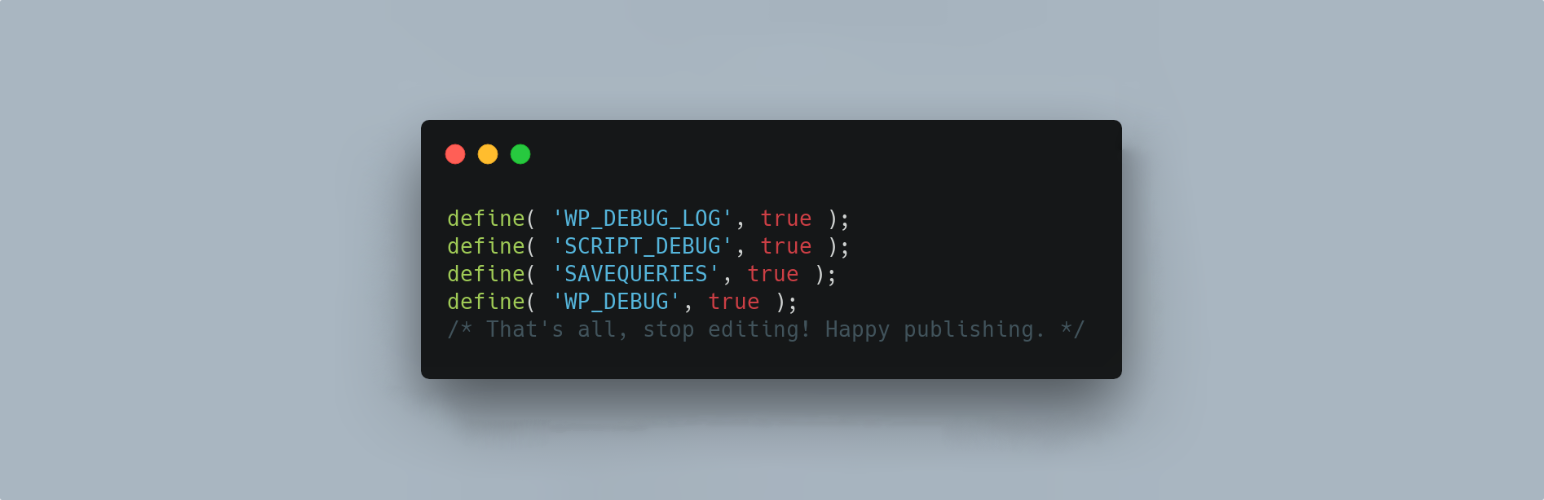
WP Debugging is a WordPress plugin that helps developers manage debugging settings in the wp-config.php file. It activates specific debug constants when enabled and restores previous settings upon deactivation. This plugin is designed for developers who need to troubleshoot and debug their WordPress sites effectively.
The plugin sets default debug constants such as WP_DEBUG_LOG and SCRIPT_DEBUG, and provides a settings page for further configuration. It also includes features for managing error display and offers filters for custom constant additions, making it suitable for those with specific debugging needs.
Best for: This plugin is best suited for developers looking to enhance their debugging capabilities in WordPress.
What it does well
Where it falls short
WP Debugging is a useful tool for WordPress developers needing to manage debug settings efficiently. It offers essential functionalities for troubleshooting but may require some technical understanding to fully utilise.
Andy Fragen's own description of WP Debugging, lightly tidied.
This plugin sets the following debug constants in wp-config.php on plugin activation and removes them on plugin deactivation. Any errors will result in a PHP Exception being thrown. Debug constants per Debugging in WordPress.
Default settings:
define( 'WP_DEBUG_LOG', true );
define( 'SCRIPT_DEBUG', true );
define( 'SAVEQUERIES', true );
@ini_set( ‘display_errors’, 1 ); is set when the plugin is active. WP_DEBUG is set to true when the plugin is first run, thereafter it can be turned off in the Settings.
The Settings page allows the user to set the following.
define( 'WP_DEBUG', true ); // Default on initial plugin installation.
define( 'WP_DEBUG_DISPLAY', false ); // Default when not declared is true.
define( 'WP_DISABLE_FATAL_ERROR_HANDLER', true ); // WordPress 5.2 WSOD Override.
When the plugin is deactivated best efforts are made to re-add pre-existing constants to their former state. When the plugin is activated the default settings and any saved settings are restored.
This plugin uses the wp-cli/wp-config-transformer command for writing constants to wp-config.php.
Debug Quick Look from Andrew Norcross is included with this plugin to assist in reading the debug.log file. If you already have this plugin installed you should delete it when WP Debugging is not active.
Query Monitor and Debug Bar plugins are optional dependencies to aid in debugging and troubleshooting. The notice for installation will recur 45 days after being dismissed.
If you have a non-standard location for your wp-config.php file you can use the filter wp_debugging_config_path to return the file path for your installation.
The filter wp_debugging_add_constants allows the user to add constants to wp-config.php.
The filter returns an array where the key is the name of the constant and the value is an array of data containing the value as a string and a boolean to indicate whether or not the value should be passed without quotes.
$my_constants = [
    'my_test_constant' =>
    [
        'value' => 'abc123',
        'raw' => false,
    ],
    'another_test_constant' => [ 'value' => 'true' ],
];
The value option contains the constant’s value as a string.
The raw option means that instead of placing the value inside the config as a string it will become unquoted. The default is true. Set as false for non-boolean values.
Other plugins for developer tooling.
Easily add code snippets in WordPress. Insert header & footer scripts, add PHP code snippets with conditio...

Easily add tracking code snippets, conversion pixels, or other scripts required by third party services for an...

Duplicate post, post order, image resize, email via SMTP, admin menu editor, custom css / code, disable gutenb...

Create custom "Shortcodes" easily for HTML, JavaScript, CSS code snippets and use the shortcodes wit...

Add PHP code to your pages and posts easily using shortcodes.

An easy, clean, and simple way to enhance your site with code snippets.