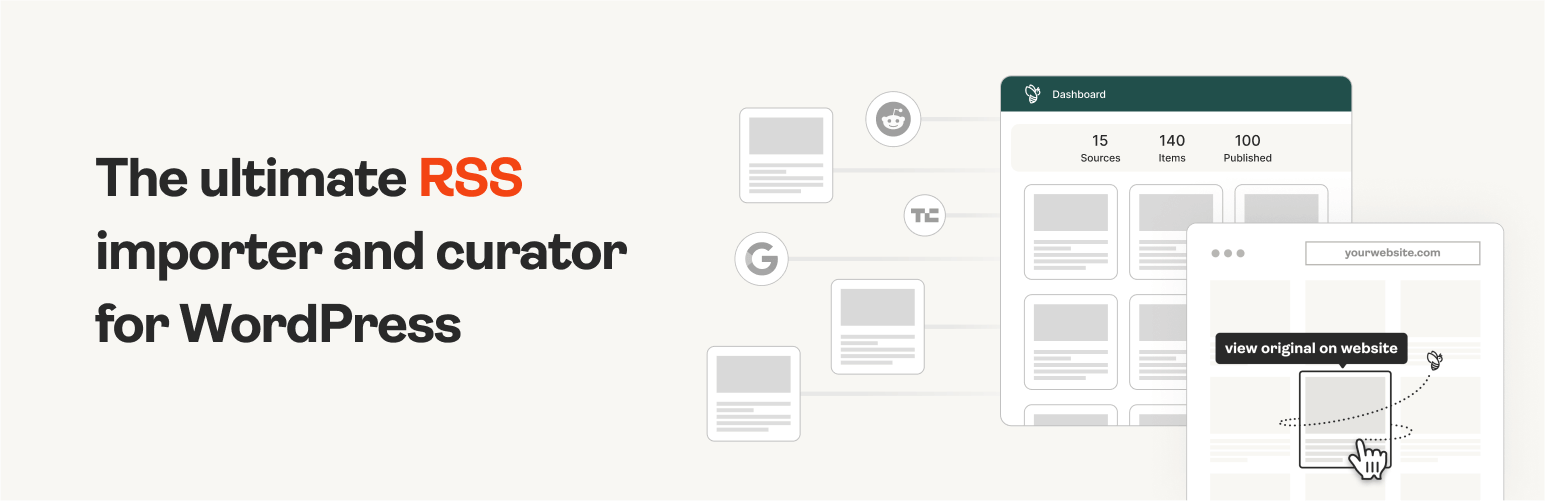
The #1 WordPress RSS aggregator to quickly import RSS feeds, build a news aggregator, and for easy autobloggin...
Free
40k+ installs 4.5★ (562)
This plugin is used to disable Inspect Element, View Source Code, Save a page, right click and many more on website to prevent cut, copy, paste, save …

Wp Disabler is a WordPress plugin designed to restrict various user actions on your website, such as copying content, viewing source code, and using developer tools. It provides features like disabling right-click, preventing text selection, and blocking keyboard shortcuts associated with copying and saving. This plugin is suitable for website owners who want to protect their content from being copied or misused by visitors.
The plugin is compatible with multiple operating systems and browsers, making it versatile for different user environments. It offers options to disable RSS feeds and certain admin functionalities, which may appeal to developers looking to limit access to specific features on their sites.
Best for: Website owners who want to protect their content from being copied or misused.
What it does well
Where it falls short
Wp Disabler provides a range of features for content protection, but its outdated status may raise concerns for some users.
Istiyak Amin's own description of Wp Disabler, lightly tidied.
This plugin is used to disable Inspect Element, View Source Code, Save a page, right click and many more on website to prevent cut, copy, paste, save image, view source, inspect element etc.
Other plugins for aggregating content.
The #1 WordPress RSS aggregator to quickly import RSS feeds, build a news aggregator, and for easy autobloggin...
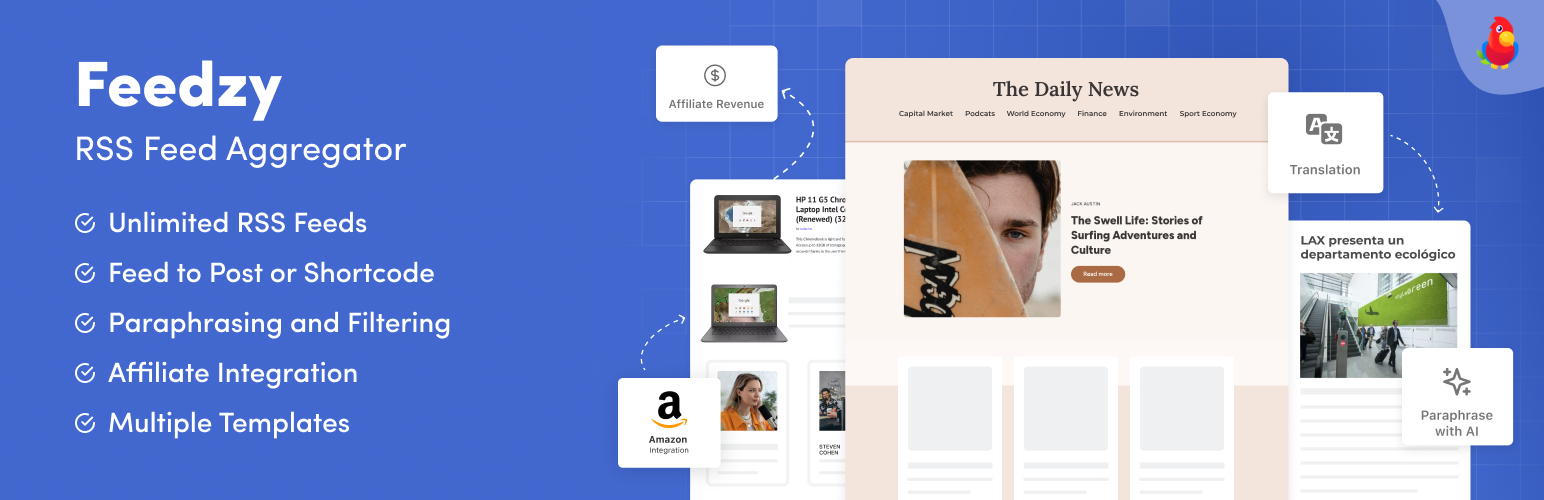
The most powerful WordPress RSS aggregator, helping you curate content, autoblog, import RSS & display unl...

Ditty offers a range of content display options, including its signature news ticker and customizable layouts.

Podcasting the way it's meant to be. No mess, no fuss - just you and your content taking over the world.

GN Publisher makes RSS feeds that comply with the Google News RSS Feed Technical Requirements for including yo...

Hide posts or WooCommerce products from the homepage, archives, search, RSS, REST API, sitemaps and SEO tools...