
Meta Box
91Meta Box plugin is a powerful, professional developer toolkit to create custom meta boxes and custom fields fo...
Free
500k+ installs 4.8★ (165)
No API key is required to launch Google Maps & OpenStreetMap.
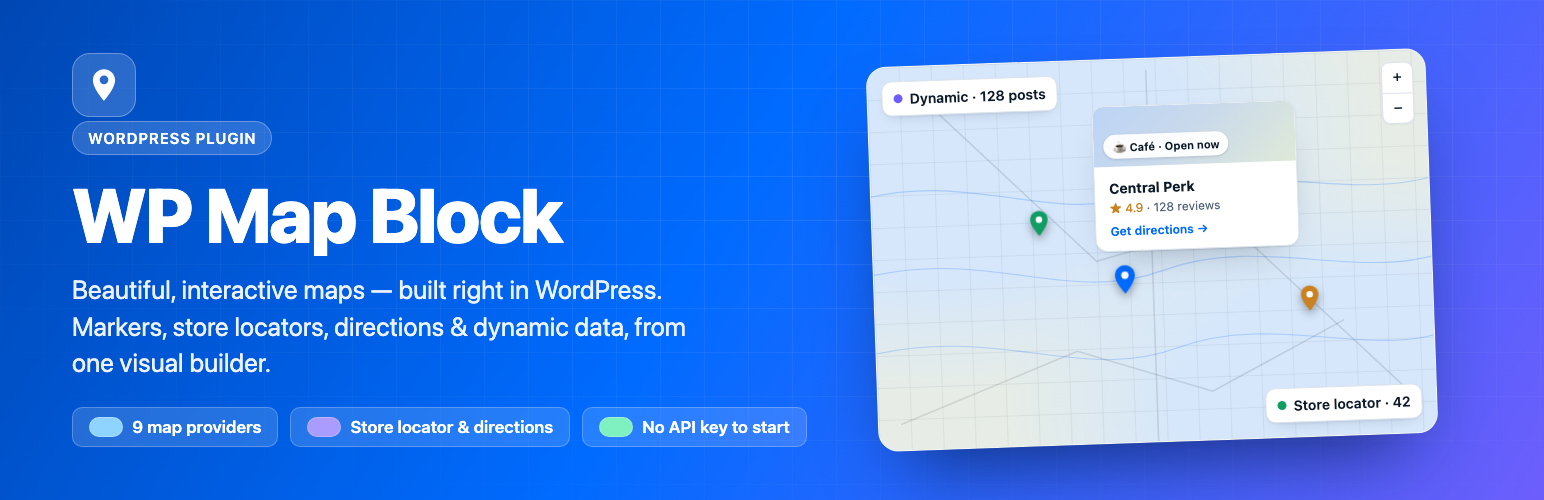
WP Map Block is a WordPress plugin that allows you to create interactive maps using various map providers, including Google Maps and OpenStreetMap. You can visually design your map by dropping markers, drawing regions, and pulling live locations from your content without needing an API key. The plugin is suitable for users who want to add simple contact maps or complex data-driven directories to their WordPress sites.
The plugin features a visual builder for easy map design and supports multiple marker types, custom icons, and dynamic data plotting. It also includes functionalities such as a store locator, filters, and the ability to import/export maps in various formats. This makes it a versatile tool for businesses and developers looking to enhance their site with location-based features.
Best for: This plugin is best for businesses and developers needing to integrate interactive maps into their WordPress sites.
What it does well
Where it falls short
WP Map Block provides a straightforward way to create and manage interactive maps without complex setup. It is a useful tool for those looking to enhance their website with location-based content.
Tushar Imran's own description of WP Map Block, lightly tidied.
WP Map Block is an all-in-one interactive map builder for WordPress. Build a map visually — drop markers, draw regions, pull live locations from your content — then publish anywhere with a Gutenberg block or a shortcode. No API key is required to get started with OpenStreetMap or Google Maps.
Design your map on a live canvas, choose from nine map providers, and add everything from a single pin to a full store locator. It’s the fastest way to put your locations on the map, whether you need a simple contact map or a data-driven directory.
Why you’ll love WP Map Block:
Visual builder: Design on a live preview with place search, drag-to-reposition markers and instant feedback — no code needed.
Nine map providers: OpenStreetMap and Google Maps are free; Mapbox, MapTiler, OpenFreeMap, Stadia, Esri, CARTO and Azure add even more styles, plus Road, Satellite, Hybrid and Terrain views.
Rich markers: Unlimited markers with categories, a custom icon library, popup images, and bounce / drop / pulse animations.
Dynamic & scalable: Auto-plot posts, custom post types, ACF fields and REST sources; cluster thousands of points or render them as a heatmap.
Store locator & directory: Radius search, geolocation, filters and a browsable, collapsible list — turn any map into a locator.
Backward compatible: Every existing map keeps working, and you can import/export maps as JSON, CSV, KML or GPX.
Most convenient way to add Google Maps & OpenStreetMap in Gutenberg.
WP Map Block gives you a clean, straightforward interface to add and customize maps for Gutenberg-supported posts, pages and custom post types — without wrestling with API keys or heavy configuration.
🗺️Google Map: Set the default Google Map on any page or post of your WordPress site. With a single click, you can select this map anywhere on your site using WP Map Block.
🛣️OpenStreet Maps: We’ve included this option for you so you can enable OpenStreet Maps and tweak it within your site. OpenStreet Map is an open-source map where you can contribute to improving the quality of data on the map. Every update you make to Open Street Map is owned by both you and the community as a whole.
📌Multiple Marker: By default, a marker will appear on the map based on your location. But you can add additional markers on your map by customizing the settings. Also, set the title and content for the marker as well as set the default position of the marker.
🔎 Zoom Control: Zoom in and out of the map with ease using the zoom option. The map works quickly since it is built using LeafletJS, and it does not take long to load the map after zooming in or out.
📲Full-Screen Map Control: Get a full-screen map view while using the map presented by this plugin. You can control the map very comfortably within the full screen and navigate the whole map freely.
🛠️ Custom Marker Icon & Popup: Explore the settings and customize the marker on your map. You can place custom markers on the map and also place your preferred popups on the map.
🎚️Map Width & Height: You can set your preferred width and height on the map by customizing it from the settings. This option allows you to set the displayed map at a certain height and width and then place it on the front end of your site. You can set it according to your viewing preference.
☸️ Latitude and Longitude Generator: You can generate addresses from the latitude and longitude of your location. With the help of latitude and longitude, you will get a precise location and address on the map.
Other plugins for maps and locations.
Meta Box plugin is a powerful, professional developer toolkit to create custom meta boxes and custom fields fo...

The easiest to use WordPress map plugin! Create a custom map, map block, store locator or map widget with high...

Real-time WordPress analytics that stay on your own server: pageviews, outbound links, WooCommerce funnels, al...

Create custom interactive maps with free Leaflet-based styles, no Google Maps API key, frontend marker submiss...

An easy to use location management system that enables users to search for nearby physical stores.

Interactive maps and markers on your posts and pages with simple shortcodes.