WP Menu Image
Empower your WordPress menus with images. Easily add, position, and customize images for a unique menu experience.
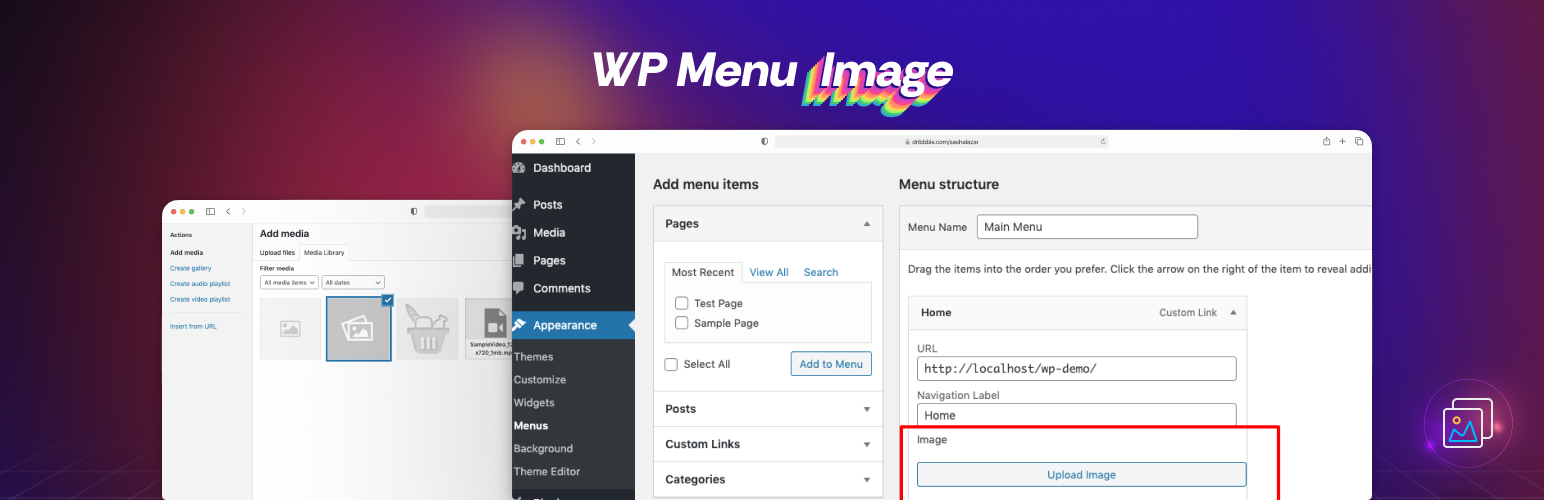
The facts
- Rating
- 5★ from 2
- Active installs
- 2k+
- Price
- Free
- Last updated
- 23 Feb 2026
- Added
- Sep 2020
- Requires WP
- 5.4
- Tested up to
- WP 6.7.7
- Requires PHP
- 7.0
- Downloads
- 21,823
Our analysis
AI-assistedWP Menu Image is a WordPress plugin that allows you to add custom images to your menu items, enhancing the visual appeal of your website's navigation. It offers control over the positioning of images relative to menu text and provides various customization options to match your site's design. This plugin is suitable for users looking to create a more engaging and visually appealing navigation experience for their visitors.
The plugin is user-friendly, making it accessible for both beginners and experienced users. It is designed to be fully responsive, ensuring that menu images display well across different devices.
Best for: This plugin suits website owners wanting to enhance their navigation with images.
What it does well
- ✓Allows custom images for menu items
- ✓Control over image positioning
- ✓Customization options for size and alignment
- ✓Fully responsive design
- ✓User-friendly interface
Where it falls short
- •Limited information on additional features
Verdict
WP Menu Image provides a straightforward way to improve menu aesthetics with images, making it a useful tool for enhancing user experience.
From the developer
Yudiz Solutions Ltd.'s own description of WP Menu Image, lightly tidied.
This fabulous plugin has been developed by Yudiz Solutions Ltd. WP Menu Image plugin helps you to add image to your menu.
Elevate the visual appeal of your WordPress website’s navigation with WP Menu Image. This versatile plugin seamlessly integrates into your menu system, empowering you to enhance each menu item with custom images. Easily upload and assign images to your menu items, effortlessly transforming your navigation into an engaging and visually appealing experience for your visitors.
Features of WP Menu image
-
Image Integration: Effortlessly add custom images to your WordPress menu items, enhancing their visual representation and creating a more engaging user experience.
-
Positioning Control: Take full control over the placement of your menu images. With WP Menu Image, you can easily adjust the position of the images relative to the menu text, ensuring a polished and professional appearance.
-
Customization Options: Tailor your menu images to match your website’s design aesthetic. WP Menu Image provides customization options, allowing you to adjust the size, alignment, and styling of your menu images with ease.
-
Responsive Design: Ensure a seamless user experience across all devices. WP Menu Image is designed to be fully responsive, ensuring that your menu images look stunning on desktops, tablets, and smartphones alike.
-
User-Friendly Interface: WP Menu Image boasts an intuitive and user-friendly interface, making it easy for both beginners and experienced WordPress users to add and manage menu images effortlessly.
Transform your website’s navigation from ordinary to extraordinary with WP Menu Image. Elevate your user experience and captivate your audience with visually stunning menus that reflect the unique personality of your brand.
How to use?
Follow the below steps:
1. Install and activate the plugin.
2. After successful activation, it will add custom options to menu from where we can add image to menu and can set position to menu.
3. It will add image to menu in front end.
Need Plugin Support?
Please submit a request here for Support. We will get back to you quickly.