WP Paint
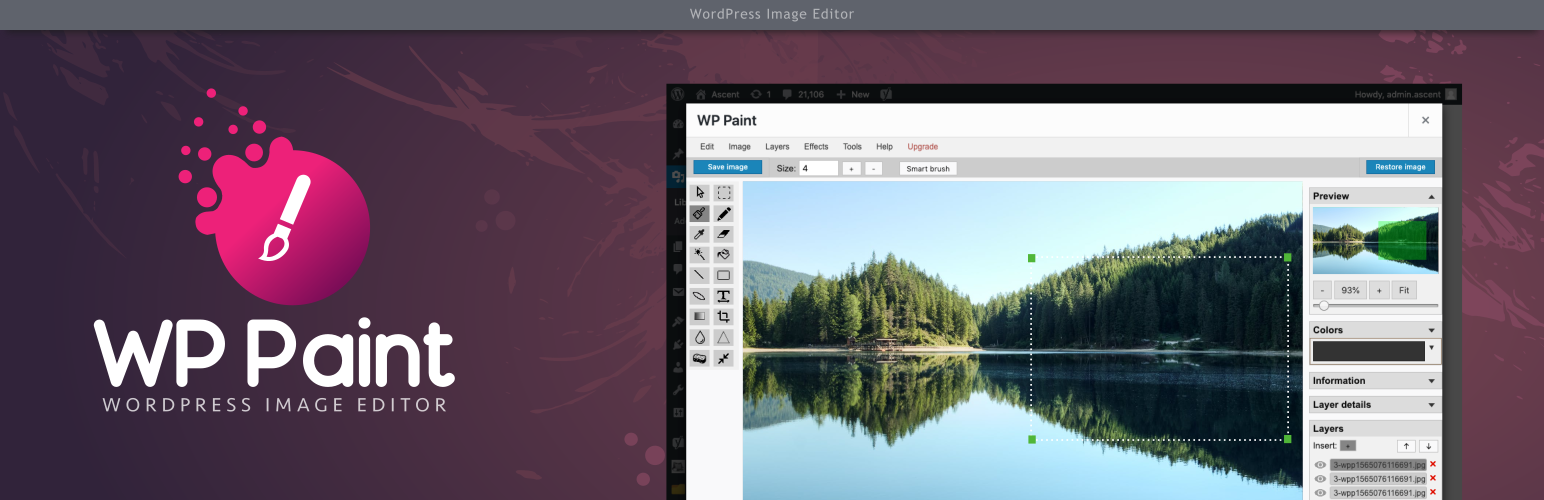
WP Paint - WordPress Image Editor is a browser based Image Editor for WordPress media images.
The facts
- Rating
- 4.8★ from 84
- Active installs
- 6k+
- Price
- Free
- Last updated
- 25 Jan 2022
- Added
- Aug 2019
- Requires WP
- 4.5
- Tested up to
- WP 5.8.15
- Downloads
- 87,966
Our analysis
AI-assistedWP Paint is a browser-based image editor designed for WordPress media images. It features an intuitive interface similar to desktop photo editors and offers various image editing capabilities, including managing layers, resizing, cropping, and applying effects.
This plugin is suitable for users who need a straightforward tool for editing images directly within their WordPress site. It supports various editing functions, making it useful for bloggers, photographers, and anyone managing visual content online.
Best for: This plugin suits bloggers, photographers, and content creators who need to edit images within WordPress.
What it does well
- ✓Browser-based HTML5 image editor
- ✓Intuitive interface resembling desktop photo editors
- ✓Supports layer management and image manipulation
- ✓Offers various editing features like cropping and applying effects
- ✓Free to use from the WordPress.org directory
Where it falls short
- •Limited information on advanced features in the free version
- •Pro version offers additional tools not included here
Verdict
WP Paint provides a solid set of basic image editing tools for WordPress users. While the free version is functional, those needing advanced features may consider the Pro version.
From the developer
ZetaMatic's own description of WP Paint, lightly tidied.
WP Paint – WordPress Image Editor is a browser based HTML5 Image Editor for WordPress media images. It has an intuitive interface resembling most common Desktop based Photo Editors with an extensive array of Image Editing, Photo Manipulation and Photo Editing Features.
Features
- Image editor with an intuitive desktop Photo Editor like interface
- Ability to Manage Layers
- Flip, Rotate or Resize images
- Add Custom Text to images
- Crop images
- Apply Blur effects to images
- Turn images to Grayscale
- Change Hue of images
- Adjust image brightness contrast
- Add shapes on top of images
Installation and Overview Video Demo
Pro Version
The Pro version of this plugin has some really cool features.
Upgrade to WP Paint Pro version for an extensive set of advanced tools and features.
Pro Features
-
Stickers
Add cool stickers to your image and make your images look interesting & attractive. -
Watermark
You can add a Watermark to your pictures and keep these safe from copying. -
Clone Tool
This tool is used to copy regions of pixels from one location to another. The source and destination can be on the same layer or different layers within the same image. -
Revisions
WP Paint Pro offers easy access to older image revisions and the ability to restore to any of them as required. -
Search and Insert Images
Want to add more images to your image, You can easily do that with WP Paint. Link your Pixabay account, search and add as many images as you want. -
Non Admin User Access
With WP Paint Pro non-admin users can access the WP Paint Pro Editor. Any user with upload files permission can use WP Paint Pro to edit their images.
And many more…