
The best anti-spam protection to block spam comments and spam in a contact form. The most trusted antispam sol...
Free
5M+ installs 4.7★ (1,186)
reCaptcha for login, signup, comment forms, Ninja Forms and woocommerce.

ReCaptcha Integration for WordPress is a plugin that allows you to add reCaptcha to your WordPress site to secure login, signup, and comment forms. It supports both the old style reCaptcha and the newer no Captcha version, providing out-of-the-box integration for various forms including Ninja Forms and WooCommerce checkout. The plugin also includes a plugin API for custom integrations.
This plugin is suitable for WordPress users looking to enhance their site's security against spam and bot submissions. It can be activated on a single site or network-wide in a WP Multisite environment, with options for localizations in multiple languages.
Best for: This plugin suits WordPress site owners who need to implement reCaptcha for form security.
What it does well
Where it falls short
ReCaptcha Integration for WordPress offers a straightforward solution for securing forms against spam. However, users should be aware of its limitations regarding compatibility with certain forms and functionalities.
weDevs's own description of ReCaptcha Integration for WordPress, lightly tidied.
Integrate reCaptcha in your blog. Supports no Captcha as well as old style recaptcha.
Provides of the box integration for signup, login, comment formsand Ninja Forms as well
as a plugin API for your own integrations.
Works together with
For integration in your self-coded forms see this wiki article for details.
Latest Files on GitHub: https://github.com/tareq1988/wp-recaptcha-integration
On a WP Multisite you can either activate the plugin network wide or on a single site.
Activated on a single site everything works as usual.
With network activation entering the API key and setting up where a captcha is required
is up to the network admin. A blog admin can override the API key e.g. when his blog is
running under his/her own domain name.
You can’t have more than one old style reCaptcha on a page. This is a limitiation of
reCaptcha itself. If that’s an issue for you, you should use the no Captcha Form.
A No Captcha definitely requires client side JavaScript enabled. That’s how it does its
sophisticated bot detection magic. There is no fallback. If your visitor does not have
JS enabled the captcha test will not let him through.
On a Contact Form 7 when the reCaptcha is disabled (e.g. for logged in users) the field
label will be still visible. This is due to CF7 Shortcode architecture, and can’t be fixed.
To handle this there is a filter recaptcha_disabled_html. You can return a message for your logged-in
users here. Check out the GitHub Repo for details.
As of version 4.3 CF7 comes with its own recaptcha. Both are supposed to work together.
I you want to keep the WP ReCaptcha functionality, e.g. if you want to hide the captcha
from known users, leave the integration in the CF7 settings unconfigured.
Old style reCaptcha does not work together with WooCommerce.
In WooCommerce the reset password form can not be protected by a captcha. Woocommerce does
not fire any action in the lost password form, so there is no way for the plugin to hook in.
Take a look at this thread for a workaround.
Due to a lack of filters there is no (and as far as one can see, there will never be)
support for the MailPoet subscription form.
The plugin offers some filters to allow themes and other plugins to hook in.
See GitHub-Repo for details.
Other plugins for stopping spam.
The best anti-spam protection to block spam comments and spam in a contact form. The most trusted antispam sol...

Allows administrators to globally disable comments on their site. Comments can be disabled according to post t...

Sophisticated antispam plugin for effective daily comment and trackback spam-fighting. Built with data protect...

Top-rated antispam for contact forms, comments, WooCommerce, eCommerce, and login. No CAPTCHAs, no friction, j...

Adds reCaptcha v2 from Contact Form 7 5.0.5 that was dropped on Contact Form 7 5.1
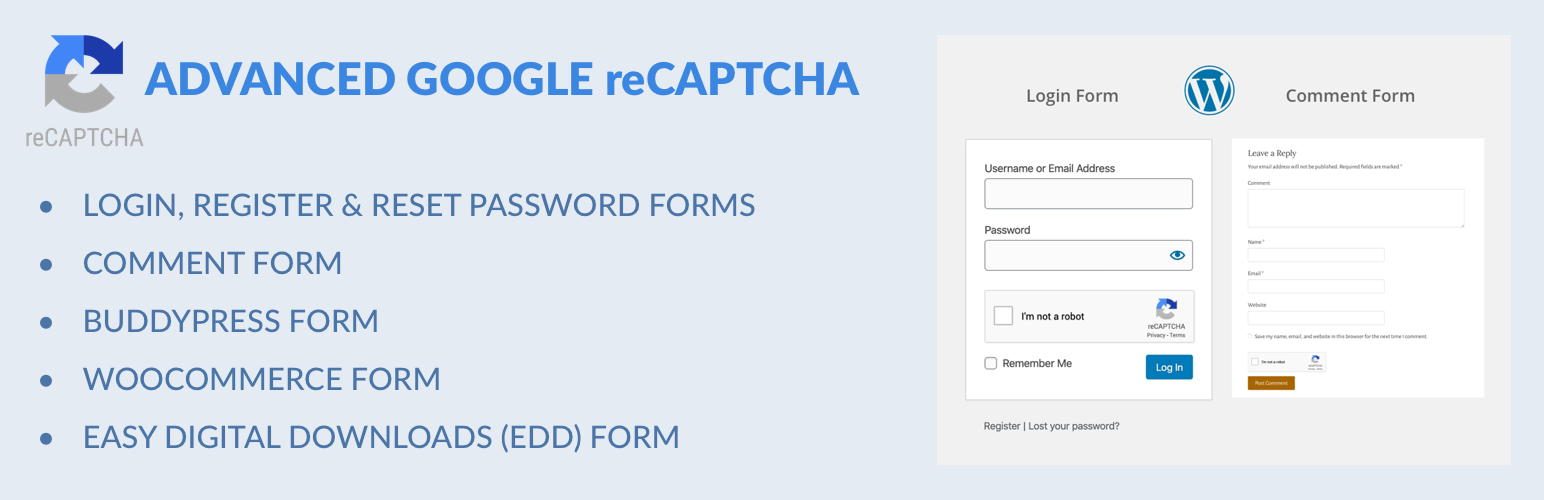
Captcha protection against spam comments & brute force login attacks using Google reCAPTCHA.