
WPCafe
83Restaurant management solution for restaurant menus, online food ordering, delivery, pickup, QR ordering, and...
Free
5k+ installs 4.6★ (108)
Add Restaumatic Active Menu to your website and start selling online using fully featured food ordering system.

WP Restaumatic is a WordPress plugin designed for restaurants to integrate an online ordering system into their existing websites. It connects your site with the Restaumatic Active Menu service, allowing you to manage online orders directly from your own platform.
To use the plugin, you must sign up for the Active Menu service and configure the settings in your WordPress admin area. The plugin supports shortcodes to display menus, making it suitable for restaurants with multiple locations or a single menu.
Best for: This plugin is best for restaurant owners looking to manage online orders through their own website.
What it does well
Where it falls short
WP Restaumatic provides a straightforward solution for restaurants wanting to reduce costs associated with food delivery portals. It is a practical choice for those already using WordPress and seeking to enhance their online ordering capabilities.
Restaumatic's own description of WP Restaumatic, lightly tidied.
Restaumatic Active Menu integration.
Online ordering system for the existing restaurant’s website. Launch online orders in your restaurant and connect your own WordPress website with our Active Menu (third party service).
See the full list of features here.
Important: for this plugin to work, you must sign up for your own Active Menu on Restaumatic.com and then include it on your website using the shortcode provided by this plugin.
First go to the WordPress admin area > WP Restaumatic settings page and configure your Active Menu slug. Then put the shortcode in the page content and publish the page.
[restaumatic_active_menu] Basic usage (display restaurant select page in case of many restaurants or menu page if you have one restaurant).[restaumatic_active_menu restaurant="active-menu"] Define specific menu to display (if you have more than one restaurant).[restaumatic_active_menu slug="active-menu"] Specify the Active Menu slug directly in the shortcode.Please keep in mind that only one instance of the shortcode is supported on the same page. If you have more than one restaurant, use separate pages for each menu or include all menus at once using restaurant select page as shown in the examples above.
Other plugins for online ordering.
Restaurant management solution for restaurant menus, online food ordering, delivery, pickup, QR ordering, and...
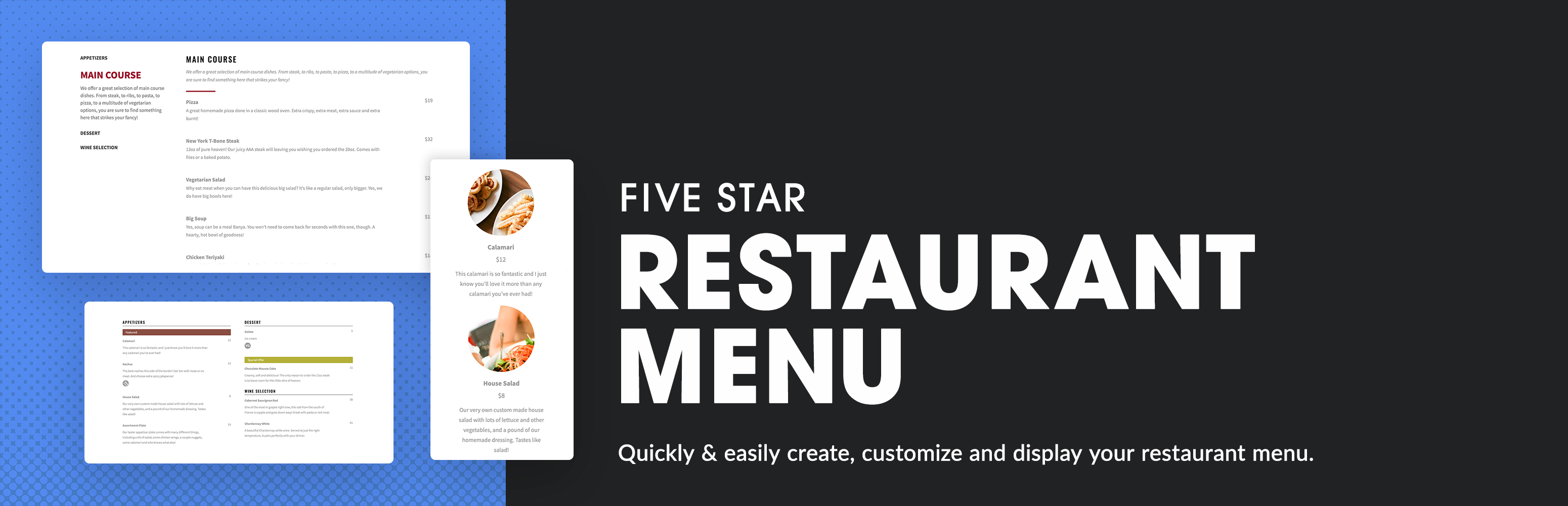
Restaurant menu and food ordering system that is easy to set up and integrates with any theme. Includes restau...
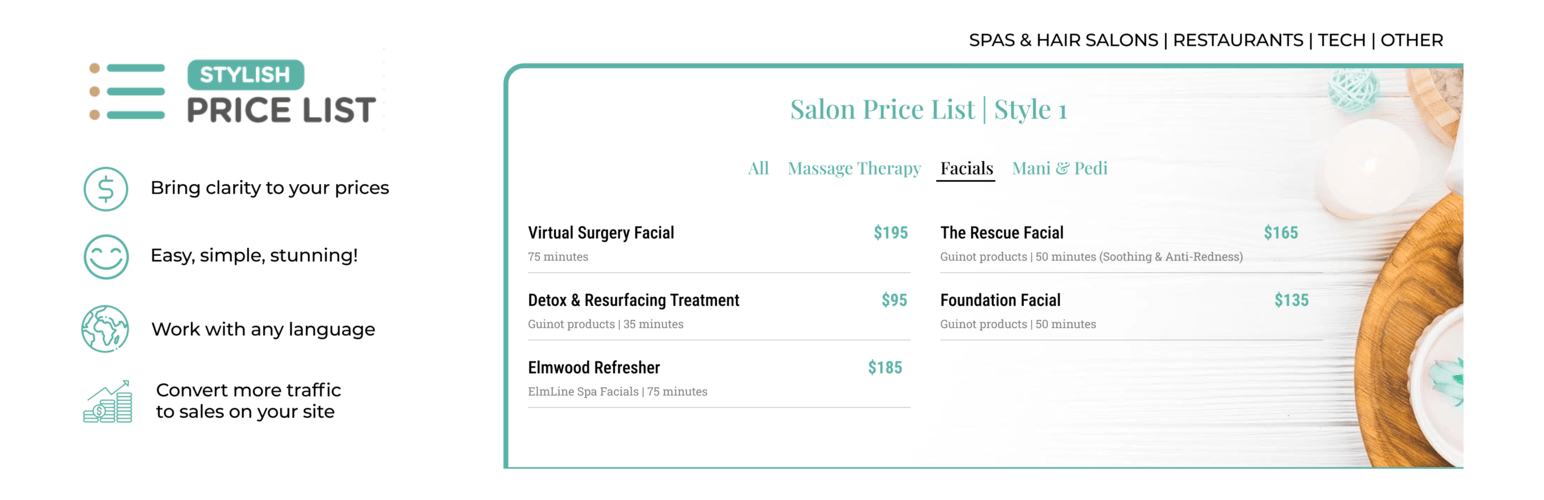
Stop Losing Customers Due to Confusing Pricing - Transform confused visitors into paying customers with crysta...

Restaurant menu plugin for WordPress with food menu display, online food ordering, free table reservation, tip...

A Restaurant Plugin (not only for Pizza). Maintain your Menu (sizes, prices, categories). Accept COD orders. M...

Food Store is complete online food ordering platform with all your favourite WooCommerce functionalities.