
Formerly "Instagram Feed". Display clean, customizable, and responsive Instagram feeds from multiple...
Free
1M+ installs 4.9★ (4,350)
Automate your WordPress content scheduling with a visual calendar, auto/manual schedulers, missed‑post handler, social sharing options & templates.
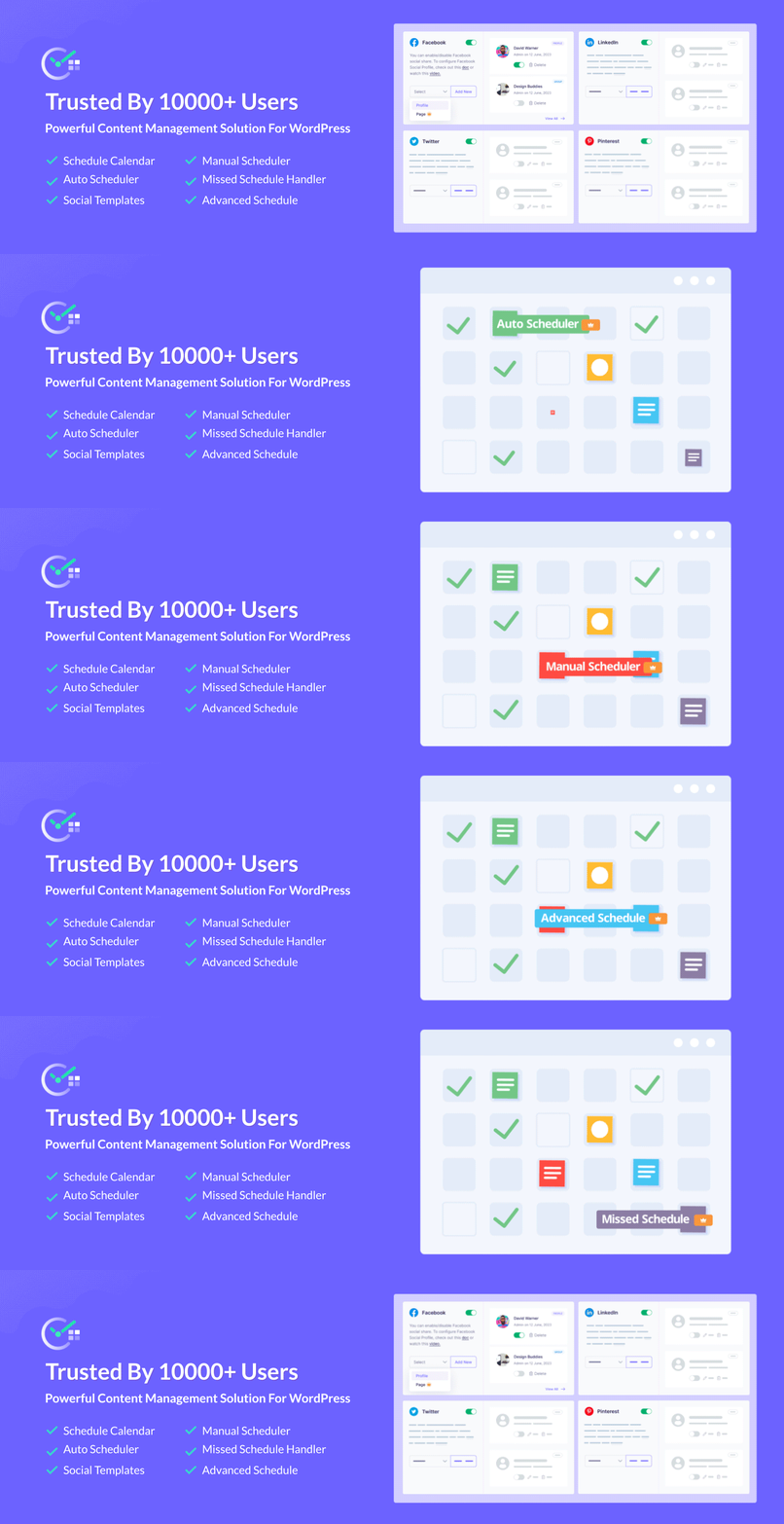
SchedulePress is a WordPress plugin designed to help you automate your content workflow by scheduling and publishing posts in advance. It features a drag-and-drop editorial calendar for easy management of your posts, allowing you to see and adjust your publishing schedule at a glance.
The plugin supports automatic sharing of your content on various social media platforms, including Facebook, Twitter, LinkedIn, and Instagram. It is suitable for bloggers and publishers who want to streamline their posting process and maintain an active online presence, even during periods of inactivity.
Best for: This plugin is best for bloggers and publishers looking to automate their content scheduling and social media sharing.
What it does well
Where it falls short
SchedulePress offers a range of tools to simplify content management and scheduling. It may be particularly useful for those managing multiple authors or looking to maintain consistent posting schedules.
WPDeveloper's own description of SchedulePress, lightly tidied.
Automate your content workflow with SchedulePress. Take a glance at your content planning with a drag-and-drop, visual Schedule Calendar, Auto Scheduler, Manual Scheduler, handle missed schedules easily & more. Automatically share your posts on the following social media platforms:
MORE ABOUT PLUGIN ◼️ DOCUMENTATION ◼️ SUPPORT FORUM
Want your website to remain active while you’re on vacation? Yes, you can schedule posts in advance for those days and SchedulePress brings you the editorial calendar with it to let you see when your posts have been scheduled.
From one place, you can easily get an overview of your blog posts and when each post will be published. Not only that, it allows you to drag & drop to edit & move posts right from the editorial calendar.
◾ Schedule Calendar: Manage your content with a great drag and drop visual calendar. You can add posts to the queue, and SchedulePress will publish them on your desired days and hours. You can also move the scheduled post to a different date right from the scheduled calendar.
◾ Dashboard Widget: Check your scheduled & draft post right from the dashboard, as SchedulePress will enable a widget in your WordPress dashboard. Whether you are running a multi-author blog or a single-author blog, seeing all your post’s statuses from the dashboard could be super convenient.
◾ Drag & Drop Feature: While organizing scheduled content, you can quickly organize them using the easy-to-use drag & drop feature.
◾ Save Times On Content Creation: If you want to create a new post or add a photo to be published in a specific time period, you don’t need to go back on your dashboard and click on Post to Add New Post. You can create a new post right from the SchedulePress Content Calendar.
◾ Manage Multiple Author Efficiently: Managing multiple authors for a blog is never an easy task. But you can make the process easier using our schedule calendar and manage co-authors from one place.
◾ Get Full Control Over Scheduling Posts: Configure specific post types and categories, and allow users who can maintain your WordPress blog schedules. It can be only the administrator, editor, author, or more.
◾ Notify WordPress Users With Email: Send email alerts to authors or users when a post is published, trashed, or has been scheduled. It will let our users be aware of the status of their current blog posts.
Other plugins for social media.
Formerly "Instagram Feed". Display clean, customizable, and responsive Instagram feeds from multiple...

One click registration & login plugin for Facebook, Google, X (formerly Twitter) and more. Quick setup and...

Most popular WooCommerce product feed plugin supporting Google shopping feed, meta/facebook feed, bing product...

Formerly "Custom Facebook Feed". Display completely customizable Facebook feeds of a Facebook page....

Display X posts (Twitter tweets) from any public user account in a clean, attractive looking feed that updates...

Social icons, share buttons & a floating Click to Chat button for WhatsApp, Telegram, Messenger & Vibe...