
Elementor Carousel, Mega Menu, Posts List/Slider, WooCommerce Widgets, Display Conditions, AI Abilities, Prema...
Free
600k+ installs 4.9★ (1,677)
Build responsive Swiper carousels with images, media, and nested WordPress blocks.
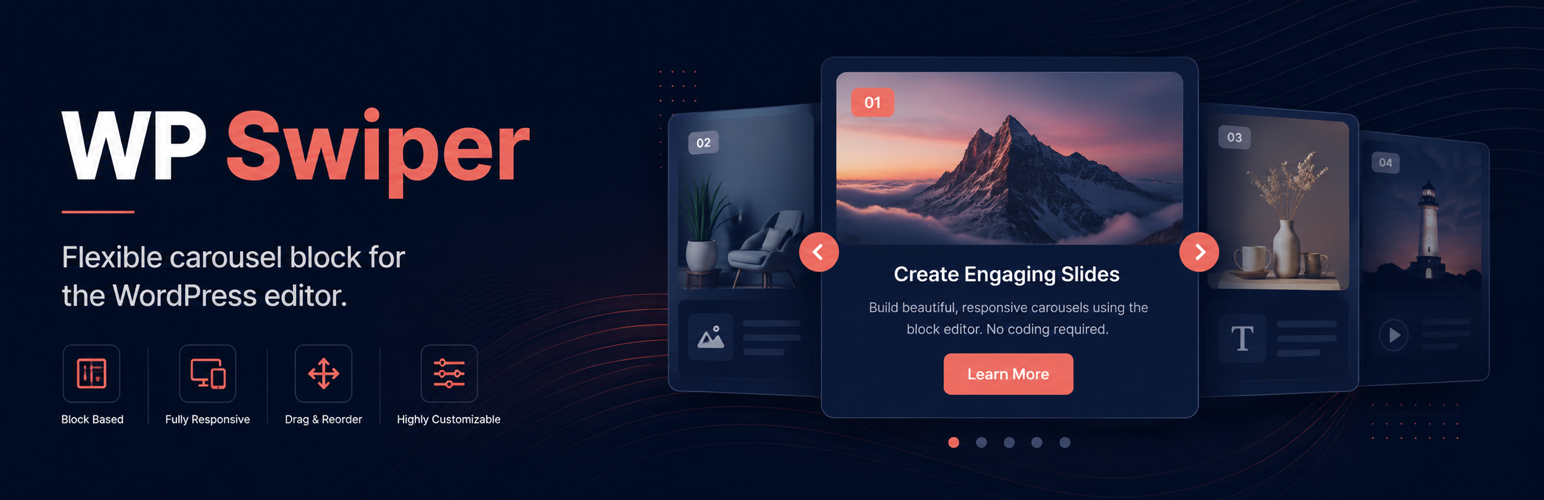
WP Swiper is a WordPress plugin that adds a flexible carousel block to the WordPress editor. It allows you to create responsive carousels using standard nested blocks, which can include images, headings, buttons, and videos. The plugin includes features for navigation, pagination, autoplay, and various transition effects.
This plugin is suitable for users looking to enhance their site with carousels without needing a separate page builder. It is designed for those who want to easily integrate multimedia content into slides while maintaining accessibility standards.
Best for: This plugin suits WordPress users who want to create responsive carousels easily.
What it does well
Where it falls short
WP Swiper offers a straightforward way to implement carousels in WordPress. Its accessibility features and flexibility make it a useful tool for enhancing site content.
digitalapps's own description of WP Swiper, lightly tidied.
WP Swiper adds a flexible carousel block to the WordPress editor. Each slide accepts standard nested blocks, so you can combine images, headings, buttons, video, and other block content without using a separate page builder.
Since version 1.4.6, WP Swiper removes non-visible slides from the accessibility tree and keyboard tab order. Focusable content is restored when its slide becomes visible, including in responsive layouts that display multiple slides.
This behavior addresses one carousel accessibility barrier, but it is not a certification that WP Swiper or a website using it conforms to WCAG. Conformance must be evaluated for the complete published page and depends on the carousel configuration, slide content, theme, and other integrations.
Site authors remain responsible for accessible content and configuration. Provide meaningful image alternatives, logical headings, readable contrast, and clear control labels. If autoplay is enabled, enable the pause/play control so users can stop rotation. Rotation stops when keyboard focus enters the carousel and restarts only after an explicit user request. See the W3C carousel accessibility guidance.
WP Swiper does not include analytics, advertising, tracking, or telemetry. Images selected through the editor are handled by the standard WordPress Media Library and REST API.
For usage questions, use the WordPress.org support forum. Report reproducible bugs and feature requests on GitHub. Security issues should be reported privately according to the repository security policy.
Development is supported through Buy Me a Coffee.
The wpswiper_frontend_js_register_args filter can change the dependencies and loading arguments used for the plugin’s frontend script.
add_filter( 'wpswiper_frontend_js_register_args', function ( $args ) {
    $args['deps'][] = 'jquery';
    $args['args']   = array(
        'in_footer' => true,
        'strategy'  => 'defer',
    );

    return $args;
} );
See the wp_enqueue_script() documentation for supported loading arguments.
Other plugins for sliders and carousels.
Elementor Carousel, Mega Menu, Posts List/Slider, WooCommerce Widgets, Display Conditions, AI Abilities, Prema...

Responsive slider plugin to create sliders in visual editor easily. Build beautiful image slider, layer slider...

Elementor templates, Header footer builder, Elementor Post Grid, Woocommerce Grid builder, Slider, Forms, Gall...

Slider, gallery, carousel plugin for WordPress. Build your image slider, video slider, post slider, YouTube sl...

Essential elements for modern websites. Add buttons, sliders, heroes, maps, images, carousels, features, icons...

Build Stunning Slider and Popup. Exit intent Popup, Image slider carousel, video slider carousel, post slider...