
Customer Reviews for WooCommerce plugin helps you get more sales with social proof. Set up automated review re...
Free
80k+ installs 4.8★ (1,529)
Enhance Social Proof and build credibility on your websites by displaying testimonials.

Testimonial Block is a WordPress plugin designed to display testimonials on your website. It allows you to enhance social proof and build credibility by showcasing user feedback. The plugin offers features such as image upload, author name and title input, and various alignment and styling options.
This plugin is suitable for websites focused on bookstores, publishing, or any site that benefits from displaying testimonials. It is free to use and can be found in the WordPress.org directory.
Best for: Websites that want to display testimonials for credibility, especially in the bookstore and publishing sectors.
What it does well
Where it falls short
Testimonial Block offers basic functionality for displaying testimonials, but its low rating and limited updates may be a concern for some users.
Achal Jain's own description of Testimonial Block, lightly tidied.
Enhance Social Proof and build credibility on your websites by displaying testimonials. Testimonials are the most significant way of getting social proof on your website.
Having a 5-star rating next to your client’s words can be extremely beneficial. You can club the testimonial block with the Star Rating block
Other plugins for showing testimonials.
Customer Reviews for WooCommerce plugin helps you get more sales with social proof. Set up automated review re...

A modern video and audio player for courses, landing pages, marketing, and testimonials — with captions, brand...

An easy-to-use testimonial plugin to collect and show customer feedback in WordPress
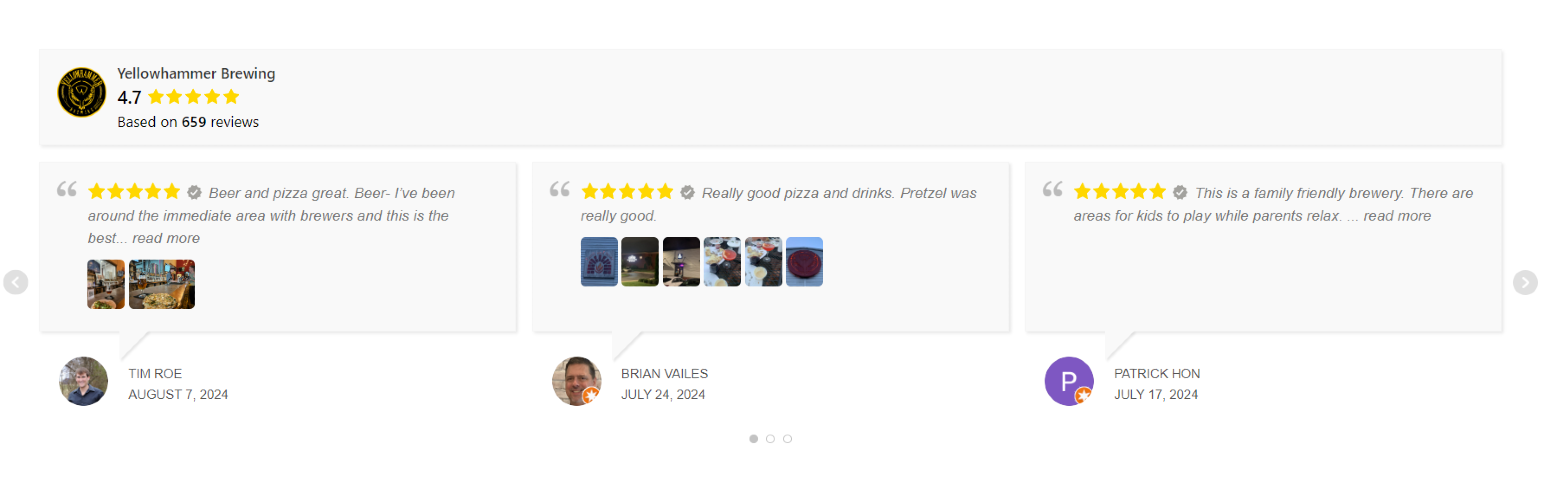
Display Google reviews on your site with a slider or grid. Reviews are saved locally on your server for fast l...

No API key required. Display Yelp and Google reviews for any business in a clean, customizable feed on your si...

A Customizable Testimonial plugin to Automate Collecting, Filtering, and Publishing Customer Reviews. Testimon...