
WP-Optimize
95Get caching and more with this powerful cache plugin. Cache, optimize images, clean your database and minify f...
Free
1M+ installs 4.8★ (2,606)
WP Unit Converter allows you to convert Length/Distance, Temperature, Time, Weight, Area and Speed metrics in different units of measurement.
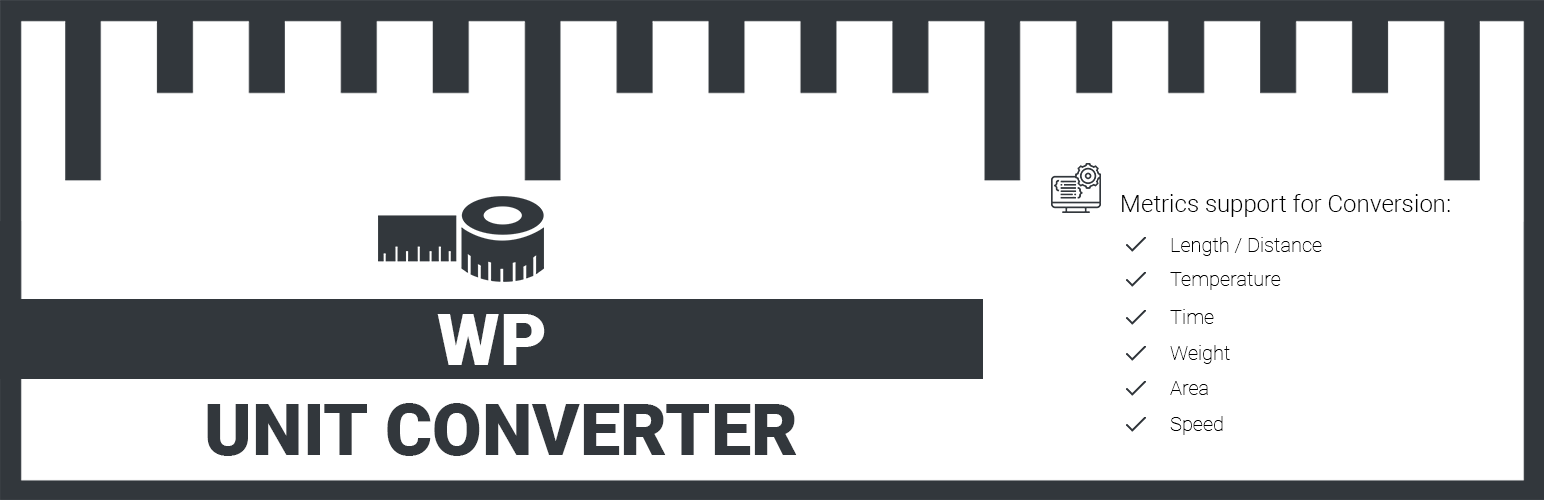
WP Unit Converter is a WordPress plugin that allows you to convert various metrics such as length, temperature, time, weight, area, and speed into different units of measurement. It can be used in posts, pages, or as a widget in sidebars.
The plugin can be installed automatically through the WordPress dashboard or manually by uploading the plugin files. It provides a shortcode for easy integration into content and creates a widget for sidebar use.
Best for: This plugin suits users who need to provide unit conversion functionality on their WordPress site.
What it does well
Where it falls short
WP Unit Converter offers basic unit conversion features but has a low rating and limited active use, which may indicate potential issues.
centangle's own description of WP Unit Converter, lightly tidied.
WP Unit Converter allows you to convert following metrics in numerous different units of measurement.
Automatic installation is the easiest option as WordPress handles the file transfers itself and you don’t need to leave your web browser. To do an automatic install of this plugin, log in to your WordPress dashboard, navigate to the Plugins menu and click Add New.
In the search field type “WP Unit Converter” and click Search Plugins. Once you’ve found this plugin, you can install it by simply clicking “Install Now”.
You can use WP Unit Converter in either Post/Pages or in Widget area.
Simply copy the following shortcode and paste it into your desired location.
[wpuc_unit_converter]
WP Unit Converter, creates a Widget Calculator under Available Widgets Area in Widgets Menu, which you can drag & drop to your desired sidebar location.
WP Unit Converter is distributed under the terms of GNU GPL2.
Other plugins for making sites fast.
Get caching and more with this powerful cache plugin. Cache, optimize images, clean your database and minify f...

All-in-one unbeatable acceleration & PageSpeed improvement: caching, image/CSS/JS optimization...

Comprehensive image optimization with WebP, AVIF, Lazy Load, and more. Optimize images automatically for Faste...

Easy to use Under Construction Page & Coming Soon Page. Enable Under Construction Mode in seconds & sh...

Compress and optimize images, enable lazy load, serve WebP & AVIF, and speed up your site with a global im...

Speed up your website by using our WebP & AVIF Converter. Optimize images and serve WebP and AVIF images i...