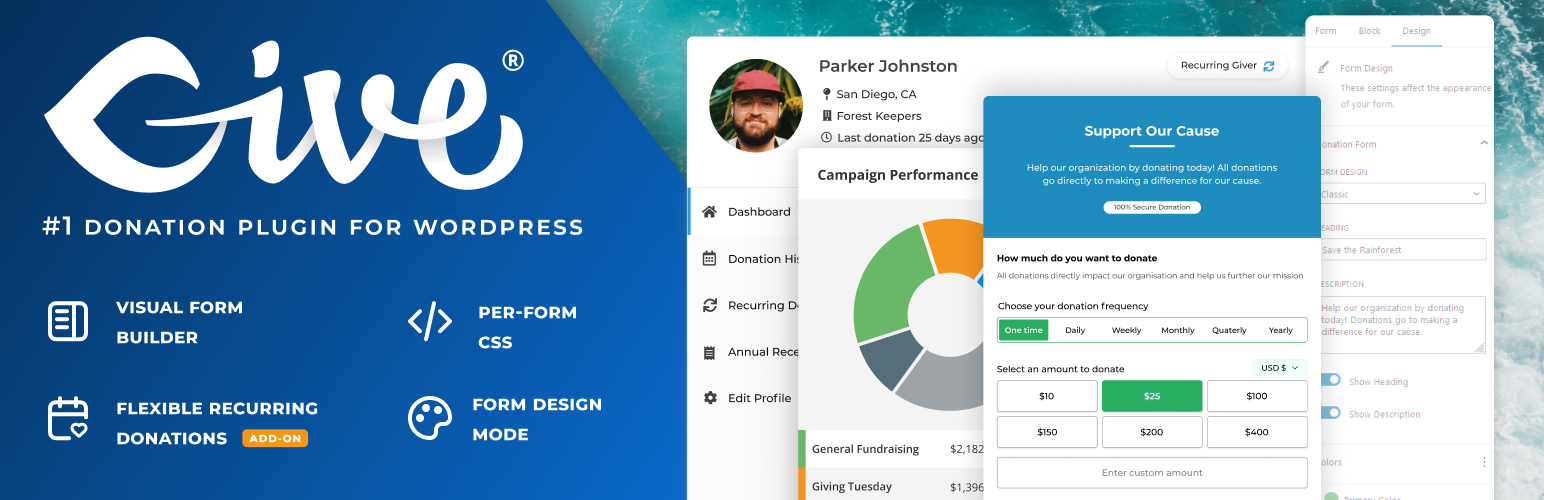
GiveWP
90Accept donations and begin fundraising with GiveWP, the highest rated WordPress donation plugin for online giv...
Free
100k+ installs 4.6★ (705)
WPC Order Tip is a plugin that enables customers to add extra amounts to their order as a tip or donation to the seller or specified recipients.

WPC Order Tip for WooCommerce is a WordPress plugin designed to enable customers to add tips or donations to their orders. Store owners can create multiple sets of options for customers to choose from, including fixed amounts, percentages, or custom values, which can be displayed on the cart page before payment.
This plugin is suitable for eCommerce sites looking to encourage customer generosity towards sellers or charitable causes. It offers flexibility in configuring tip amounts and allows for multiple options to be presented simultaneously, enhancing the shopping experience and potentially increasing customer satisfaction and referrals.
Best for: This plugin suits eCommerce store owners who want to incorporate tipping or donation options into their checkout process.
What it does well
Where it falls short
WPC Order Tip for WooCommerce provides a straightforward solution for adding tip options to orders, making it a useful tool for those looking to enhance customer engagement and support charitable causes.
WPClever's own description of WPC Order Tip for WooCommerce, lightly tidied.
WPC Order Tip for WooCommerce is a simple-to-use yet powerful plugin, which adds multiple sets of extra amounts that customers can choose to add to their order value as a tip or donation to the seller or specified recipients. Store owners can offer multiple ways for buyers to show their generosity via order tips for the shop, delivery man or contributions and donations to local charity funds, shelters, organizations, etc.
Users can set up multiple types of tip and donation options with predefined values (fixed amount or a percentage of the subtotal value) or custom amount with rules for min/max/step/default value (“Other” option). Customers can easily click on any option, and the extra amount will be added to the subtotal automatically or subtly decline by choosing the “No, thanks” option.
These options will be displayed on the cart page so that before closing the deal and making the payment, buyers can consider showing their kindness and generosity with some tips or make some contributions to good causes. Knowing that their order could help others somehow boosts the customers’ satisfaction and encourages people to make more referrals to the brand among their community.
Users can either enter a number to set up a fixed amount or enter a percentage to imply a specific percentage of the subtotal value will be added. The field is so flexible that any of the two input types is applicable.
To make sure customers won’t feel uncomfortable when their intended amount is different from predefined values, users can enable the Custom amount so that buyers can make their choices. They can still control the custom value by configuring the min/max/step and default value. This is the “Other” option which is often put last in the list of buttons. When customers click on it, the input field will be opened for them to choose the value, then click Add to apply on the subtotal.
Users can set up single or multiple sets of tip and donation options to be displayed on the cart page at the same time. It depends on the purpose and actual campaigns of their business. WPC Order Tip for WooCommerce allows them to create unlimited sets of options that can be distinguished by name and description and used at the same time on the cart page. Users can also drag and drop these sets easily to rearrange based on their priority level.
Please try other plugins from us:
Other plugins for collecting donations.
Accept donations and begin fundraising with GiveWP, the highest rated WordPress donation plugin for online giv...

The best WordPress donation plugin. Create fundraising donation forms, accept recurring donations, easy donor...

Easy, simple setup to add a PayPal Donation button as a Widget or with a shortcode.
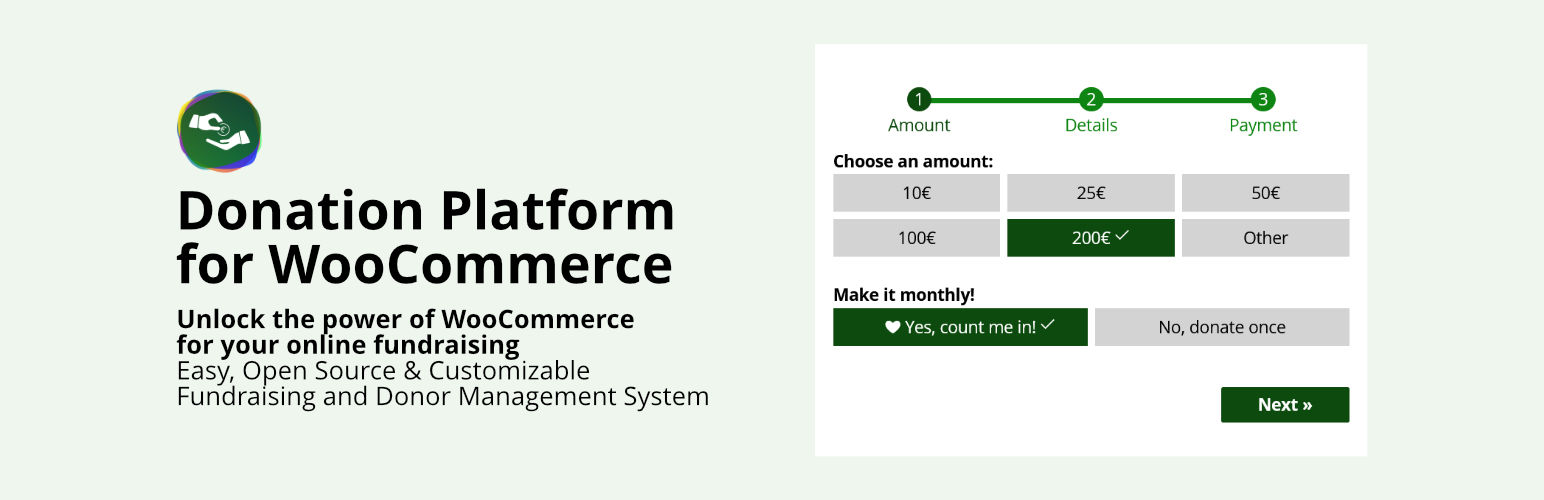
Open source donation system for your fundraising that supports recurring donations and more

Easy to use Wordpress plugin to accept PayPal payments for a service or product or donation in one click
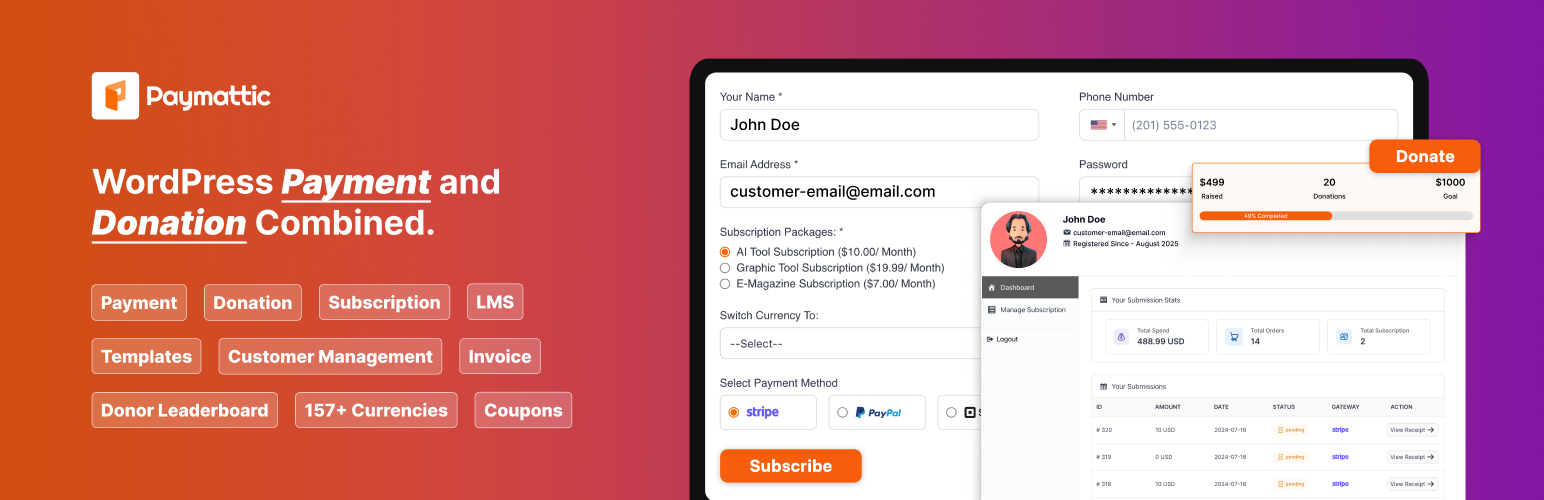
Create payment form, donate button to accept payments and donations. Manage subscription payment, recurring do...