
Easily improve site security with WordPress Hardening, Two-Factor Authentication (2FA), Login Protection, Vuln...
Free
3M+ installs 4.9★ (8,862)
WPScan WordPress Security Scanner - Scans your system for security vulnerabilities listed in the WPScan Vulnerability Database.
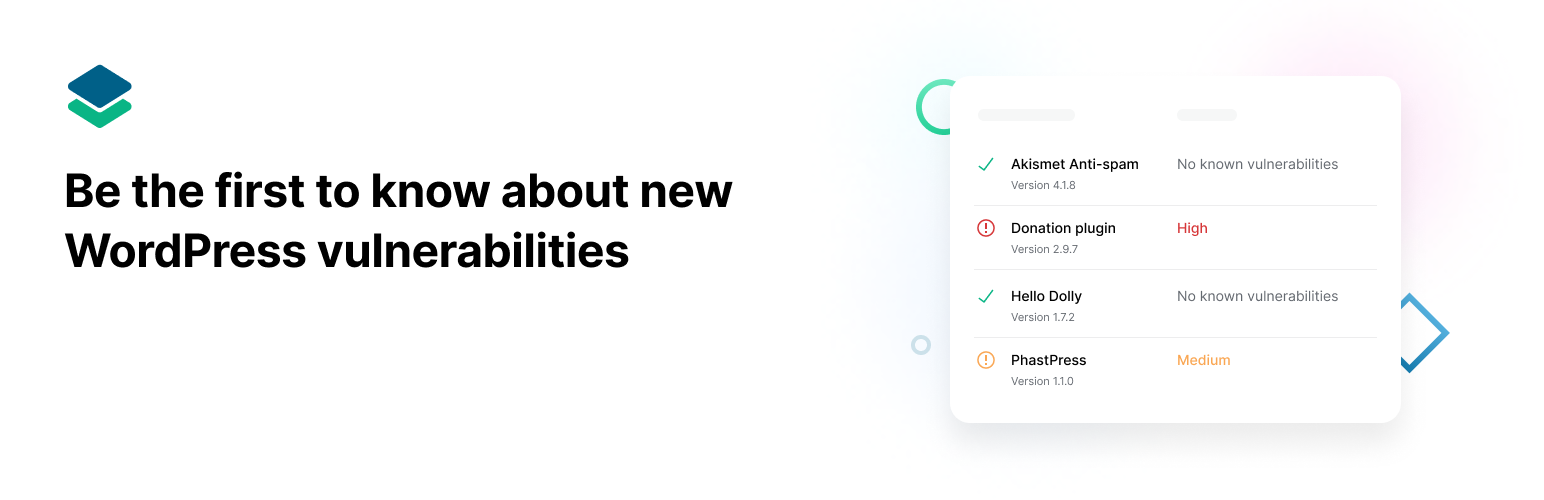
WPScan is a WordPress security scanner that identifies known vulnerabilities in WordPress installations, plugins, and themes. It utilises a manually curated vulnerability database, updated daily by security specialists and the community, which includes over 21,000 known security issues. The plugin allows for automated daily scans and email notifications when vulnerabilities are detected.
However, it is important to note that WPScan is no longer actively supported for non-enterprise customers. Users are recommended to consider Jetpack Protect for ongoing security needs, as it leverages the WPScan database while offering active support.
Best for: This plugin suits users looking for a basic security scanner for their WordPress site.
What it does well
Where it falls short
WPScan provides valuable insights into WordPress vulnerabilities, but its lack of active support may limit its effectiveness for some users.
ethicalhack3r's own description of WPScan, lightly tidied.
Please note: This plugin is no longer actively supported for non-enterprise customers. We recommend using Jetpack Protect – a free security plugin for WordPress that leverages the extensive database of WPScan. Jetpack Protect scans your site and warns you about vulnerabilities, keeping your site one step ahead of security threats and malware.
The WPScan WordPress security plugin is unique in that it uses its own manually curated WPScan WordPress Vulnerability Database. The vulnerability database has been around since 2014 and is updated on a daily basis by dedicated WordPress security specialists and the community at large. The database includes more than 21,000 known security vulnerabilities. The plugin uses this database to scan for WordPress vulnerabilities, plugin vulnerabilities and theme vulnerabilities, and has the options to schedule automated daily scans and to send email notifications.
WPScan has a Free API plan that should be suitable for most WordPress websites, however, also has paid plans for users who may need more API calls. To use the WPScan WordPress Security Plugin you will need to use a free API token by registering here.
The Free plan allows 25 API requests per day. View the different available API plans.
The WPScan WordPress Security Plugin will also check for other security issues, which do not require an API token, such as:
Other plugins for securing a site.
Easily improve site security with WordPress Hardening, Two-Factor Authentication (2FA), Login Protection, Vuln...

Firewall, Malware Scanner, Two Factor Auth, and Comprehensive Security Features, powered by our 24-hour team....

The best anti-spam protection to block spam comments and spam in a contact form. The most trusted antispam sol...

Loginizer is a WordPress security plugin which helps you fight against bruteforce attacks.

Enable SVG uploads and sanitize them to stop XML/SVG vulnerabilities in your WordPress website.

Protect your website investment with All-In-One Security (AIOS) – a comprehensive and easy to use security plu...