
Backup, restore or migrate your WordPress website to another host or domain. Schedule backups or run manually....
Free
3M+ installs 4.8★ (8,631)
XCloner is a backup plugin that allows you to safely back up and restore your WordPress sites. You can send site backups to SFTP, Dropbox, Amazon, Goo …
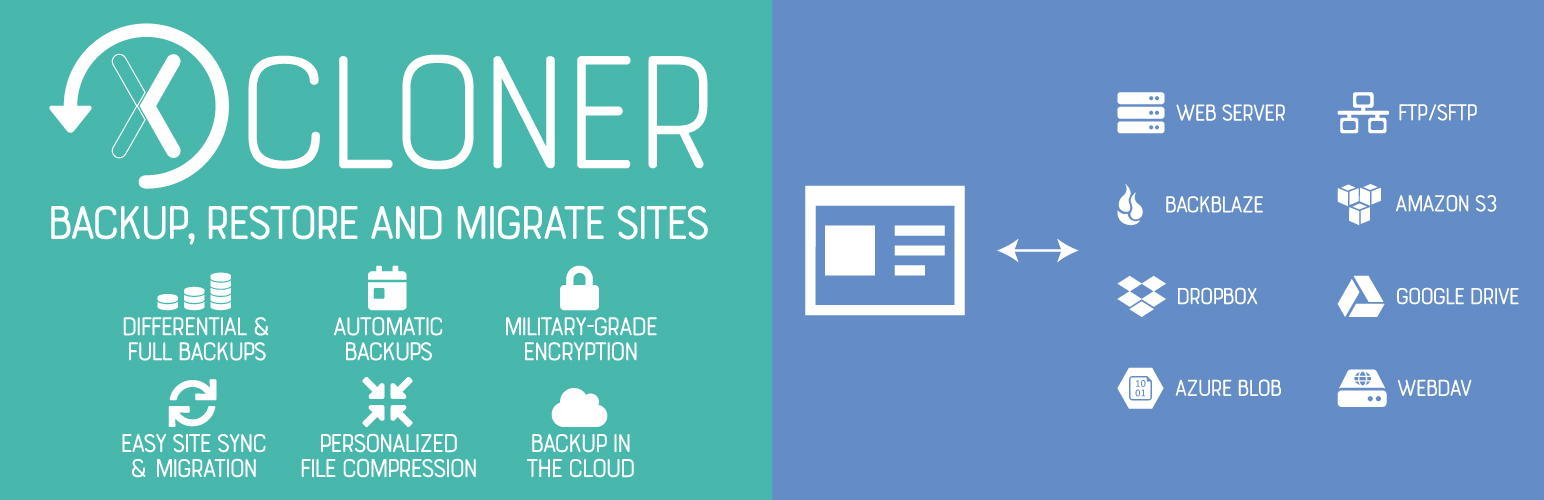
XCloner is a WordPress plugin designed for backing up, restoring, and migrating WordPress sites. It allows you to create backups manually or automatically, with options for remote storage including SFTP, Dropbox, and Google Drive. The plugin includes features for differential backups and a built-in scheduler to manage backup frequency.
This plugin is suitable for users who need a reliable way to manage their site backups and ensure data security. It offers encryption for GDPR compliance and can restore backups on different servers, making it versatile for site migrations.
Best for: This plugin suits WordPress users looking for a comprehensive backup and migration solution.
What it does well
Where it falls short
XCloner offers a robust set of features for backing up and restoring WordPress sites, making it a practical choice for users focused on security and flexibility.
watchful's own description of Backup, Restore and Migrate your sites with XCloner, lightly tidied.
XCloner is a backup plugin that allows you to safely back up and restore your WordPress sites. You can send your site backups to SFTP, Dropbox, Amazon, Google Drive, Backblaze and other locations. You can create backups manually or automatically with XCloner’s built-in scheduler.
XCloner enables you to automatically generate backups with the built-in cron script. These cron jobs can run daily, weekly, monthly or even hourly.
XCloner allows you to generate custom backups of any WordPress site, and then restore the backup on any other location with the help of the automatic restore script we provide!
XCloner has many useful safety features. For example, XCloner will generate a core, plugins, themes or languages files backup before the automatic update of WordPress core, plugins, themes or languages files.
XCloner allows you to send your backups to remote storage locations supporting FTP, SFTP, DropBox, Amazon S3, Google Drive, WebDAV, Backblaze, Azure and many more to come
You can generate “Differential Backups” so your backup will include only files modified after a certain date. This can decrease the space needed to store your backups.
XCloner also has safety features to make sure your backups are successful. One example: you have the ability to split backups into multiple smaller parts if a certain size limit is reached. Another example: XCloner can also store a local copy of the backup that it will then delete when the backup has been sent to the remote location.
XCloner is the best backup choice for people who care about security and privacy.
XCloner uses open source standards like TAR, MySQL and CSV formats so you can be sure that your backups can be restored in a variety of ways, giving you more flexibility and full control.
XCloner has a built-in security layer to protect your backups. You can create encrypted backup archives with AES-128-CBC algorithm. This encryption helps to ensure that your data is still GDPR compliant even if the backup fails.
You can restore backups on any location compatible with your website by using the XCloner restore feature. Your site clone can be restored on a totally different server, with new server and MySQL details.
XCloner will attempt to extract the backup archive files for you, as well as import the MySQL dump and update your WordPress configuration details.
The restore script is located inside the XCloner archive, in the /restore/ directory. XCloner can restore your original file and directory permissions. XCloner can also automatically update the new host settings to the configuration file.
Other plugins for backups.
Backup, restore or migrate your WordPress website to another host or domain. Schedule backups or run manually....

Trusted by 60M+ sites: The gold standard for WordPress migration and backup. Migrate, backup, and restore your...

The best WordPress backup and migration plugin. Quickly and easily backup ,migrate, copy, move, or clone your...

All-in-one WordPress backup, migration and staging plugin — schedule automatic backups, restore in one click,...

Disable Gutenberg Block Editor and restore the Classic Editor and original Edit Post screen (TinyMCE, meta box...

WordPress backup plugin: backups, restore & migration in minutes. Clone or duplicate your site, test updat...