
WPForms
98The best WordPress contact form plugin. Drag & Drop form builder to create beautiful contact forms, paymen...
Free
5M+ installs 4.8★ (14,369)
Embed payment forms on your WordPress pages/posts without any coding.
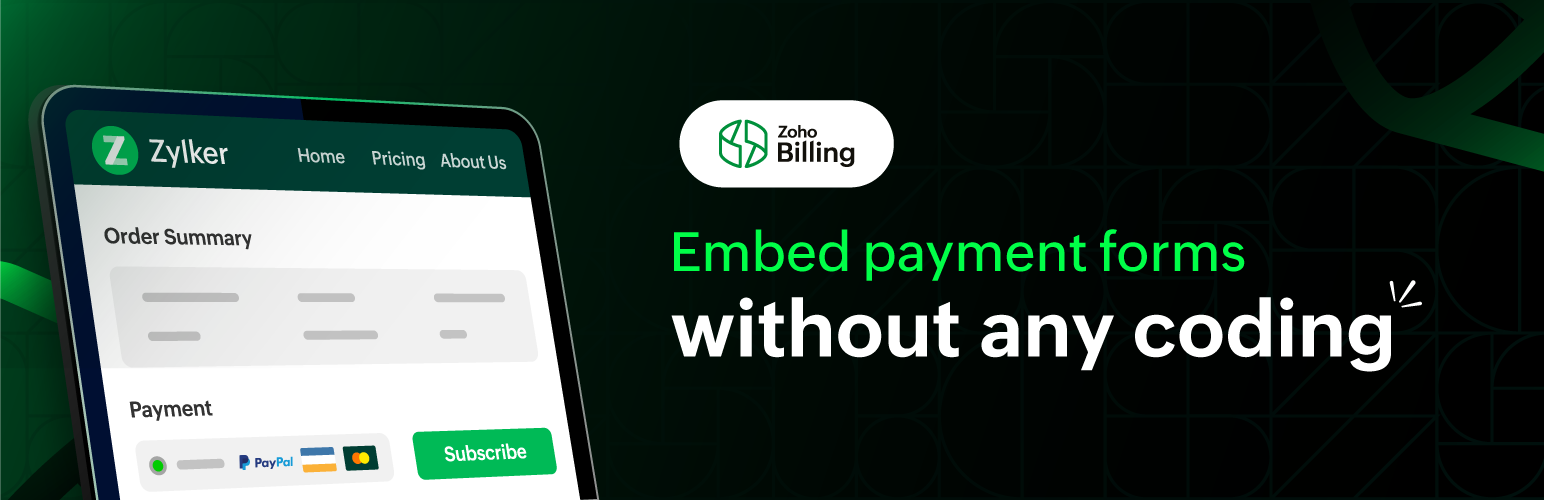
Zoho Billing – Embed Payment Form is a WordPress plugin that allows you to embed payment forms on your website without coding. It enables customers to make one-time and recurring payments through an embedded payment form linked to your Zoho Billing account.
To use this plugin, you need to have a Zoho Billing account. After installation, you connect the plugin to your Zoho Billing organization by entering a Connector Key. You can then embed payment forms using a shortcode that includes your specific plan code and adjust the width of the embedded form as needed.
Best for: This plugin is suitable for users who want to accept payments on their WordPress site using Zoho Billing.
What it does well
Where it falls short
Zoho Billing – Embed Payment Form provides a straightforward solution for embedding payment forms, but its reliance on a Zoho account and mixed user feedback may be considerations for potential users.
Zoho Subscriptions's own description of Zoho Billing, lightly tidied.
This plugin allows you to embed a payment without any coding on your WordPress website. Your customers/visitors can make one-time and recurring payments to you using the embedded payment form.
Zoho Billing is billing software that makes it easy to handle your customers’ entire billing life-cycle. It can help you with automated recurring billing, managing subscriptions, sending professional tax-compliant invoices, and getting paid on time, every time.
You must to have an account with Zoho Billing to use this plugin, sign up now, if you haven’t already.
After installing and activating the plugin, you need to connect it to your Zoho Billing organization. To do this:
You can embed your hosted payment pages from Zoho Billing by including the following shortcode while drafting (or editing) a page/post in WordPress:
[zs plan_code="BASIC"]
Copy and paste the shortcode above in WordPress’ editor. Next, replace BASIC in the shortcode with your plan’s actual Plan Code. You can see what your embedded hosted payment page looks like by previewing your page/post.
Tip: You can find your plan’s Plan Code by going to Zoho Billing > Product Catalog > Subscription Items. Select a product and copy the Plan Code for the plan whose hosted payment pages you’d like to embed.
You can adjust the width of your embedded hosted payment page by specifying a custom width in the shortcode above. Here’s how:
[zs plan_code="BASIC" width="600"]
Replace 600 in the shortcode above with your required width. If you do not include the “width” parameter, the default width will be set as 700.
Other plugins for payment forms.
The best WordPress contact form plugin. Drag & Drop form builder to create beautiful contact forms, paymen...

Best WordPress form builder plugin. Create contact forms, payment forms & order forms with 1000+ integrati...

The most powerful drag and drop WordPress form builder for contact forms, payment forms, calculators, quizzes,...

AI form generator and WordPress form builder for contact and Stripe payment forms, with surveys and quizzes in...

Calculated Fields Form: complete WordPress form builder for contact,booking,quote,payment forms & more,wit...
Accept donations and begin fundraising with GiveWP, the highest rated WordPress donation plugin for online giv...