Tabs Responsive
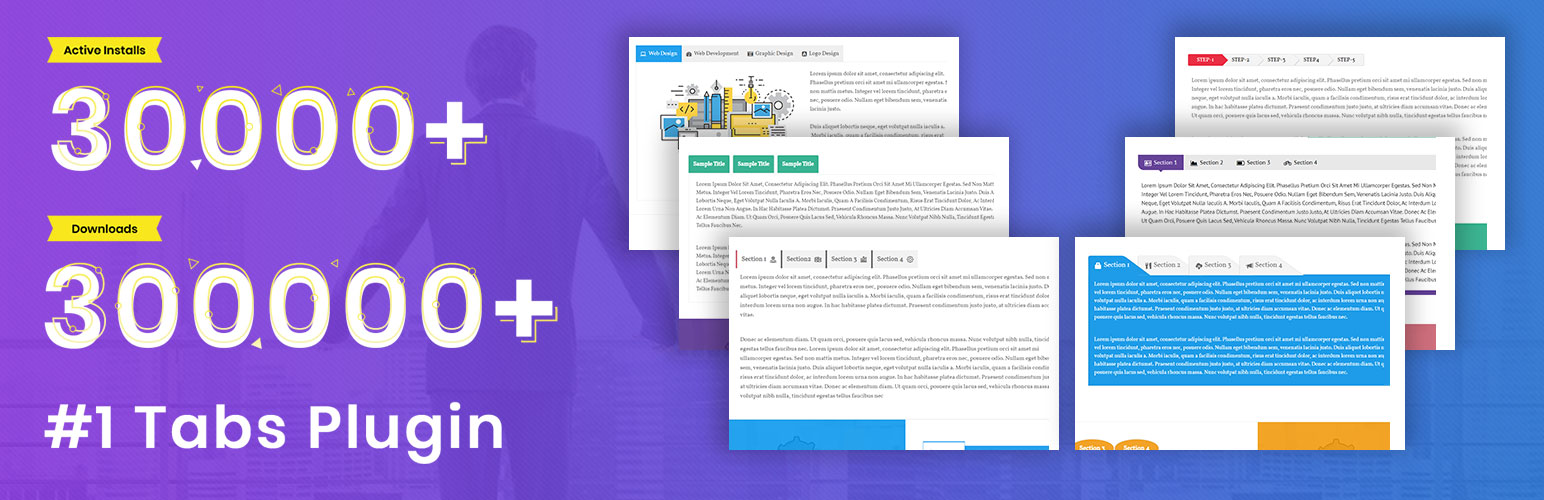
Tabs Responsive is the most easiest drag & drop Tabs builder for WordPress. You can add unlimited Tabs with unlimited color Scheme.
- 4.7★
- from 501 ratings
- 20k+
- active installs
- Updated
- Jun 2026
- Tested to
- WP 7.0.4
WPScore
12 plugins compared · Updated August 2026 · Unlimited Colours & Skins
Choosing a WordPress plugin for unlimited colours & skins comes down to a few things: whether it is still actively maintained, whether real users rate it well, and whether it does the specific job you need without dragging the rest of the site down.
We ranked 12 plugins using our WPScore, which weighs the user rating (adjusted for how many people actually rated it), how many sites run it, how recently it was updated, and which WordPress version it is tested against. 12 of them have enough public data to be scored; the rest are listed below the ranked block, clearly marked, rather than being given a number we cannot justify.
How this list is funded. Some links here earn us a commission if you buy. It costs you nothing extra, and it does not move anything up the list — the order comes from the WPScore, which is calculated from public ratings, install counts and update history. See the method.
At a glance
Tabs Responsive is the most easiest drag & drop Tabs builder for WordPress. You can add unlimited Tabs with unlimited color Scheme.
WPScore
Select a default admin color scheme for new and existing users. Optionally disable the color scheme picker to force a color scheme for all users.
WPScore
Service Box plugin is display your service showcase on any WordPress post & page with unlimited color scheme using drag & drop Api
WPScore
Force a single admin color scheme for all users of the site.
WPScore
Set up the colors of Real Cookie Banner all in one place.
WPScore
StylizedX Variation Switcher lets you to switch between different style variations in Full Site Editing themes. It's an easy way to implement dar …
WPScore
Grey color schemes for WordPress 3.8's admin area.
WPScore
Bring some personality to your WordPress site with extra admin color schemes.
WPScore
Create your own admin color scheme, right in the WordPress admin under the Tools menu.
WPScore
The Easy Admin Color Schemes plugin allows users to easily customize the colors of the administration interface for WordPress.
WPScore
This plugin lets you change the entire color scheme of the current theme via the
WPScore
Add a new admin color scheme to your WP site, similar to WordPress classical light grey and blue colors of admin page.
WPScore