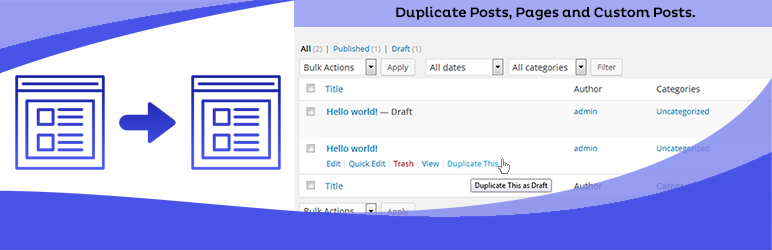
Duplicate Posts, Pages and Custom Posts easily using single click
Free
3M+ installs 4.8★ (465)
Force a single admin color scheme for all users of the site.

Force Admin Color Scheme is a WordPress plugin that allows you to enforce a single admin color scheme for all users on your site. This can be useful for distinguishing between multiple sites used by the same users, or for clearly marking production and staging environments. The plugin also helps maintain a consistent brand-appropriate colour scheme across the admin interface.
The plugin removes the admin color scheme setting from users who do not have the capability to set it globally, preventing confusion about whether they can change the colour scheme. It includes a filter for further customization, allowing developers to set different color schemes based on user roles.
Best for: This plugin is suitable for WordPress site administrators who want to standardize the admin interface across multiple users or environments.
What it does well
Where it falls short
Force Admin Color Scheme provides a straightforward solution for managing admin colour schemes, particularly in multi-site or staging environments. However, its limited configurability for end users may not appeal to everyone.
Scott Reilly's own description of Force Admin Color Scheme, lightly tidied.
Though it is typically an individually configurable aspect of WordPress, there are times when forcing a single admin color scheme upon all users of a site can be warranted, such as to:
Additionally, the plugin removes the “Admin Color Scheme” profile setting from users who don’t have the capability to set the admin color scheme globally since being able to set its value gives them the false impression that it may actually apply.
Links: Plugin Homepage | Plugin Directory Page | GitHub | Author Homepage
The plugin is further customizable via one filter. Typically, code making use of filters should ideally be put into a mu-plugin or site-specific plugin (which is beyond the scope of this readme to explain).
c2c_force_admin_color_scheme (filter)
The ‘c2c_force_admin_color_scheme’ filter allows you to set or override the forced admin color scheme. Use of the constant (“) takes priority over the filtered value, but the filtered value takes priority over the value set via the admin.
Arguments:
Example:
/**
 * Sets a forced admin color scheme based on user. Admins get one color scheme, whereas everyone else gets another.
 *
 * @param string $color The current forced admin color scheme. Empty string indicates no forced admin color scheme.
 * @return string
 */
function my_c2c_force_admin_color_scheme( $color ) {
    return current_user_can( 'manage_options' ) ? 'sunrise' : 'coffee';
}
add_filter( 'c2c_force_admin_color_scheme', 'my_c2c_force_admin_color_scheme' );
Other plugins for dating sites.
Duplicate Posts, Pages and Custom Posts easily using single click

HappyAddons packs Header Footer Builder, Megamenu, Single Post, Archive Page, & 500+ Ready Templates into...

Site metrics and social media analytics for Instagram, Facebook, YouTube, LinkedIn, X Twitter. The single best...
Disable admin notices and hide dashboard notifications from plugins, themes and core. Hide all notices, select...

Password protect WordPress pages and posts by user roles or with multiple passwords; protect your entire websi...
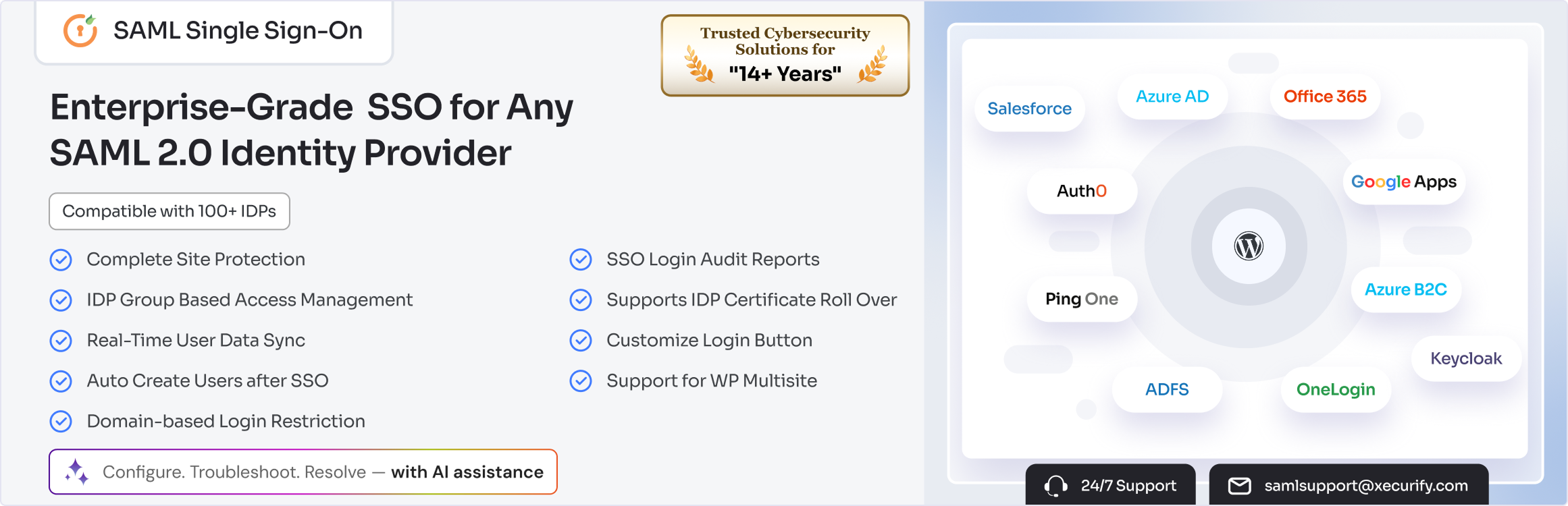
SAML SSO (Single Sign On) for WordPress Login with Okta, Entra ID/Azure AD, GSuite, Salesforce & All SAML...