Show Current Template
A WordPress plugin which shows the current template file name, the current theme name and included template files' name in the tool bar.
- 5★
- from 71 ratings
- 100k+
- active installs
- Updated
- Aug 2026
- Tested to
- WP 7.1
WPScore
15 plugins compared · Updated August 2026 · Toolbar
Choosing a WordPress plugin for toolbar comes down to a few things: whether it is still actively maintained, whether real users rate it well, and whether it does the specific job you need without dragging the rest of the site down.
We ranked 15 plugins using our WPScore, which weighs the user rating (adjusted for how many people actually rated it), how many sites run it, how recently it was updated, and which WordPress version it is tested against. 15 of them have enough public data to be scored; the rest are listed below the ranked block, clearly marked, rather than being given a number we cannot justify.
How this list is funded. Some links here earn us a commission if you buy. It costs you nothing extra, and it does not move anything up the list — the order comes from the WPScore, which is calculated from public ratings, install counts and update history. See the method.
At a glance
A WordPress plugin which shows the current template file name, the current theme name and included template files' name in the tool bar.
WPScore
Hide the WordPress admin bar for specific user roles, capabilities, devices or pages. Remove the toolbar for subscribers, customers & guests.
WPScore
Hides the WordPress toolbar (admin bar) for all non-admin users. Simple plugin with no settings to configure.
WPScore
This plugin adds an auto-hide feature to the WordPress Admin Bar or Toolbar.
WPScore
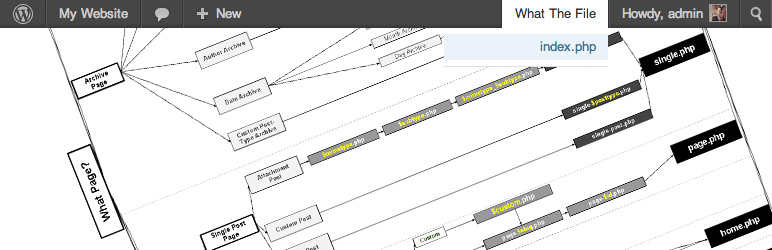
What The File is the best tool to find out what template parts are used to display the page you're currently viewing!
WPScore
Simply and easy-to-use the customize for Admin and Frontend. A lot of custom filters and actions, and included the developer tools.
WPScore
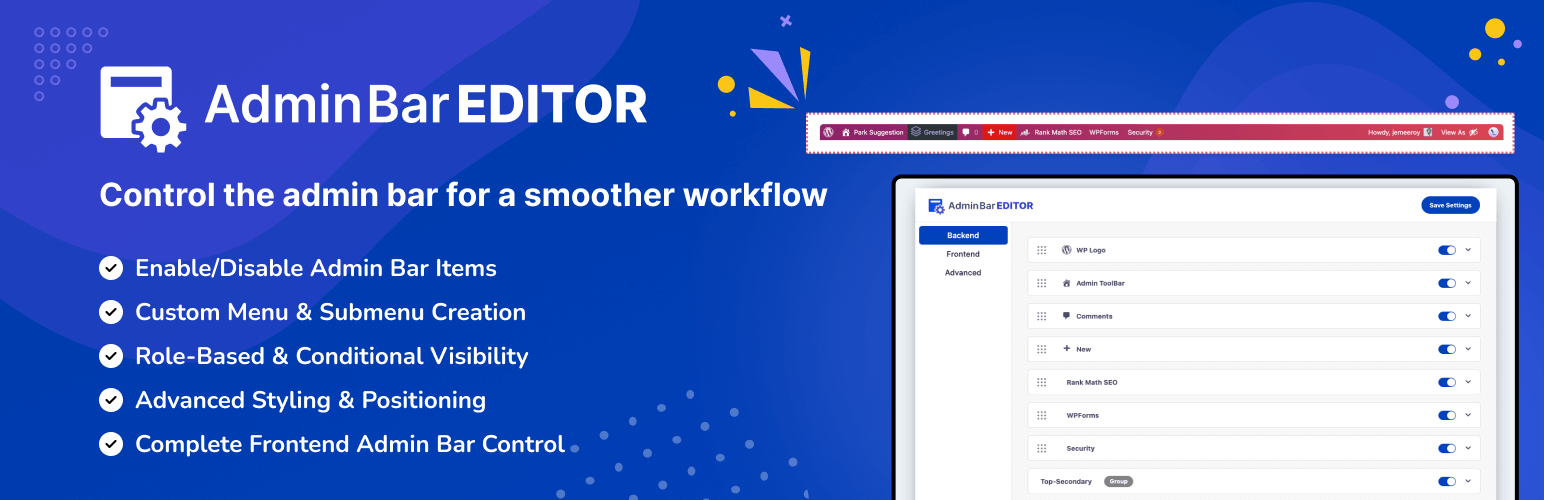
Take full control of your WordPress admin bar: hide items, reorder menus, and design a cleaner toolbar for every user.
WPScore
Stick the WordPress admin bar to the bottom of the screen. Hide it with SHIFT + Down Arrow keyboard shortcut.
WPScore
Remove admin bar logo wp from the admin-bar.
WPScore
Display the 'Search Engines Discouraged' notification in the WordPress Toolbar if the blog_public option has been checked.
WPScore
Disable admin bar and control users access to WordPress dashboard.
WPScore
The sticky header is a widely used feature on many websites, but it can conflict with the WordPress admin bar. Tambar effectively resolves this issue!
WPScore
A fixed HTML toolbar for the top or bottom of your site. Add up to 5 linked icons or HTML. Ideal for social icons or static notifications.
WPScore
Show a compact login experience in the admin bar for logged-out visitors.
WPScore
Ozh' Admin Drop Down Menu + WordPress Toolbar & Admin Menu Fixed to the Top and Side of the Admin Screens. Less Scrolling!
WPScore