
The #1 user-rated activity log plugin for event logging, activity monitoring and change tracking.
Free
300k+ installs 4.7★ (488)
Redirect manager for 301, 302 and 307 redirection. Monitor and fix 404 errors, log every broken link and protect your SEO after a migration.

404 to 301 is a WordPress plugin designed for managing redirects and monitoring 404 errors. It allows you to create custom redirects using various types (301, 302, 307) and automatically redirects any remaining 404 errors to a specified page. The plugin also provides detailed logs of broken links, helping you identify and address issues that may affect your site's traffic.
This plugin is suitable for website owners who want to maintain their site's SEO performance by managing redirects effectively and reducing the impact of broken links. It offers a comprehensive set of tools for tracking and addressing 404 errors, making it a useful addition for those focused on site optimisation and user experience.
Best for: Website owners looking to manage redirects and monitor 404 errors effectively.
What it does well
Where it falls short
404 to 301 is a practical tool for managing redirects and tracking broken links, making it beneficial for those aiming to improve their site's SEO and user experience.
Syed Balkhi's own description of 404 to 301, lightly tidied.
404 to 301 is a redirect manager and 404 error monitor for WordPress. Create your own custom redirects with 301, 302 or 307 redirection, send every remaining 404 error to a page of your choosing, and keep a full log of the broken links visitors and search engines actually hit.
Broken links cost you traffic. A visitor who lands on a 404 page usually leaves, and Google eventually drops the URL from its index along with whatever link equity it had earned. This redirect manager fixes both halves of that problem. You get precise redirection rules for the URLs you know about, and 404 error logs that surface the ones you don’t.
Need more than redirects?
404 to 301 is free and every feature is included, with no license key and no upsell. If you also want full-site and .htaccess redirect rules, automatic 404 monitoring across large sites, Google Search Console crawl error data, and a complete SEO toolkit alongside your redirection, take a look at AIOSEO Pro.
Take control of your URLs from one redirect manager. Create as many custom redirects as you need and pick the redirect type per rule, so a permanent move uses a 301 redirect and a temporary campaign URL uses a 302 or 307 redirect.
Match URLs by exact path when you know the address, by prefix when a whole folder has moved, or by regular expression when you need a pattern. Prefix matching covers the wildcard redirect cases, where every URL under /old-shop/ should land on its counterpart under /shop/. Regex redirect rules handle the messy ones, like a query string that changed format or a date-based permalink structure you have retired.
Every redirect carries a hit counter and a last-hit timestamp, so you can see which rules are earning their keep and which are dead weight. Toggle a rule off without deleting it when you want to test, and manage the whole set from a table with search, filters, bulk actions and pagination.
You will never catch every broken URL by hand. Set a global fallback and 404 to 301 redirects every leftover 404 error automatically, to your homepage, a specific page, or any URL you like, using the redirect type you choose.
That turns a dead end into a route back into your site. Visitors who would have bounced off a 404 page keep browsing, and search engines following an old inbound link reach real content instead of an error.
The 404 error logs tell you which links are breaking and where the traffic is coming from. Each entry records the requested URL, the referrer, the IP address, the user agent and the timestamp, so you can tell a mistyped address apart from a broken inbound link that deserves a redirect.
Busy broken URLs stay readable. Repeat hits are deduplicated into a single row with a hit count, so one popular dead link is one entry instead of thousands. Sort by hits and the URLs worth fixing rise to the top on their own.
Two filters do most of the triage for you. Filter by referrer source to separate the 404 errors your own pages are linking to, which are yours to fix in the content, from the ones arriving off other sites, which want a redirect. Filter by request type to split real page and post requests from missing files and assets, so a hotlinked image or a stale script does not sit in the same queue as a lost article.
Each 404 error carries a status of open, ignored or fixed, so the log works as a queue rather than a pile. Filter by date range, search by URL, then turn any logged 404 into a redirect in a couple of clicks. Privacy is covered too: IP addresses can be masked, and paths you do not care about can be excluded from logging entirely.
Other plugins for monitoring a site.
The #1 user-rated activity log plugin for event logging, activity monitoring and change tracking.
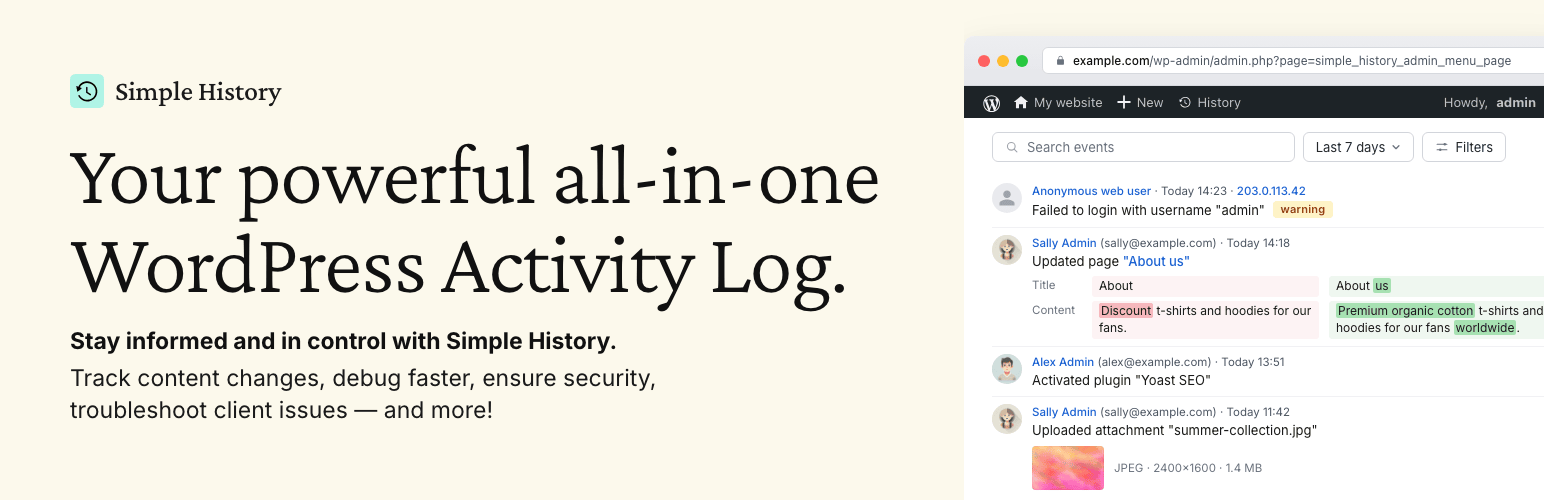
Track changes and user activities on your WordPress site. See who created a page, uploaded an attachment, and...

Manage 301 & 302 redirects. Simple redirection & redirects validation. Includes redirect stats & 4...

WordPress security plugin with malware scanner, IP blocking, audit logs, antivirus scans, firewall, 2FA, brute...

Everything you need to sell WordPress maintenance and manage multiple sites effortlessly: backup, update, upti...

Manage all your WordPress sites from one place. Automate updates, backups, uptime monitoring, security, report...