
Join millions who empower their websites with ElementsKit Elementor Addons. Get templates, & 100+ widgets...
Free
1M+ installs 4.9★ (2,036)
Responsive FAQ plugin with Accordion and Category for Elementor and page builders. Add FAQ with collapse and toggle activator easily.

Accordion FAQ with Category is a WordPress plugin designed to create responsive FAQ sections using accordions and categories. It integrates with Elementor and Gutenberg blocks, allowing you to easily add and customize FAQ items on your site. The plugin is suitable for knowledge-based websites and those looking to enhance user experience with dynamic content display.
The plugin offers various styles and layouts, including toggle FAQs and accordion styles, along with over 1600 Font Awesome icons for added visual appeal. It allows for extensive customization, enabling users to control how FAQs are displayed and interact with them, making it a flexible choice for developers and site owners alike.
Best for: This plugin is best for developers and site owners looking to create dynamic FAQ sections on knowledge-based websites.
What it does well
Where it falls short
Accordion FAQ with Category provides a solid option for adding customizable FAQ sections to WordPress sites, particularly for those using Elementor. However, more detailed information on support and specific features would be beneficial.
wpmart's own description of Accordion FAQ with Category, lightly tidied.
The best FAQ and Accordion plugin that also works with Gutenberg blocks using the shortcode. Highly responsive and customizable FAQ builder for Elementor with Category.
FAQ for Elementor with Category is the standard, lightweight FAQ plugin for WordPress which contains all of the responsive Accordion FAQ features you can think of while working on your next project in WordPress. With its excellence, the WpMart brought to you the exclusive FAQ plugin that works with all types of blocks for the Elementor page builder. The awesome toggle tab, accordion faq with custom category, and the fastest knowledge-based FAQ all are some exclusive features for the FAQ for Elementor WordPress FAQ plugins which every developer needs.
The FAQ for Elementor with Category was designed to be the best way for adding dynamic accordion faq very easily within any professional website and knowledge-based sites. It is one of the responsive and highly efficient FAQ plugins in WordPress which works seamlessly within gutenberg blocks as well.
This awesome Accordion FAQ with Category that has a sleek CSS3 code is one of the best FAQ plugins while creating responsive tabs, content toggle, knowledge-based FAW with dropdown and unlimited effects & animation support. It is by far the most lightweight yet customizable FAQ plugin in WordPress with major page builder integration including the Elementor.
We provide a free 1600+ font awesome icon with our FAQ for Elementor with Category plugin along with some cool features to play with. You can find so much flexibility with our plugin. With FAQ for Elementor with Category plugin, you can select your preferred style from multiple FAQ templates and FAQs styles. You can use either the toggle FAQs or Accordions style to display one expanded or collapsed FAQs answer on click. You can custom control the opening of your faqs.
You can also choose to display all FAQs on the same page with the FAQs style optional list that offers a more traditional FAQs layout. Or you can set a particular FAQ tab to remain open on the first-page load. You can add categories and later, you can customize that category as you like, and then you can embed multiple categories into one FAQ item. Lots of things you can do with our plugin. There is no limit to customization.
FAQ for Elementor with Category WordPress plugin comes with an exclusive toolset that lets you create truly responsive websites in a whole new and visual way. From different font sizes per device, to reverse column ordering, this is the most powerful solution for creating perfect FAQs for mobile pages. You can develop your webpage with our plugin simply using your mobile device as well. This is very perfect for landing pages, coming soon pages, or knowledge-based FAQ pages of your website which needs so many FAQ tabs. Our developed canvas works on any theme and lets you get rid of the header area so you get a blank template to work on.
With the exclusive FAQ category along with the major page builder integration, now our FAQ plugin is even better than any other plugins in the WP market. FAQ for Elementor comes with major page builder integration technology which works seamlessly on any page. With the use of our well-organized Shortcode, page builder users can now find more flexibility to use our Accordion FAQ within their builder interface than they find in any other plugin in this category.
Major Builder Supported FAQ for Elementor is totally compatible with all the page builders including Elementor, Beaver Builder, Divi, Visual Composer, SiteOrigin, and so on.
Our top-notched design and development team created the FAQ for the Elementor plugin with the touch of their perfection which will give you maximum flexibility while designing FAQs with our collapsible FAQ plugin. With the ease of the FAQ category, users can create and customize their accordion tabs and FAQs with their own design preference with our FAQ plugins. The plugin works too perfectly to build any web store. With that, eCommerce webmasters can furnish their product page so easily with a professional and attractive touch so that your site can shine with tons of visitors and boost sales.
Other plugins for building pages visually.
Join millions who empower their websites with ElementsKit Elementor Addons. Get templates, & 100+ widgets...
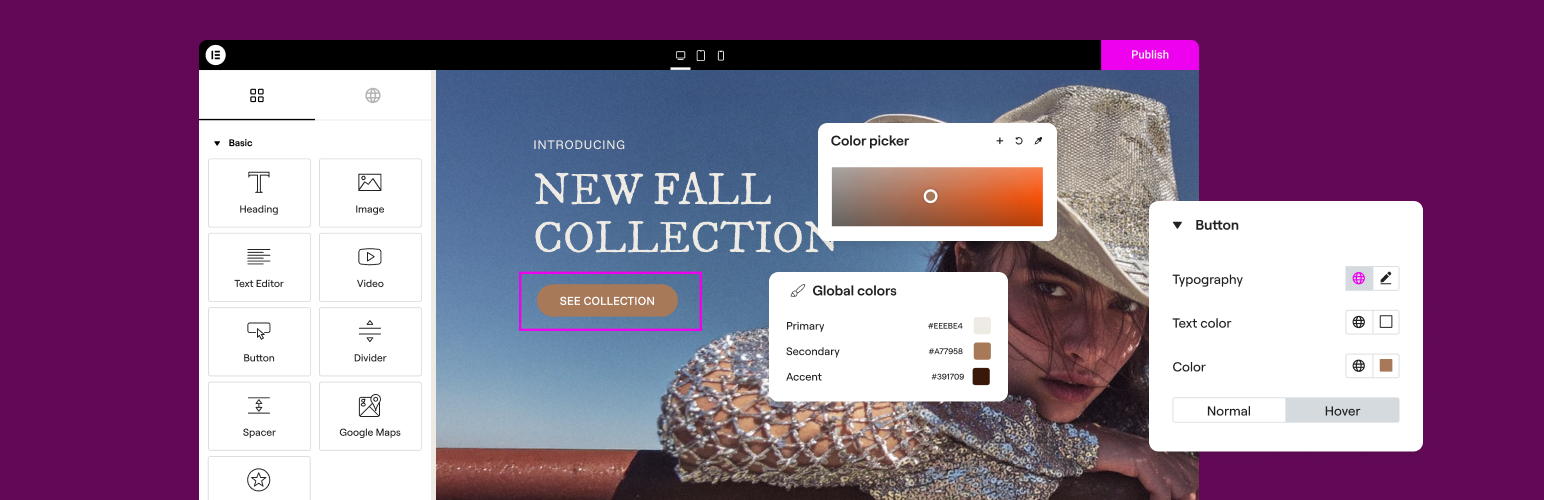
The Elementor Website Builder has it all: drag and drop page builder, Atomic Editor, pixel perfect design, glo...

The growing library of 300+ ready-to-use templates that work with all WordPress themes including Astra, Hello,...

Easy Drag & Drop Page Builder. A complete solution to create a WordPress Website, Custom Themes, Landing P...
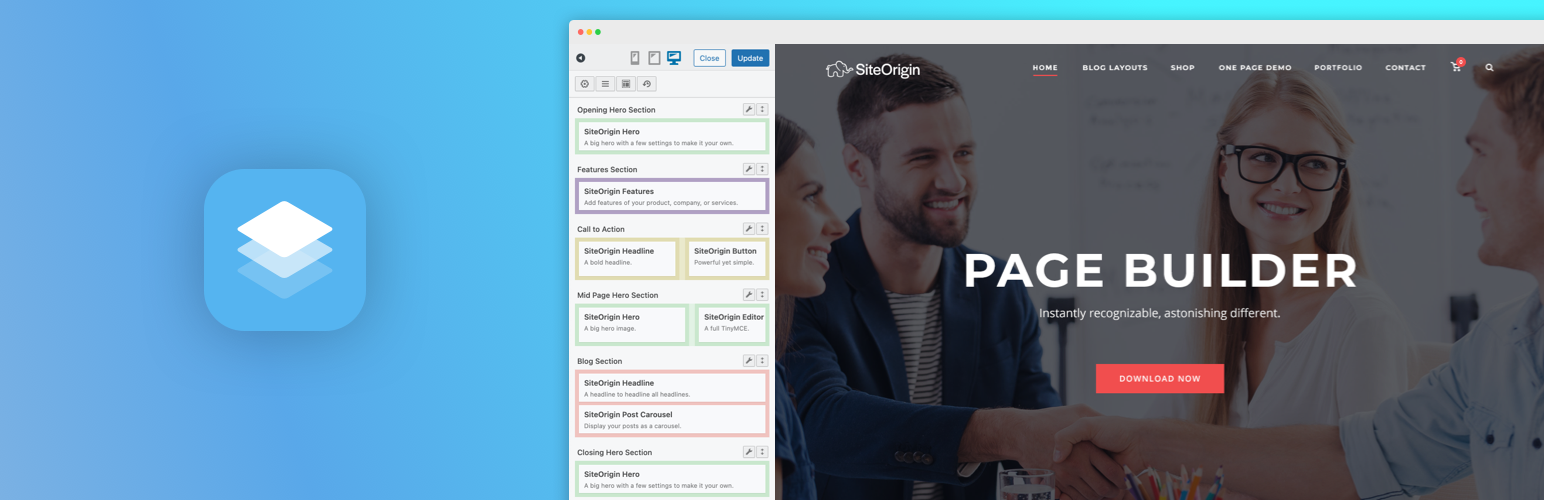
Build responsive page layouts using the widgets you know and love using this simple drag and drop page builder...
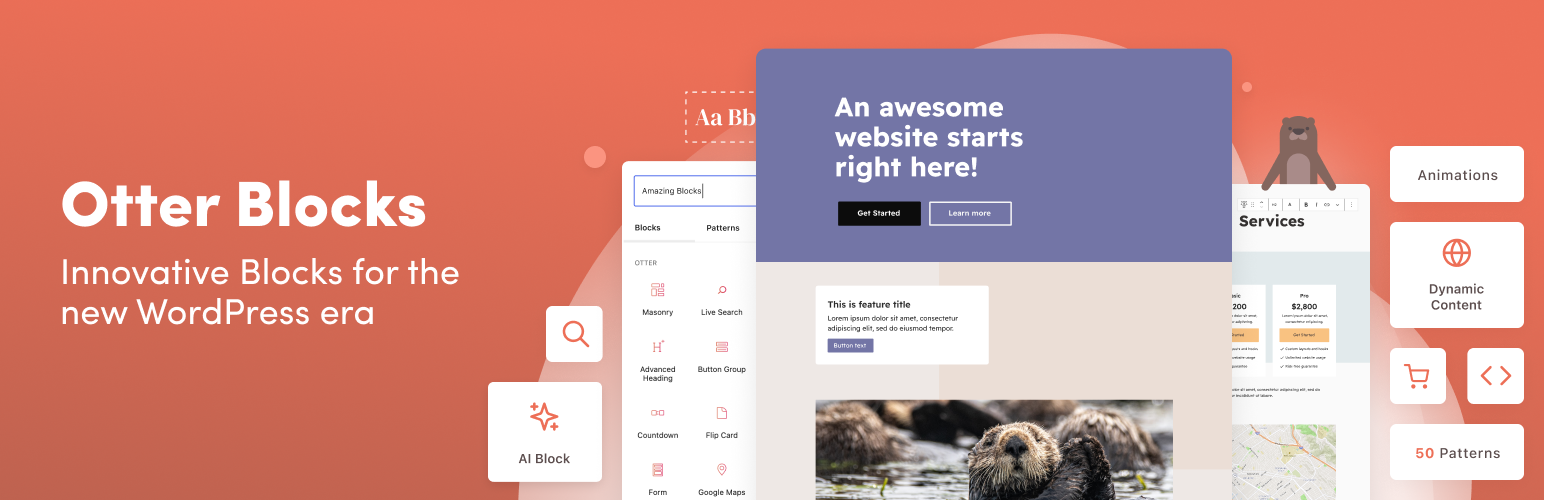
Quickly create WordPress pages with 20+ blocks, 100+ ready-to-import designs, and advanced editor extensions....