
Join millions who empower their websites with ElementsKit Elementor Addons. Get templates, & 100+ widgets...
Free
1M+ installs 4.9★ (2,036)
This plugin will add a Page Builder field type in Advanced Custom Fields.

ACF Page Builder Field is a WordPress plugin that adds a page builder field type to Advanced Custom Fields (ACF). It allows users to create more advanced layouts within ACF's flexible content sections, facilitating a better content management experience for editors, designers, and developers.
The plugin is designed to balance the needs of different users: editors can manage content easily, designers have the creative freedom to design layouts, and developers can create modular blocks efficiently. It requires ACF 5 or higher and is recommended for use with Page Builder by SiteOrigin.
Best for: This plugin is suitable for WordPress developers and designers looking to enhance content management with advanced layouts.
What it does well
Where it falls short
ACF Page Builder Field can be useful for those familiar with Advanced Custom Fields, but its age and limited support may be a concern for some users.
Peter Elmered's own description of ACF Page Builder Field, lightly tidied.
This plugin will add a page builder field type in Advanced custom fields.
The field works just like any other ACF field type and you can use it however you want. get_field() returns the generated HTML and the CSS is outputed in the footer. We are using it together with ACFs flexible content layouts where you want to build more advanced layouts inside the ACF sections. This makes the content in ACFs flexible content truly flexible!
Building a great CMS-experience for editors, designers and developers is really hard. They all have very different requirements and ideas about that a great CMS consists of and how it should work. How do you give the editors the tools they need to edit all the content, the designer the freedom they want about how things should look, and empower the developer with tools to provide this easily and efficently?
We think we have found a sweet spot when ut comes to the balance between freedom for for editors and designers and ease for developers to implement and maintain a beatifull site.
The editor can easily edit all the content and maintain a good look and feel of the website. The editor has the right amunt of freedom to be able to express themselfts, but enough structure to prevent them from going wild and ruin the page layout and design.
The designer can be creative and has the freedom they need express themselfs without making the life for the developers hard.
The developer have the tools to easily create blocks/modules that fits good together.
We recommend using this plugin together with ACF Flexible Content for building beautiful landing pages.
This is an example of a template using ACF Flexible Content:
if( have_rows('flexible_content_field_name') ) :

    while ( have_rows('flexible_content_field_name') ) : the_row();

        switch( get_row_layout() ) {

            case 'page_builder_layout':

                if( get_sub_field( 'page_builder_field' ) ) {
                    echo get_sub_field( 'page_builder_field' );
                }

                break;
            case 'other_layout':

                the_sub_field('field1');
                the_sub_field('field2');

                break;
        }

    endwhile;

endif;
For more information, read about flexible content on advancedcustomfields.com.
We also recommend using one of the latest versions of WordPress, Advanced Custom Fields and Page Builder by SiteOrigin at all times for best compatibility.
Other plugins for building pages visually.
Join millions who empower their websites with ElementsKit Elementor Addons. Get templates, & 100+ widgets...
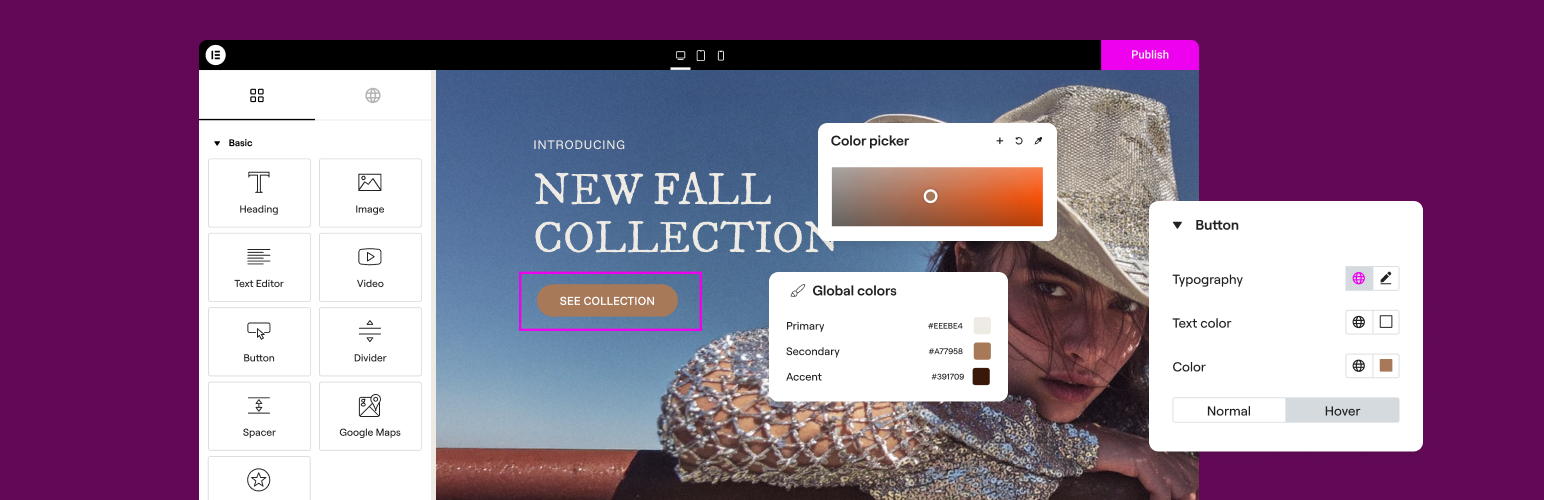
The Elementor Website Builder has it all: drag and drop page builder, Atomic Editor, pixel perfect design, glo...

The growing library of 300+ ready-to-use templates that work with all WordPress themes including Astra, Hello,...

Easy Drag & Drop Page Builder. A complete solution to create a WordPress Website, Custom Themes, Landing P...
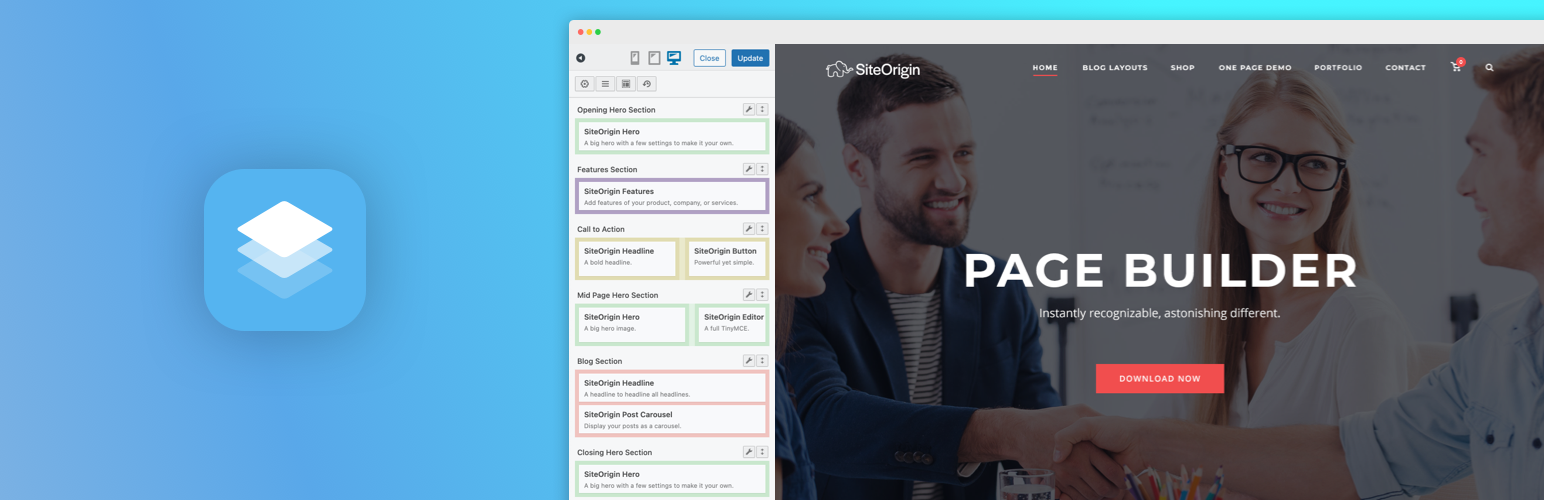
Build responsive page layouts using the widgets you know and love using this simple drag and drop page builder...
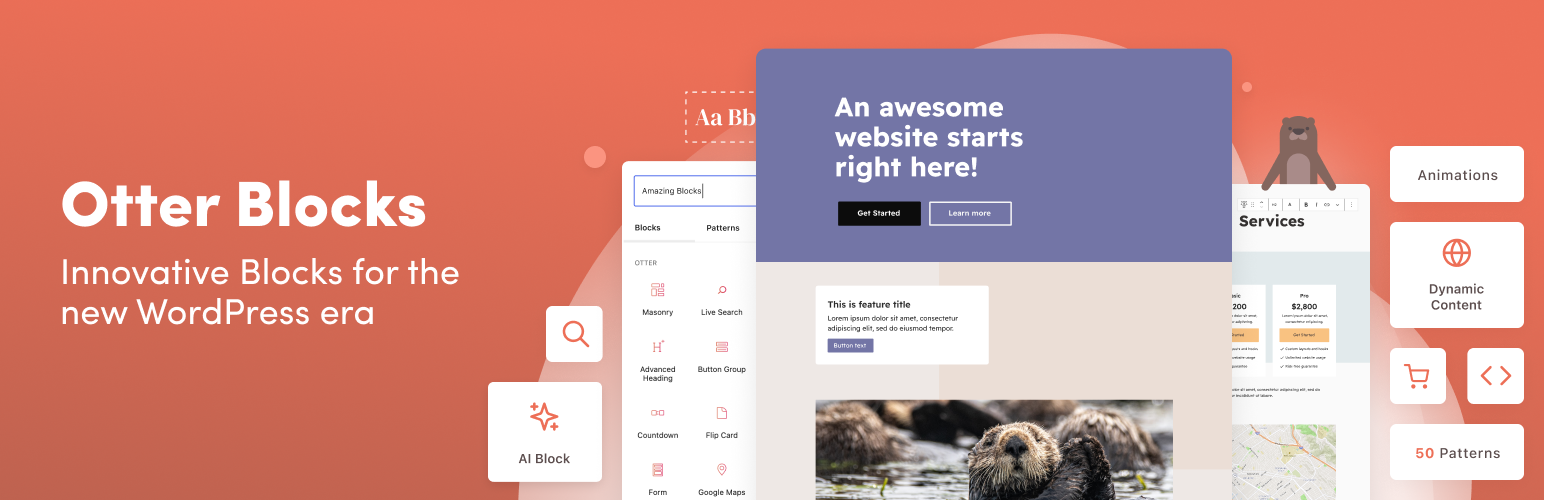
Quickly create WordPress pages with 20+ blocks, 100+ ready-to-import designs, and advanced editor extensions....