
Advanced Ads
91The only complete toolkit for all ad types. Grow your revenue with AdSense, Amazon—or any affiliate network. G...
Free
100k+ installs 4.9★ (1,461)
Manage Google AdSense ads, banners, ad rotation, sticky widgets, AMP ads, ads.txt, tracking, header and footer code, PHP code, global custom fields

Ad Inserter is a WordPress plugin designed for managing advertisements on your site. It allows you to insert various types of ads, including Google AdSense and Google Ad Manager, at optimal positions within your content. The plugin offers advanced options for customising ad placements, including the ability to use CSS selectors and manage ads on both desktop and mobile devices.
This plugin is suitable for users who need a flexible and powerful solution for ad management. It provides features for inserting ads in multiple locations, tracking performance, and ensuring compliance with advertising guidelines. It is particularly useful for site owners looking to maximise their ad revenue through precise placement and control over their advertising strategy.
Best for: Website owners and marketers looking for advanced ad management capabilities.
What it does well
Where it falls short
Ad Inserter provides a comprehensive set of features for managing ads effectively. It is a suitable choice for those seeking detailed control over ad placements and performance.
Spacetime's own description of Ad Inserter, lightly tidied.
Ad management plugin with many advanced advertising features to insert ad codes at optimal positions.
Supports all kinds of ads including Google AdSense, Google Ad Manager (DFP – DoubleClick for publishers), Media.net , Infolinks and rotating banners.
This plugin is more than AdSense plugin or plugin for ads. It provides many advanced options to insert opt-in forms, header scripts, Javascript, CSS, HTML, PHP, analytics, tracking or advert code anywhere on the page.
Insert ads where other plugins fail.
It’s all about the settings.
I’ve been using another ad placement manager for a couple years and just recently started using Ad Inserter.
I’m blown AWAY with the power and flexibility of it.
I can HIGHLY recommend this plugin to anyone looking for an easy way to manage ads within WordPress.
Difficult to choose, but certainly top 3 plugins I’ve ever used in WordPress, ever.
Features – check documentation for the complete list
<body> tag)</body> tag)do_action () WP function)<head> section) and footer codeThe Best WordPress Ad Management Plugin?
Both Google and Amazon recommend this plugin for inserting ads, which is a testament to its quality
Endorsed by Google – How to insert ad code in your WordPress site
If you’re new to AdSense, one of your first tasks is to connect your site to AdSense. This requires you to copy the code on your AdSense homepage and paste it into the HTML of your page, between the
<head>and</head>tags.
<iframe> Javascript ads like Google AdSense)Run a WordPress related blog? Have experience with AdSense? Interested in reviewing the plugin or would like to become an affiliate? Introduce yourself.
Other plugins for ads and banners.
The only complete toolkit for all ad types. Grow your revenue with AdSense, Amazon—or any affiliate network. G...
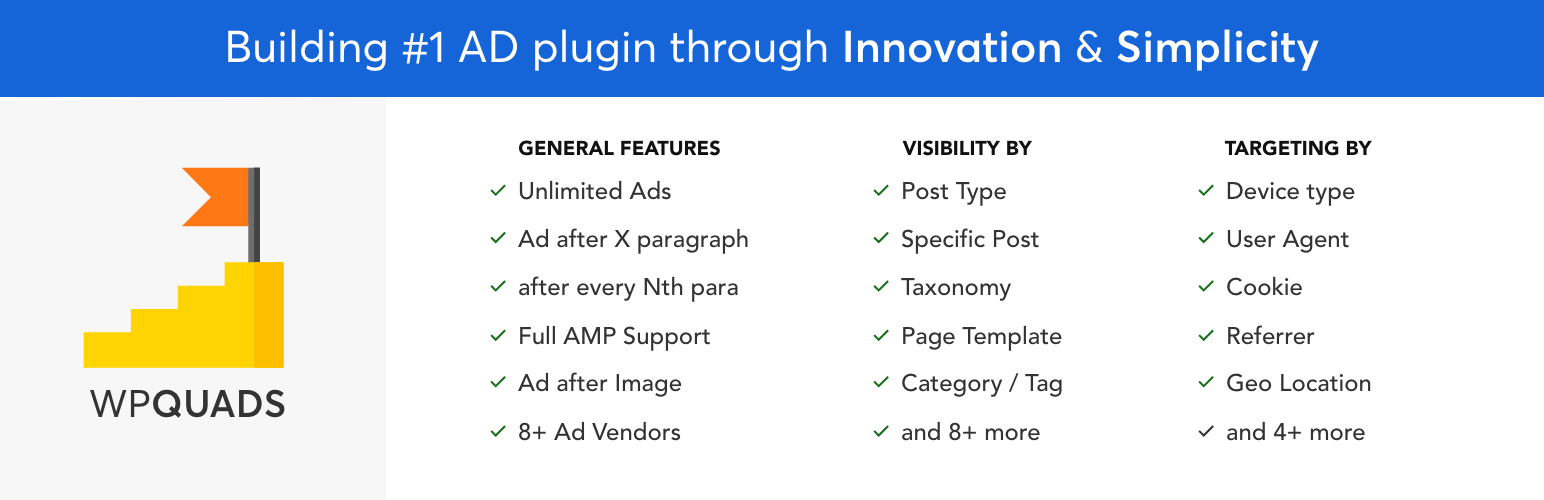
Ads & AdSense plugin supporting Media.net, DFP, ads.txt, Web Stories ads, click fraud protection, revenue...

Create, manage, and validate your ads.txt and app-ads.txt from within WordPress, like any other content asset.

Quick Adsense offers a quicker & flexible way to insert Google Adsense or any Ads code into a blog post.

Premium advertising solution to grow your WordPress site revenue with no code and real-time insights.

Ad manager for WordPress. Insert image banners, AdSense, Amazon, and affiliate network ads. Sell ads. Rotate,...