
Join millions who empower their websites with ElementsKit Elementor Addons. Get templates, & 100+ widgets...
Free
1M+ installs 4.9★ (2,036)
The professional plugin for creating responsive layouts in WordPress.
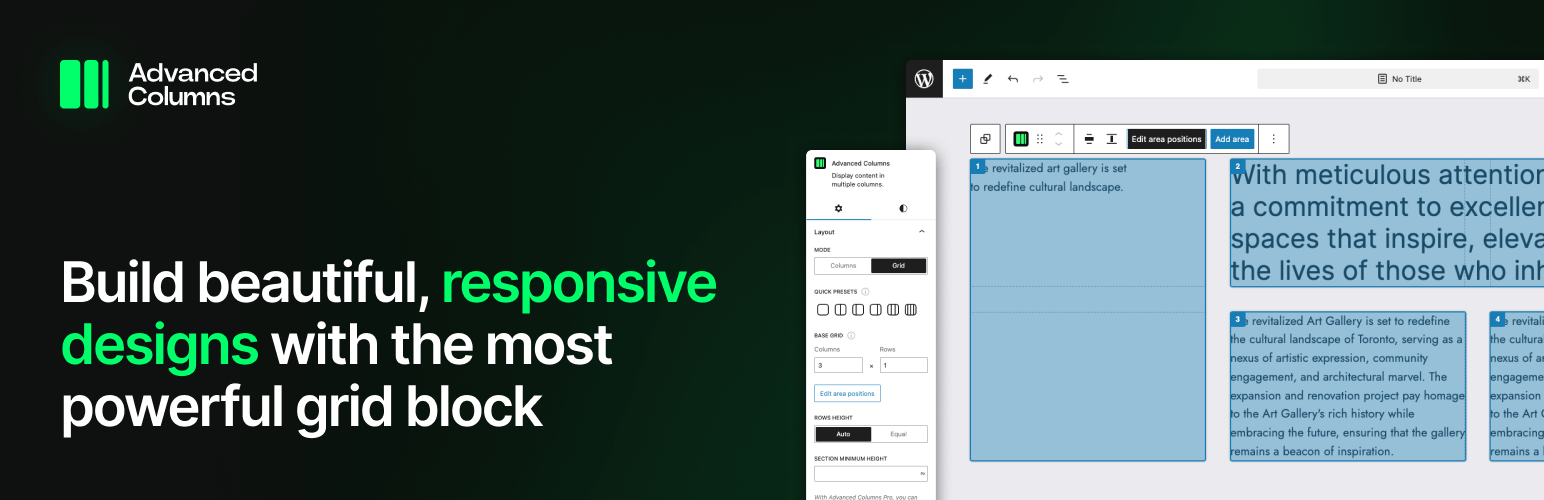
The Advanced Columns Block is a WordPress plugin designed for creating responsive layouts using a drag-and-drop interface. Built on a CSS grid foundation, it allows you to control layout grids and position columns at various breakpoints without needing coding skills.
This plugin is aimed at designers and developers who want to build flexible layouts quickly. It offers features like customizable backgrounds, typography adjustments at specific breakpoints, and one-click presets for easy content arrangement.
Best for: This plugin suits designers and developers looking to create responsive layouts in WordPress.
What it does well
Where it falls short
The Advanced Columns Block offers a straightforward solution for building responsive layouts, but detailed feature information is limited.
Evolve's own description of Advanced Columns Block: Layout builder, lightly tidied.
The professional plugin for creating responsive layouts in WordPress.
Built on the CSS grid foundation, the Advanced Columns plugin is the most powerful and flexible layout builder block for WordPress.
Official website | Browse the documentation | Get Pro version
Take control of layout grids, move your columns using a drag-and-drop interface, and precisely define their position at every breakpoint.
With Advanced Column, you can place a different images at every breakpoint and even combine it with solid color or gradient overlays.
Need to change the text alignment at a specific breakpoint? With Advanced Columns you can do so while still all the other text controls from WordPress Core.
Advanced Columns is the most comprehensive layout tool for WordPress: it leverages the power of CSS Grid, and allows for the creation of fixed column layouts, all of this is packed into an intuitive interface that doesn’t require coding skills.
Advanced Columns comes with a control that allows you to change the entire arrangement of your content, based on the most common columns configurations. With one single click, you can entirely change how your section looks at a specific breakpoint: that’s a nice time saver!
The Advanced Columns Plugin for WordPress offers designers an intuitive drag-and-drop interface, customizable Media Query breakpoints, and exceptional flexibility.
Other plugins for building pages visually.
Join millions who empower their websites with ElementsKit Elementor Addons. Get templates, & 100+ widgets...
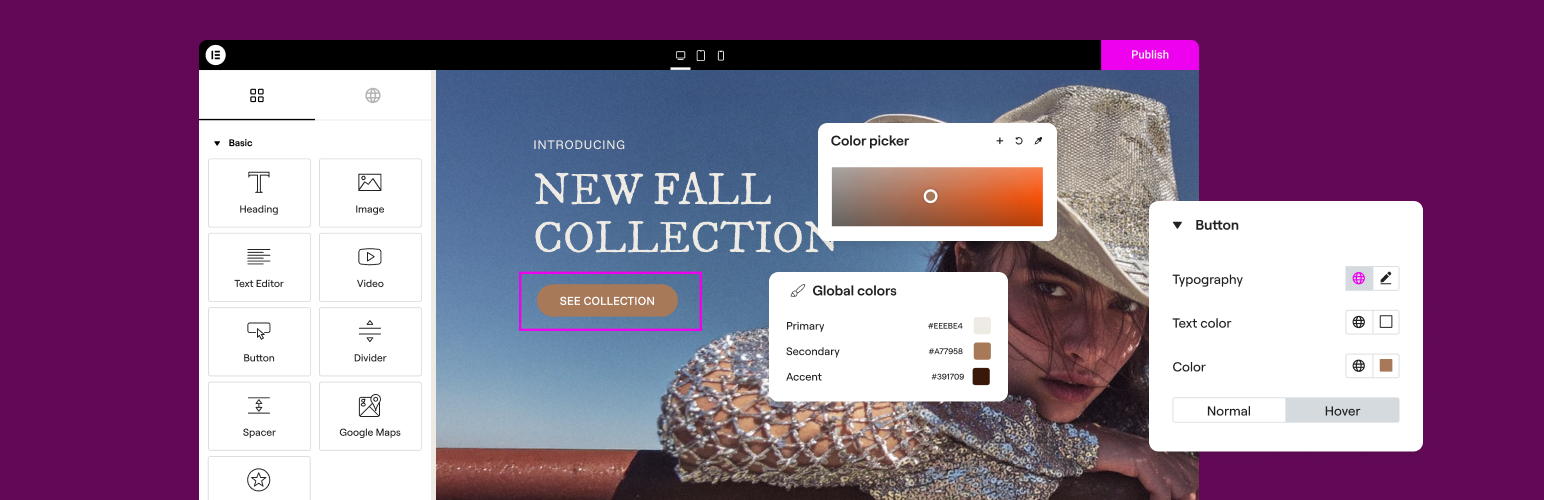
The Elementor Website Builder has it all: drag and drop page builder, Atomic Editor, pixel perfect design, glo...

The growing library of 300+ ready-to-use templates that work with all WordPress themes including Astra, Hello,...

Easy Drag & Drop Page Builder. A complete solution to create a WordPress Website, Custom Themes, Landing P...

Build responsive page layouts using the widgets you know and love using this simple drag and drop page builder...

Quickly create WordPress pages with 20+ blocks, 100+ ready-to-import designs, and advanced editor extensions....