
Elementor addon offering 120+ widgets and templates — Elementor Gallery, Slider, Form, Post Grid, Menu, Accord...
Free
1M+ installs 4.9★ (4,111)
Group related posts in a post series and automatically list all of the posts in the series as part of the content.

Also In This Series is a WordPress plugin designed to group related posts into a series and automatically insert a list of those posts into the content. You can create new series terms and add posts to them through the WordPress editing interface. The plugin also allows for manual embedding of series listings using shortcodes or widgets.
The plugin offers various settings to customise how series listings are displayed, including options for title formatting, display order, and whether to show the entire series or just a link to it. This plugin is suitable for users who want to enhance their content discovery and internal linking by showcasing related posts in a structured manner.
Best for: This plugin is best for bloggers and content creators who want to organise and promote related posts in a series format.
What it does well
Where it falls short
Also In This Series provides a straightforward solution for grouping related posts, though its limited documentation may require users to explore its functionality independently.
Jon Weatherhead's own description of Also In This Series, lightly tidied.
Group related posts in a series. Automatically insert a list of all posts in the series as part of the content.
Manually embed a series listing with the provided shortcode and widget. Override the series template with a custom template.
A great rundown of the plugin is available on the Planetjon blog.
Create new Series terms from the Series manager under Posts. Add posts to series either through the quick edit screen or through the full edit screen.
Also In This Series can be configured to automatically insert a series listing in posts belonging to a series.
To do so, navigate to Also In This Series settings under the settings option.
To manually insert the series listing of a post within a series as part of the content, use the shortcode [alsointhisseries].
This will have no effect if the post isn’t in a series.
To manually insert a specific series, use the series-slug attribute with the shortcode like [alsointhisseries series-slug=”your-series-slug”].
The shortcode attributes are
Other plugins for content discovery.
Elementor addon offering 120+ widgets and templates — Elementor Gallery, Slider, Form, Post Grid, Menu, Accord...

Elementor templates, Header footer builder, Elementor Post Grid, Woocommerce Grid builder, Slider, Forms, Gall...

Gutenberg block editor with AI. 70+ Gutenberg blocks, patterns, WooCommerce blocks, post grid, gallery, menu w...

Easy to show posts, pages, custom posts in customizable grid, list, slider, accordion... Available as Widgets...
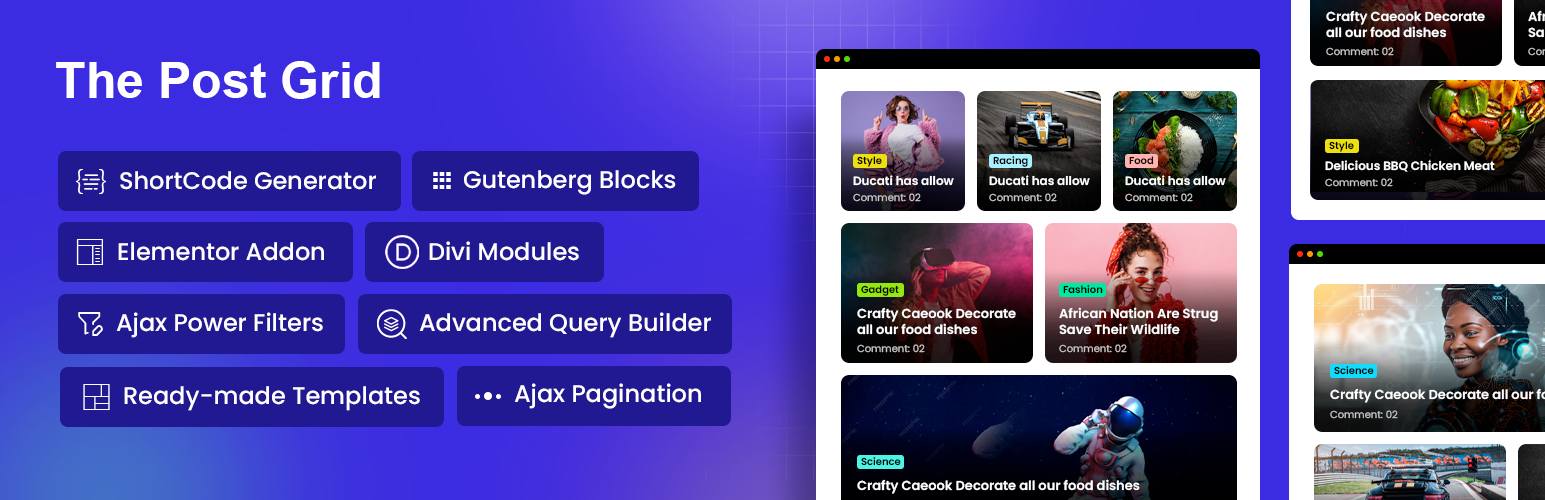
Display WordPress posts in beautiful grid, list, slider, and filter layouts. Works with Gutenberg, Elementor,...

Best Addons for Elementor with 120+ Elementor FREE & Pro Widgets & 1000+ Elementor Templates with Mega...