
Ad Inserter
94Manage Google AdSense ads, banners, ad rotation, sticky widgets, AMP ads, ads.txt, tracking, header and footer...
Free
300k+ installs 4.9★ (2,428)
An easier path to great Page Experience for everyone. Powered by AMP.
AMP is a WordPress plugin that helps you create fast, user-friendly websites by automating the generation of AMP-valid markup. It integrates with existing themes and plugins, allowing users to maintain their usual publishing workflows while optimising their sites for better page experience and performance. The plugin is suitable for both developers and non-developers, providing tools for validation and compatibility management.
With features that support mobile redirection and AMP-to-AMP linking, AMP aims to enhance user engagement across both mobile and desktop devices. Its different template modes cater to various site configurations, making it versatile for a range of WordPress users.
Best for: This plugin suits WordPress users looking to enhance site performance and user experience, regardless of technical expertise.
What it does well
Where it falls short
AMP is a practical solution for improving website speed and user engagement. It caters to a wide audience, making it accessible for various levels of WordPress users.
Weston Ruter's own description of AMP, lightly tidied.
Page Experience (PX) is a set of ranking signals—including Core Web Vitals (CWV)—measuring the user experience of interacting with a web page. AMP is a powerful tool which applies many optimizations and best practices automatically on your site, making it easier for you to achieve good page experience for your visitors. The official AMP Plugin, supported by the AMP team, makes it easy to bring the power of AMP to your WordPress site, seamlessly integrating with the normal publishing flow and allowing the use of existing themes and plugins.
For more videos like this, check out the ongoing AMP for WordPress video series.
The plugin’s key features include:
The official AMP plugin for WordPress is a powerful tool that helps you build user-first WordPress sites, that is, sites that are fast, beautiful, secure, engaging, and accessible. A user-first site will deliver experiences that delight your users and therefore will increase user engagement and the success of your site. And, contrary to the popular belief of being only for mobile sites (it doesn’t stand for Accelerated Mobile Pages anymore!), AMP is a fully responsive web component framework, which means that you can provide AMP experiences for your users on both mobile and desktop devices.
This plugin can be used by both developers and non-developer users:
The bottom line is that regardless of your technical expertise, the AMP plugin can be useful to you.
The official AMP plugin enables site owners to serve AMP to their users in different ways, which are referred to as template modes: Standard, Transitional, and Reader. The differences between them are in terms of the number of themes used (one or two), and the number of versions of the site (non-AMP, AMP). Each template mode brings its own value proposition and serves the needs of different scenarios in the large and diverse WordPress ecosystem. And in all cases, the AMP plugin provides as much support as possible in terms of automating the generation of AMP pages, as well as keeping the option chosen AMP valid. In a nutshell, the available template modes are the following:
Standard Mode: This template mode is the ideal, as there is only one theme for serving requests and a single version of your site: the AMP version. Besides enabling all of your site to be AMP-first, this has the added benefit of reducing development and maintenance costs. This mode is the best choice for sites where the theme and plugins used in the site are fully AMP-compatible. It's also a good option if some components are not AMP-compatible but the site owner has the resources or the know-how to fix them. See our showcase of sites using Standard mode.
Transitional Mode: In this mode there is also a single theme used, but there can be two versions of each page: AMP and non-AMP. The active theme is used for serving the AMP and non-AMP versions of a given URL. This mode is a good choice if the site uses a theme that is not fully AMP compatible, but the functional differences between the AMP and non-AMP pages are acceptable (due to graceful degradation). In this case, users accessing the site from mobile devices can get the AMP version and get an optimized experience which also retains the look and feel of the non-AMP version. Check out our showcase of sites using Transitional mode.
Reader Mode: In this mode there are two different themes, one for AMP pages and another for non-AMP pages, and therefore there are also two versions of the site. This mode may be selected when the site is using an AMP-incompatible theme, but the level of incompatibilities is significant without graceful degradation. It’s also a good choice if you are not technically savvy (or simply do not want to deal with the incompatibilities) and therefore want simplified and robust workflows that allow you to take advantage of AMP with minimal effort.
Different modes would be recommended in different scenarios, depending on the specifics of your site and your role. As you configure the plugin, it will suggest the mode that might be best for you based on its assessment of the theme and plugins used on your site. And, independently of the mode used, you have the option of serving all or only a portion of your site as AMP. This gives you all the flexibility you need to get started enabling AMP on your site progressively.
Other plugins for mobile experience.
Manage Google AdSense ads, banners, ad rotation, sticky widgets, AMP ads, ads.txt, tracking, header and footer...
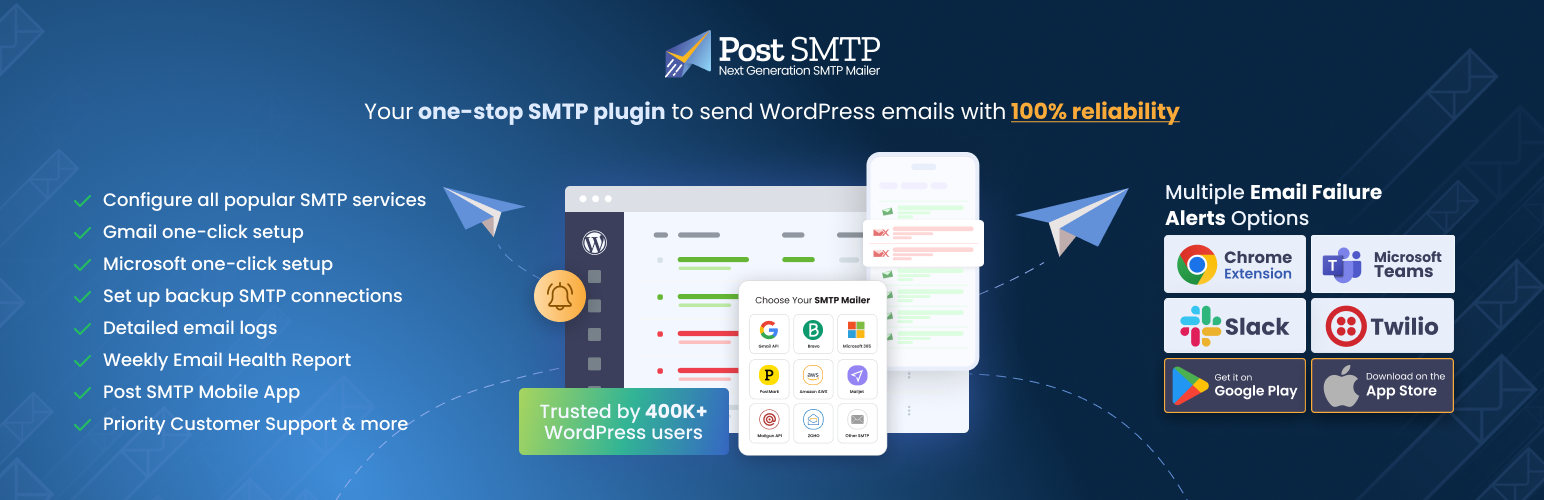
Improve WordPress email deliverability. Connect Gmail SMTP, Microsoft 365, Brevo, SendGrid, Mailgun, Zoho, Ama...

Seven free modules for Elementor: dark mode, container layouts, mobile menu, editorial text, style presets, JS...
AMP for WP is the most recommended AMP plugin by the community. Automatically add Accelerated Mobile Pages (Go...

Mobile menu & hamburger menu builder for WordPress. Create a responsive, customisable menu with 150+ optio...

SuperPWA helps you convert your WordPress website into a Progressive Web App instantly.