
A modern video and audio player for courses, landing pages, marketing, and testimonials — with captions, brand...
Free
100k+ installs 4.8★ (339)
A lightweight plugin that allows you to output an anchor.fm podcast player on your site that includes an episode index. Just add two URL's on the …

Anchor Episodes Index is a WordPress plugin designed for podcasters using the anchor.fm platform. It allows you to append an episode index to the anchor.fm podcast player, enabling you to display multiple episodes on your site rather than just a single episode.
To use the plugin, you input your anchor site and RSS URLs in the settings page and then add a shortcode to any page or post. It is suitable for podcasters who want to enhance their website by showcasing their entire episode index seamlessly.
Best for: Podcasters using anchor.fm who want to display their episode index on their WordPress site.
What it does well
Where it falls short
Anchor Episodes Index is a straightforward solution for podcasters looking to integrate their episode listings into their website. It offers essential functionality but has some limitations regarding player output.
Jesse Sugden's own description of Anchor Episodes Index, lightly tidied.
This plugin appends an episode index to the anchor.fm podcast player. Currently, the only available embed for the anchor.fm player is for a single episode.
This plugin allows you to add your entire episode index, just the same as you have on your anchor.fm site.
Simply input your site and RSS URL’s on the settings page and add the shortcode to any page or post.
Email me here for suggestions and feedback.
Firstly, install and activate Anchor Episodes Index (this plugin).
Once activated, go to the settings and fill out the Anchor Site URL and Anchor RSS URL fields (be sure to add the URL’s without a “/” at the end, otherwise it will not work).
Then copy the shortcode you’ll see on the settings page and paste it in any page or post.
If you want to add multiple different podcasts on the site, you can define the RSS and Site URL’s as shortcode attributes instead of on the settings page. Note, you cannot currently output more than one player on one page.
Uses values set in the settings page:
[anchor_episodes]
Overrides values set on the settings page:
[anchor_episodes site_url=”https://anchor.fm/your-podcast” rss_url=”https://anchor.fm/s/123456-your-key/podcast/rss” max_episodes=”10″]
Other plugins for audio and podcasts.
A modern video and audio player for courses, landing pages, marketing, and testimonials — with captions, brand...
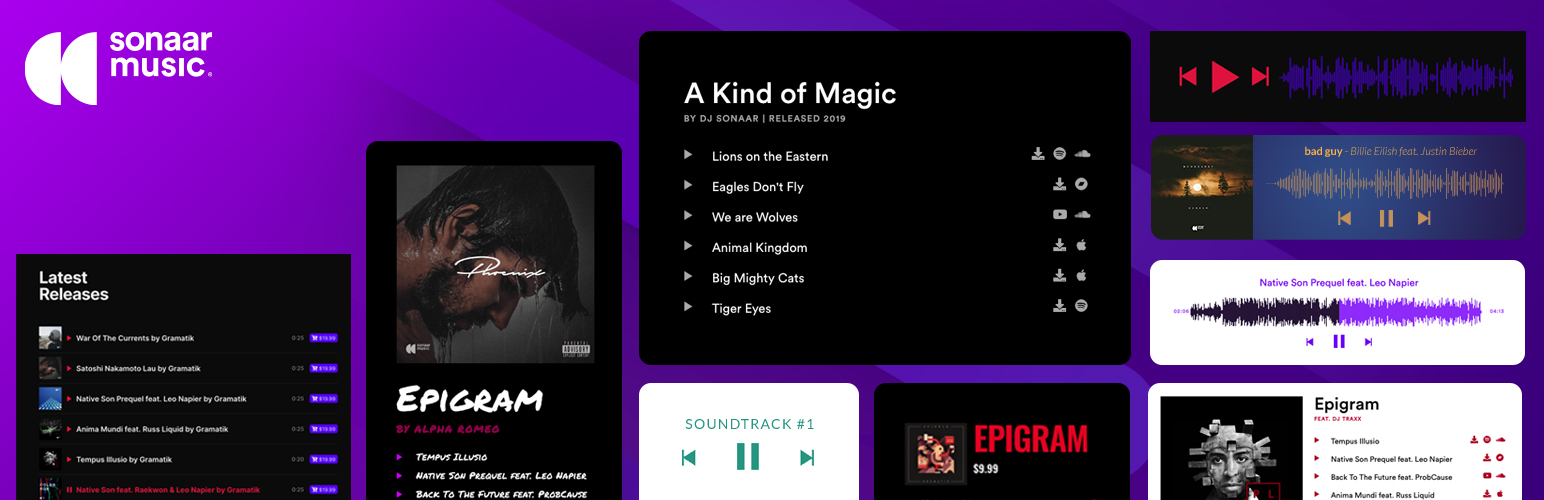
The most advanced Audio Player for Music & Podcast. For Elementor, Gutenberg, WooCommerce and more. Add un...

No. 1 Podcasting plugin for WordPress.

Audio Player for Elementor – the go-to plugin for adding MP3s, podcasts & playlists. Fully customizable, W...
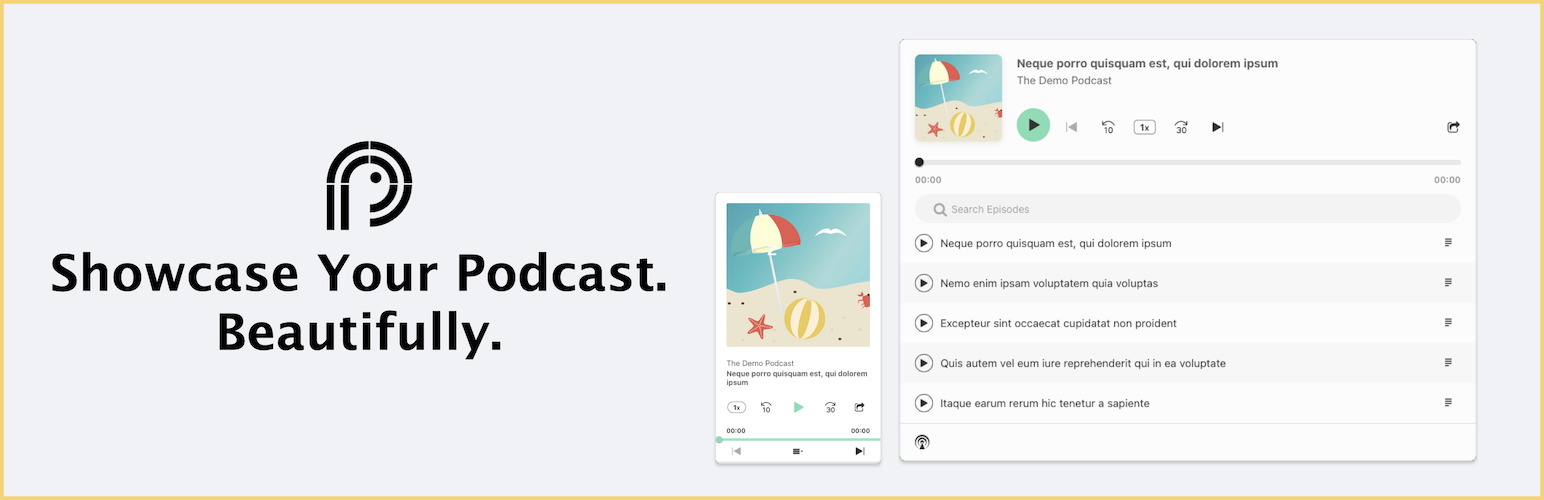
Showcase your podcast only using podcasting feed url. Use widget, shortcode or editor block to display podcast...
Maximize your WordPress site's potential with our versatile HTML5 Audio Player plugin. Seamlessly play .m...