
Build photo galleries, image galleries, and portfolio grids with gallery blocks. Masonry, lightbox, sliders, a...
Free
60k+ installs 4.8★ (336)
A powerful, easy and attractive way to display your recent work on your website

Arconix Portfolio is a WordPress plugin designed for creating and managing portfolio showcases. It allows you to set up a portfolio quickly by adding a custom post type and using a shortcode to display it on your site. The plugin is aimed at users who want a straightforward solution for showcasing their work without needing extensive technical knowledge.
The plugin includes features such as custom taxonomies for tagging portfolio items, filtering animations, and individually set hyperlinks for each portfolio item. It also supports CSS customizations to maintain styling through updates, making it suitable for users who want a personalised touch to their portfolios.
Best for: This plugin suits individuals or businesses looking to create a simple portfolio showcase on their WordPress site.
What it does well
Where it falls short
Arconix Portfolio offers a straightforward way to create a portfolio, though users should be aware of its limited updates and directory score.
tychesoftwares's own description of Arconix Portfolio, lightly tidied.
Let’s face it, if you need to watch a detailed video or read a full-blown user manual in order to use a portfolio plugin, something’s gone terribly wrong. A plugin like that should be simple to setup and use and integrate tightly with WordPress providing the smallest learning curve possible to get up and running quickly — and that’s exactly what Arconix Portfolio offers.
Get your basic portfolio up in 5 easy steps:
[portfolio] into the main editor box and click PublishLike all good software there are additional ways to customize the look and behavior of your portfolio. I suggest you take a peek at the documentation which lays out the various ways you can make your portfolio more personal.
Great plugin with such kind people behind it – I have had an absolutely lovely experience with the support of the people behind this plugin. Highly recommend it! 🙂
lassechills
Add the [portfolio] shortcode to your post, page or other content area. Customizations are available and can be access via shortcode options which you can read about in the plugin documentation
WordPress support forum or feel free to open an issue on GitHub.
Other plugins for showcasing work.
Build photo galleries, image galleries, and portfolio grids with gallery blocks. Masonry, lightbox, sliders, a...

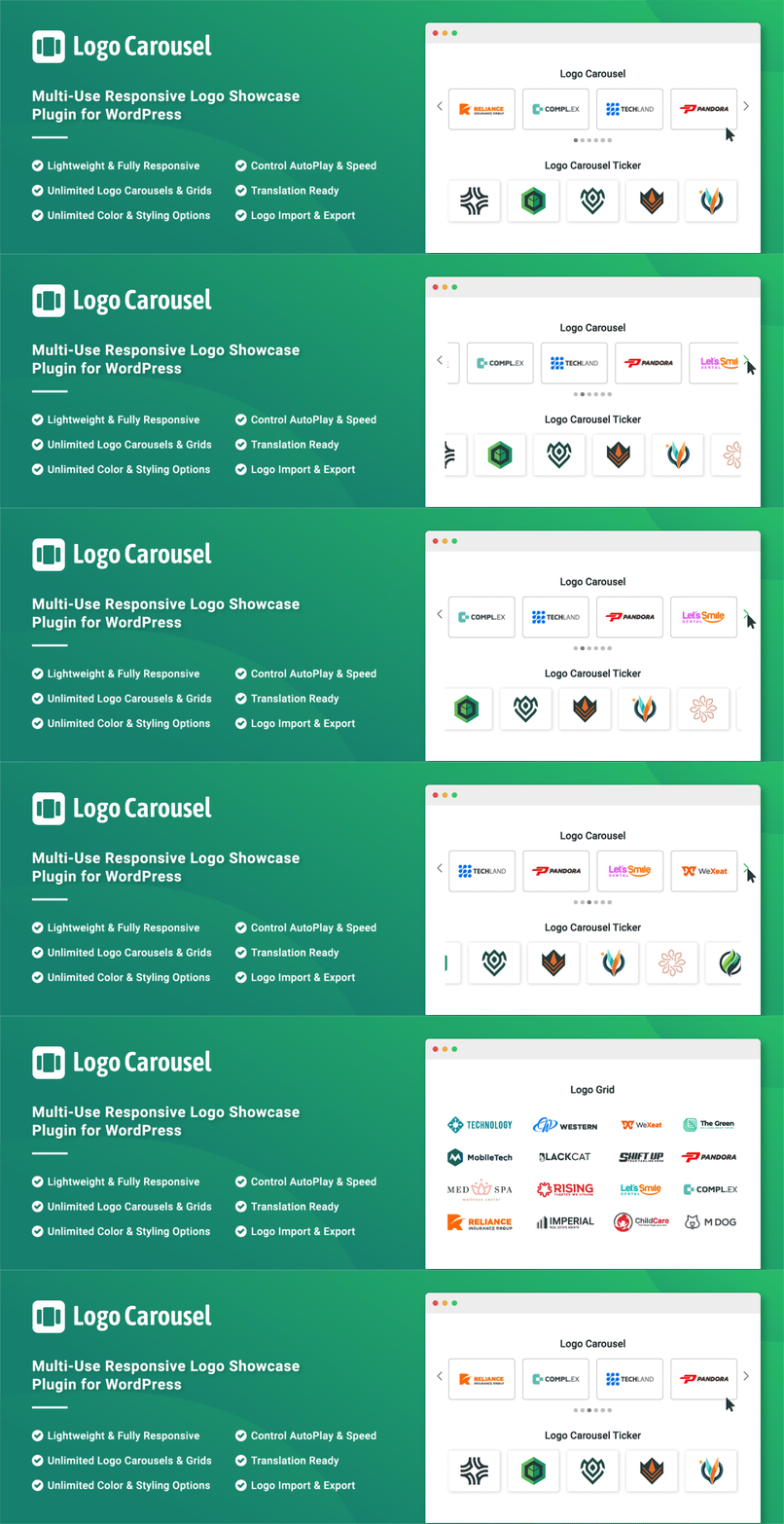
Logo Slider: The best responsive plugin for Logo Showcase, Logo Carousel, and displaying clients' logos....

Supercharge the WordPress block editor with enhanced core blocks, hundreds of block patterns, professional sta...

Showcase your story or company history, events, and roadmap in an interactive timeline using the powerful Cool...

Create filterable portfolio galleries with photos, videos, category filters in masonry layouts. Supports Guten...
Add, display, and manage clients, partners, sponsors, and brand logos with multiple slideshows on your site. C...