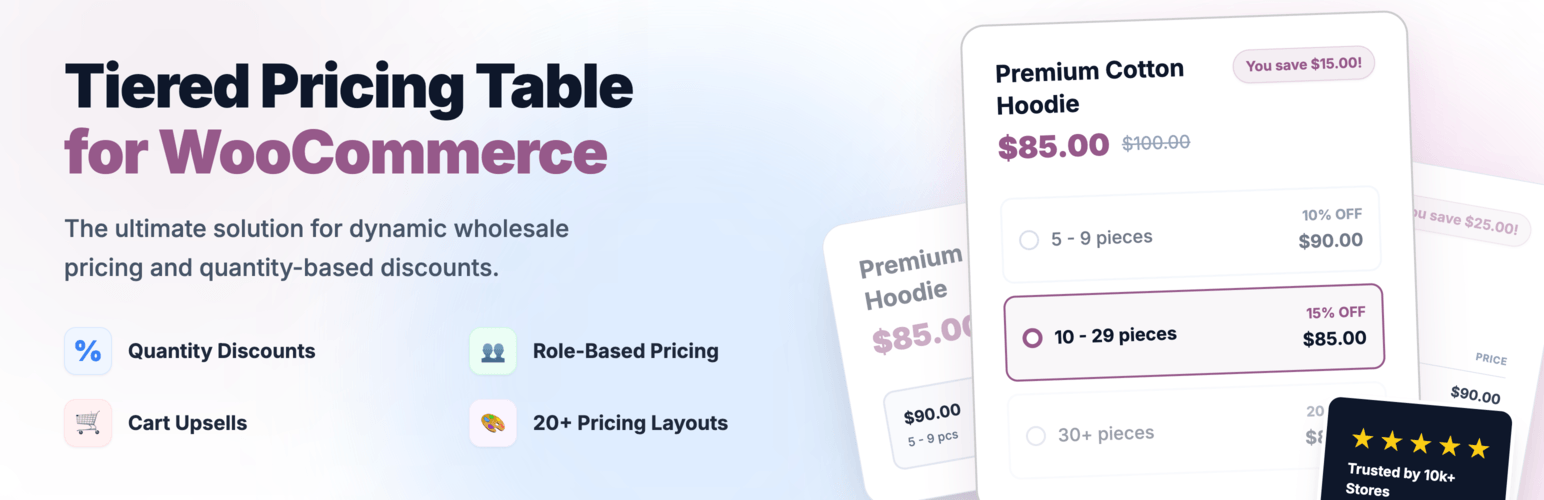
Create bulk, wholesale, and quantity-based pricing in WooCommerce with flexible tables, role-based pricing, an...
Free
10k+ installs 4.7★ (103)
Plugin for WooCommerce. It includes the catalog mode in the store (there are no prices and the Buy button) and can turn on the Buy/Order button in one …
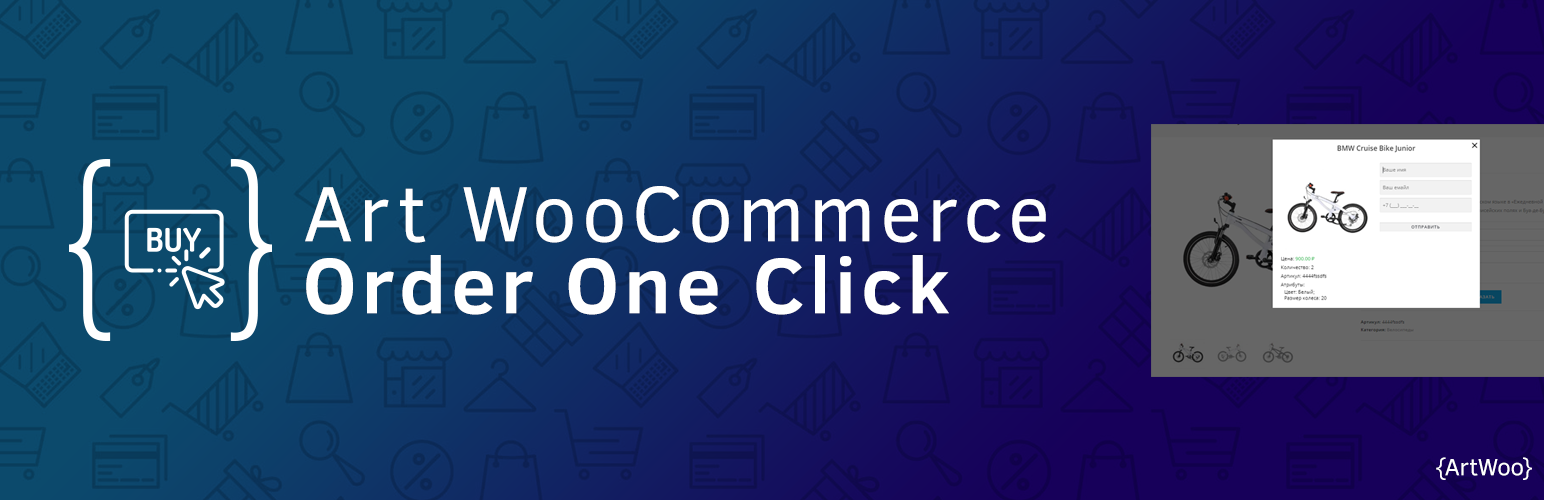
Art WooCommerce Order One Click is a WordPress plugin designed for WooCommerce that allows users to manage product ordering with ease. It offers multiple modes of operation, including catalog mode, buy button mode, and special modes that adjust the visibility of buttons based on product availability and pricing. The plugin requires WooCommerce and Contact Form 7 to function properly.
This plugin is suitable for online stores that want to simplify the purchasing process by allowing customers to order products with a single click or by hiding prices and 'Add to Cart' buttons when necessary. It is particularly useful for businesses that may not always have prices available or manage stock levels closely.
Best for: This plugin suits eCommerce sites that need flexible ordering options and manage product availability closely.
What it does well
Where it falls short
Art WooCommerce Order One Click provides useful features for managing product orders in WooCommerce. It is a practical choice for store owners looking to enhance the purchasing experience.
Artem Abramovich's own description of Art WooCommerce Order One Click, lightly tidied.
Plugin for WooCommerce. It includes the catalog mode in the store (there are no prices and the Buy button) and can turn on the Buy/Order button in one click. WooCommerce and Contact Form 7 are required for proper operation.
Starting from version 3.0, the plugin has been completely rewritten to the new architecture. If you encounter performance problems after installing the plugin, switch back to version 2.4.3 and contact support or the support chat.
The plugin provides three modes of operation:
On the pages of the categories and the store itself, the Add to Cart buttons are disabled. On the product page, the “Add to cart” button is hidden and the “Order” button appears.
The button “Add to cart” works in the normal mode, that is, goods can be added to the cart and at the same time ordered in one click
Special mode of operation. The Order button will appear automatically if:
In other cases, the Order button does not appear in this mode.
Special mode. When turned on, it works the same way as normal mode. But if the goods have no price or the product out of stock, then only the Order button will appear.
The plugin has implemented the function of creating orders when sending a letter. But to work correctly, you need to correctly configure the forms in the Contact Form 7 plugin.
After the first activation, starting from version 3.0, a form with the required fields is created in the Contact Form 7 plugin. The AWOC Hidden Field button is no longer relevant. Only in the plugin settings you need to select the desired form.
Other plugins for quote requests.
Create bulk, wholesale, and quantity-based pricing in WooCommerce with flexible tables, role-based pricing, an...

NP Quote Request for WooCommerce enables your customers to easily submit quote requests to your WooCommerce st...

Request a Quote for WooCommerce and Elementor plugin shows a Contact Form 7 or WPForms popup on button click....

Best WooCommerce wholesale plugin with features like b2b wholesale prices, wholesale order form, tiered pricin...
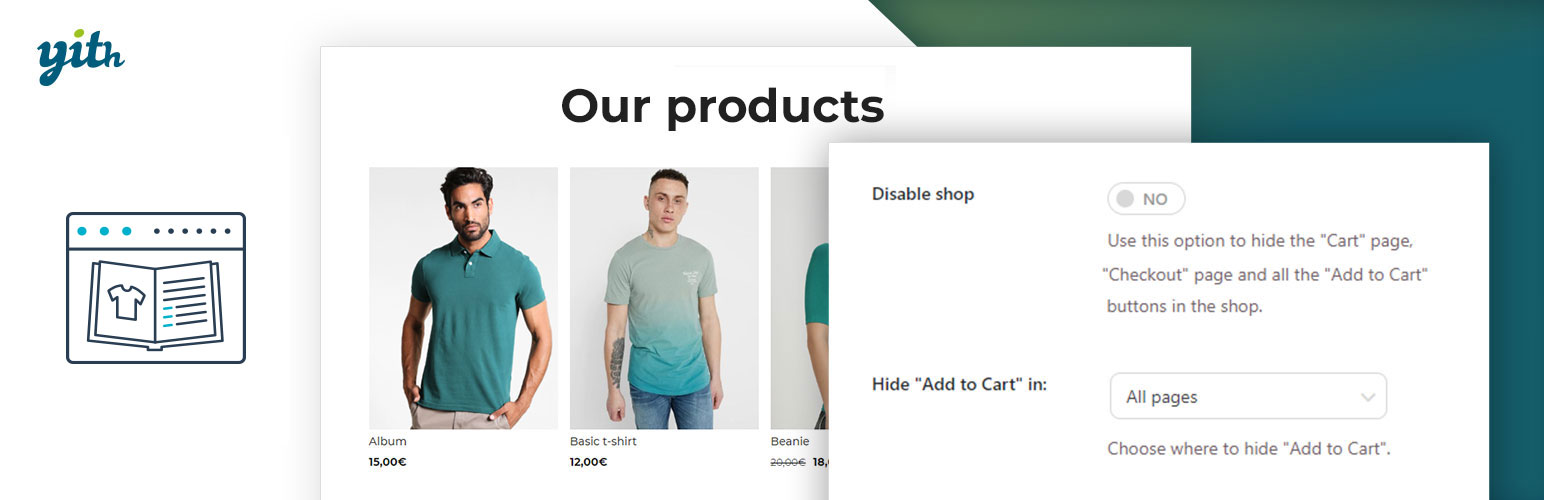
YITH WooCommerce Catalog Mode, a plugin for disabling sales in your e-commerce and turn it into an e-commerce...

This plugin allows the site admin the ability to accept quote requests for products. Prices can be hidden. No...