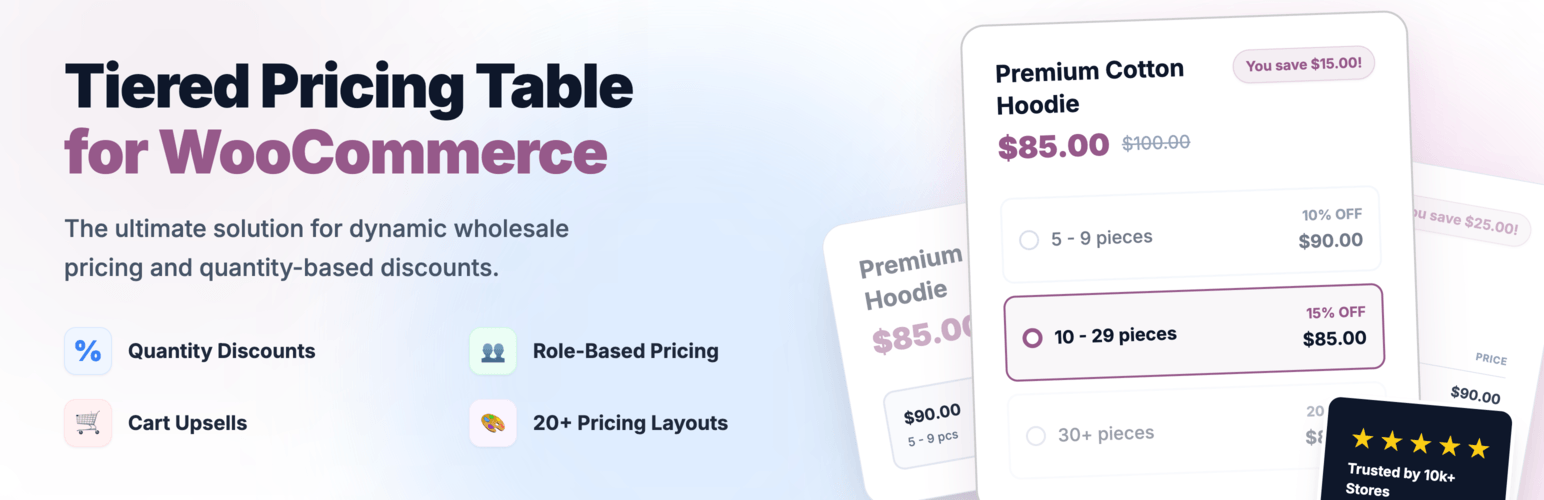
Create bulk, wholesale, and quantity-based pricing in WooCommerce with flexible tables, role-based pricing, an...
Free
10k+ installs 4.7★ (103)
Request a Quote for WooCommerce and Elementor plugin shows a Contact Form 7 or WPForms popup on button click. Quote for WooCommerce, price on request.

Request a Quote for WooCommerce is a WordPress plugin that enables customers to request pricing before making a purchase. It adds a customizable 'Get a Quote' button to WooCommerce products, allowing inquiries for bulk orders, custom products, or specific variations. The plugin integrates with Contact Form 7 and WPForms to facilitate the quote request process.
You can add the quote button to single product pages or product grids, and it can be displayed anywhere on your site using a shortcode. The plugin offers options to customize the button's appearance and visibility based on product status, making it suitable for WooCommerce stores that need to manage quote requests effectively.
Best for: This plugin is best for WooCommerce store owners looking to manage quote requests efficiently.
What it does well
Where it falls short
Request a Quote for WooCommerce provides a straightforward solution for enabling quote requests on WooCommerce sites. It is particularly useful for businesses that offer bulk or custom pricing options.
WPBean's own description of Request a Quote for WooCommerce, lightly tidied.
Request a Quote for WooCommerce and let customers get pricing before they buy. This powerful WooCommerce quote plugin adds a customizable Get a Quote button to your products, allowing customers to request prices for bulk orders, custom products, specific variations, shipping details, or alternative products. Build a complete WooCommerce product enquiry and quotation system with seamless integration with Contact Form 7 and WPForms.
WooCommerce Contact Form 7 or WooCommerce WPForms. This plugin makes it very simple to integrate these two plugins.
Get a Quote/Request a Quote button can be added to a WooCommerce single product page or below the product grid using this plugin. A Contact Form 7 or WPForms popup form will show up on the quote button click.
It is also possible to add a Get a Quote/Request a Quote button anywhere on your site using it’s Custom ShortCode. Whether you are using WooCommerce or not.
For the form, it supports the two most popular form plugins. This quotation pop-up can be used with any form plugin, such as Contact Form 7 or WPForms. The contact form will be shown in a nice pop-up on click the quote button.
The plugin options allow you to alter the quotation button’s text, color, size, and location. Additionally, it offers WooCommerce choices; the quote button is only visible for featured or out-of-stock items.
Request a Quote for WooCommerce proudly holds a perfect 5.0-star rating based on feedback from 23 satisfied users.
Trusted by over 6,000 active websites, this plugin delivers a reliable and efficient quote request solution for WooCommerce stores.
Other plugins for quote requests.
Create bulk, wholesale, and quantity-based pricing in WooCommerce with flexible tables, role-based pricing, an...

NP Quote Request for WooCommerce enables your customers to easily submit quote requests to your WooCommerce st...
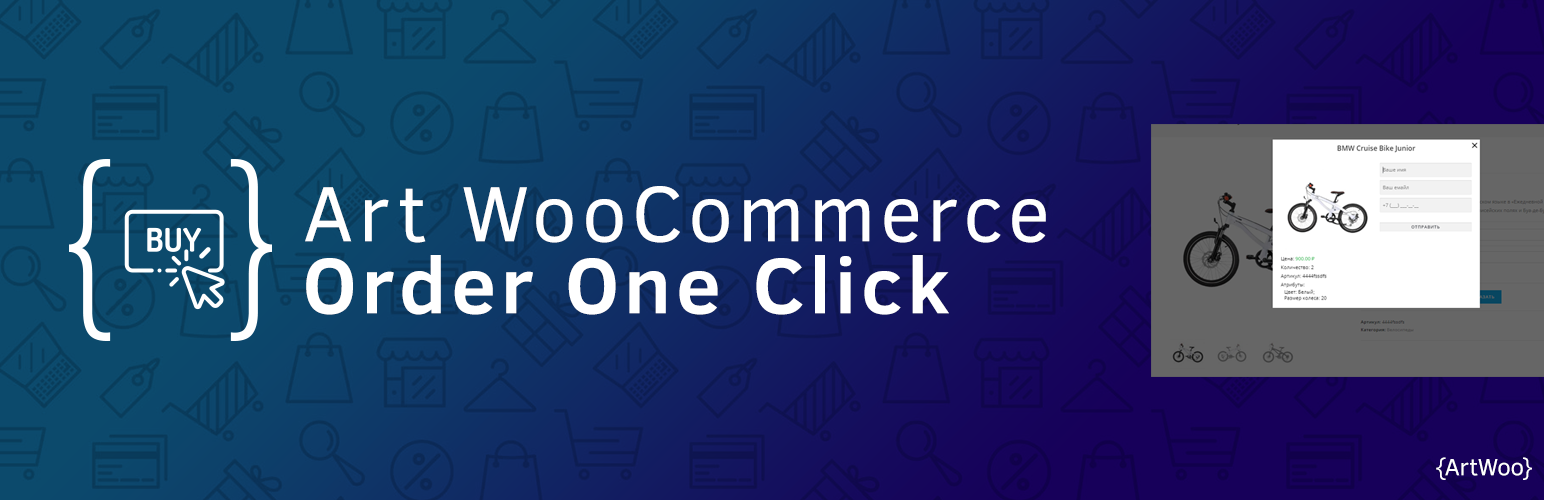
Plugin for WooCommerce. It includes the catalog mode in the store (there are no prices and the Buy button) and...

Best WooCommerce wholesale plugin with features like b2b wholesale prices, wholesale order form, tiered pricin...
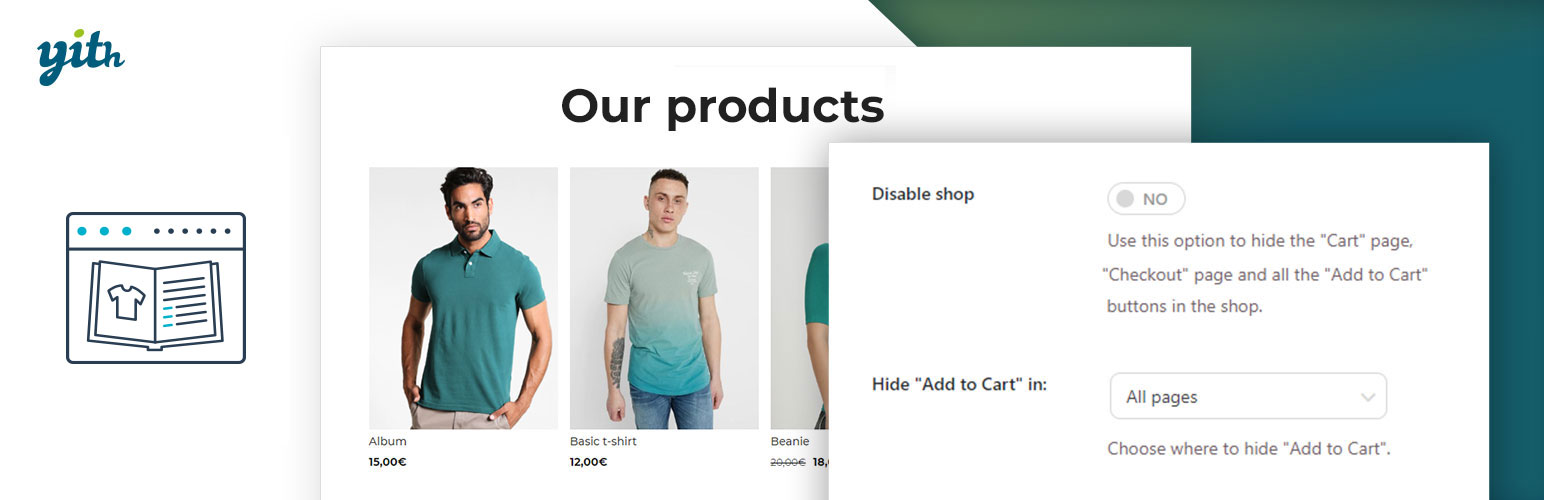
YITH WooCommerce Catalog Mode, a plugin for disabling sales in your e-commerce and turn it into an e-commerce...

This plugin allows the site admin the ability to accept quote requests for products. Prices can be hidden. No...