
Join millions who empower their websites with ElementsKit Elementor Addons. Get templates, & 100+ widgets...
Free
1M+ installs 4.9★ (2,036)
A simple and easy way to assign widgets to a specific page or create widget area.

Assign Widgets is a WordPress plugin that allows you to assign widgets to specific pages or create custom widget areas. You can control the visibility of widgets through options available under each widget area in the WordPress admin panel. This functionality helps tailor the user experience by displaying relevant widgets based on the page being viewed.
This plugin is suitable for users who want to enhance their site's sidebar functionality by managing widget visibility effectively. It is particularly useful for those running sites with diverse content that requires different widgets on different pages.
Best for: This plugin suits website owners looking to manage widget visibility on their WordPress sites.
What it does well
Where it falls short
Assign Widgets offers basic functionality for controlling widget visibility, but its outdated status and lack of ratings may concern some users.
Themezly's own description of Assign Widgets, lightly tidied.
Did you find this plugin helpful? Please consider leaving a 5-star review.
Assign Widgets plugin for WordPress will help you assign widgets to specific pages or create custom widget areas. Plugin options are located under every WordPress widget area and they will let you control widgets visibility.
Get involved
Developers can contribute to the source code on the Assign Widgets GitHub Repository.
Assign-widgets-version_number.zip to the /wp-content/plugins/ directory and extract.Other plugins for widgets and sidebars.
Join millions who empower their websites with ElementsKit Elementor Addons. Get templates, & 100+ widgets...

Elementor templates, Header footer builder, Elementor Post Grid, Woocommerce Grid builder, Slider, Forms, Gall...

Flexible sidebars for custom classic widget configurations on any page or post. Create custom sidebars with ea...
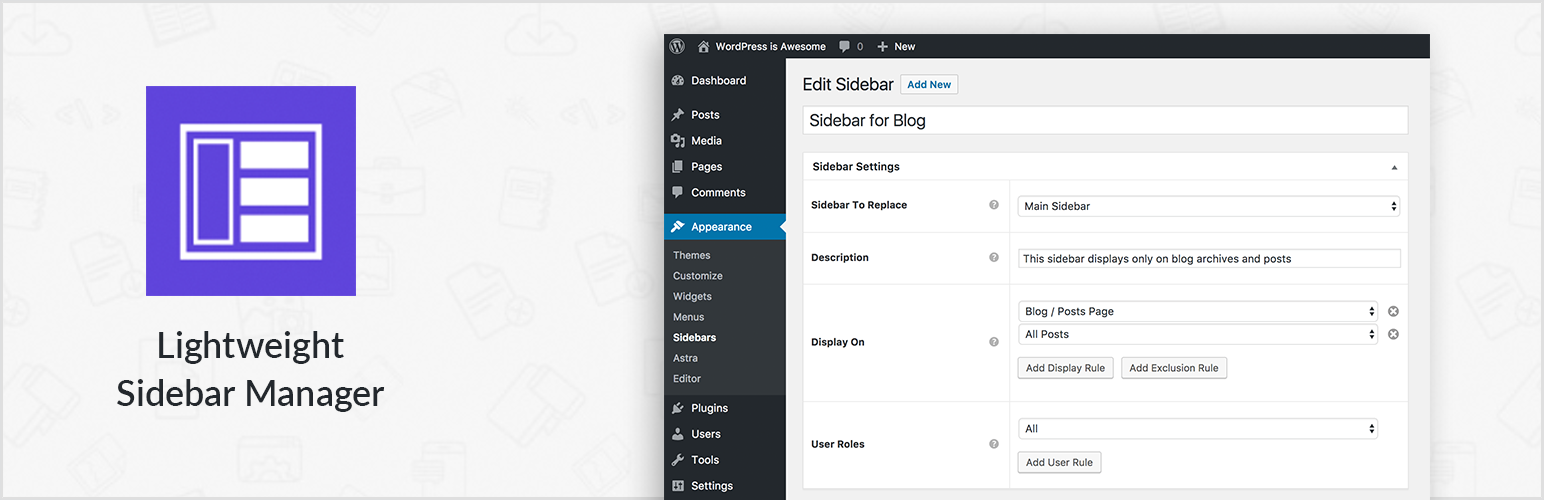
Create new sidebar areas and display them conditionally on certain pages. Works with all themes.
3000+ Elementor & Gutenberg Templates, AI Widget Builder, AI Code Snippets, MCP Workflow, Cloud Workspace...
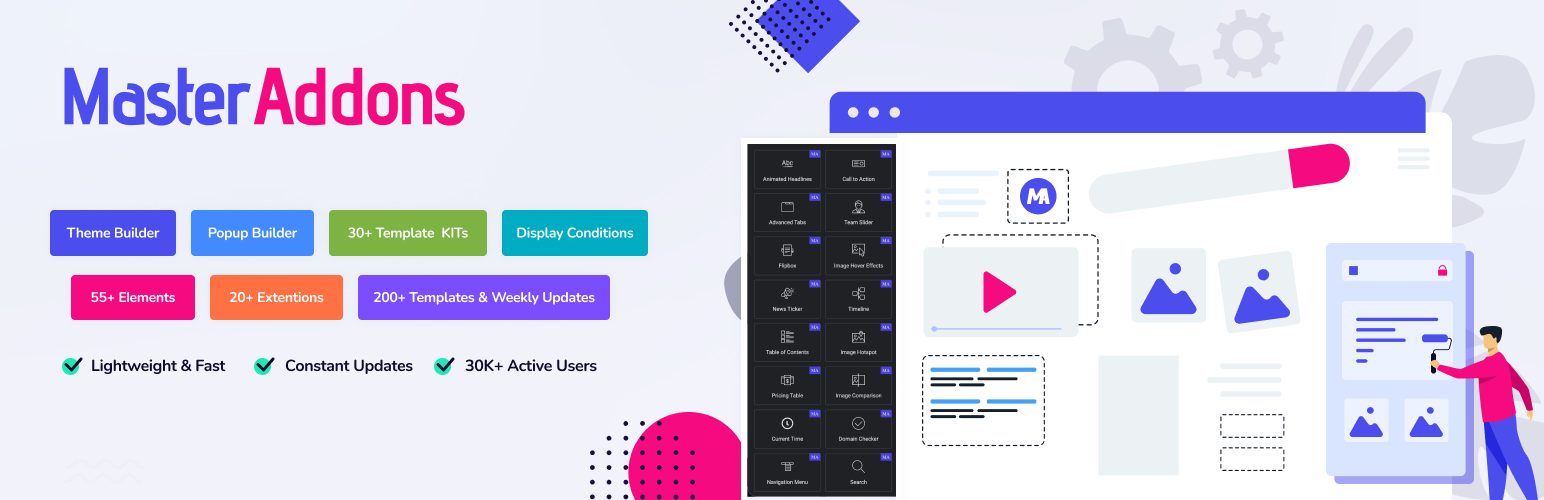
The complete Elementor addons plugin: 55+ widgets for Elementor, Mega Menu Builder, Popup Builder, Widget Buil...