
WPThumbs
Themes Plugins By purpose By industry Best-of lists Fix it guides
Free Plugin by POSIMYTH v2.6.5

WDesignKit

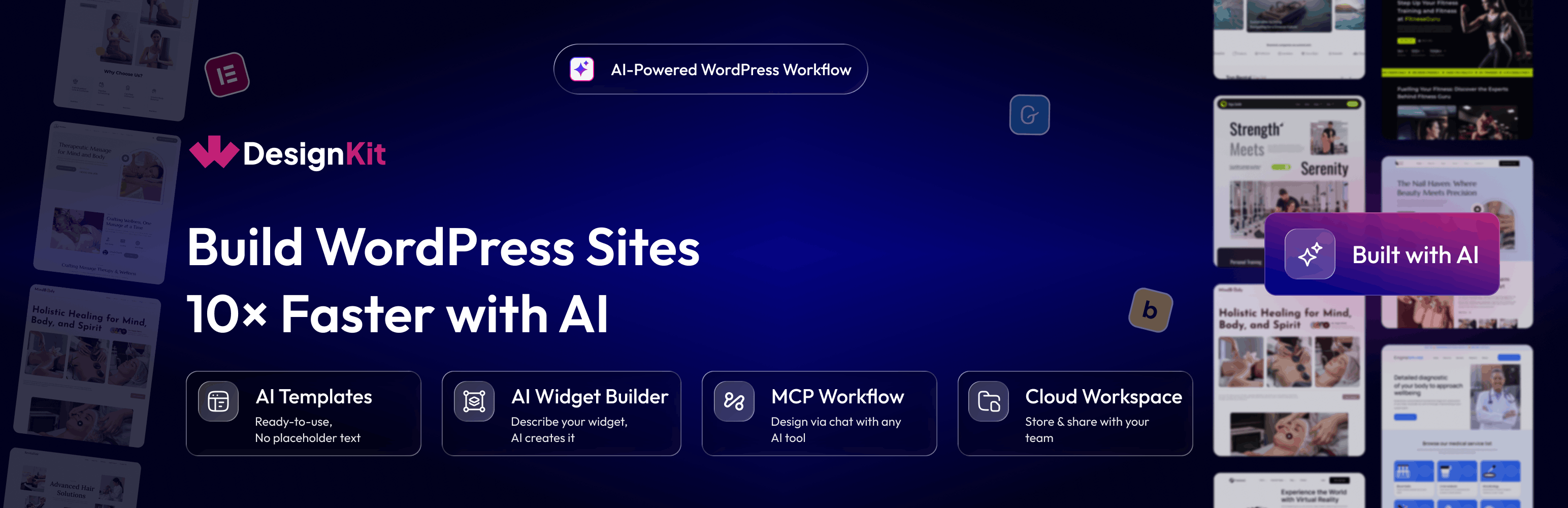
3000+ Elementor & Gutenberg Templates, AI Widget Builder, AI Code Snippets, MCP Workflow, Cloud Workspace & Figma Files, 220+ Widgets Library
WDesignKit

The facts

Rating
4.8★ from 12
Active installs
30k+
Price
Free
Last updated
21 Aug 2026
Added
Jan 2024
Requires WP
6.0
Tested up to
WP 7.0.4
Requires PHP
7.4
Downloads
730,315

Our analysis

AI-assisted

WDesignKit is a WordPress plugin designed to assist designers in creating websites quickly using AI technology. It offers features such as AI-generated templates, widget and code snippet builders, and a workflow automation system that connects to AI assistants via the Model Context Protocol (MCP).

This plugin is suitable for WordPress designers and agency owners who want to streamline their design process, allowing them to import pre-made templates and create custom widgets or code snippets without extensive coding knowledge.

Best for: This plugin is best for WordPress designers and agencies looking to enhance their workflow with AI tools.

What it does well

  • Offers AI-generated Elementor and Gutenberg templates
  • Includes a widget builder for creating custom widgets
  • Supports code snippet generation through AI
  • Facilitates collaboration with a cloud workspace
  • Provides a library of pre-built Elementor and Gutenberg elements

Where it falls short

  • Limited information on specific user experiences or performance metrics

Verdict

WDesignKit appears to be a useful tool for designers seeking to improve efficiency in website creation, though further user feedback would provide more insight into its practical application.

From the developer

POSIMYTH's own description of WDesignKit, lightly tidied.

WDesignKit is the ultimate designer tool for WordPress, empowering designers to create stunning websites in minutes. It’s the fastest way to build a WordPress website, making it a must-have tool for every WordPress designer or agency owner. Build faster with AI Templates, build widgets and code snippets with your favorite AI tool via MCP, and connect WDesignKit to compatible AI assistants through the Model Context Protocol (MCP) to streamline your WordPress workflow.

VISIT WDESIGNKIT WEBSITE

Quick Navigation Links

Visit Website | Video Tutorials | Documentations | Roadmap | Join Facebook Community | Free Support | Premium Support | AI Chat (Instant Answers)

Complete WDesignKit Features Explained Under 4 Mins Watch Now

What is WDesignKit ?

  • AI Templates: Import Elementor & Gutenberg Templates Pre-Populated with AI-Generated Content, No More Replacing Placeholder Text Line by Line
  • AI Widget Builder: Describe the widget you need in plain language, and your favorite AI tool, connected via MCP, builds a production-ready Elementor, Gutenberg, or Bricks widget.
  • AI Code Snippets: Generate custom WordPress code snippets through a conversation with your favorite AI tool, connected via MCP, no manual coding or copy-pasting required.
  • MCP Workflow: Connect WDesignKit to AI Assistants via Model Context Protocol (MCP) so You Can Design, Build, and Manage WordPress Sites Through a Chat Workflow
  • 1600+ Elementor Page Templates, Kit & Sections: Ready-Made, Professionally Designed Pages, Kits & Sections You Can Import into Elementor in One Click
  • 1500+ Gutenberg Templates & Patterns: Full Page Layouts & Reusable Patterns Built for the Native WordPress Block Editor
  • 110+ Elementor Widgets Library: Ready-to-Use Elementor Widgets Covering Sliders, Forms, Galleries, Content Blocks & More
  • 30+ Gutenberg Blocks Library: Pre-Built Gutenberg Blocks to Extend the Native Block Editor Without Extra Plugins
  • 80+ Bricks Elements Library: Pre-Built Elements Ready to Drop into Any Bricks Builder Layout
  • Elementor Widget Builder: Turn Your Custom HTML, CSS & JS Code into a Fully Working Elementor Widget, No Elementor Widget Development Experience Needed
  • Gutenberg Blocks Builder: Turn Your Custom Code into a Native Gutenberg Block Ready to Use in the Block Editor
  • Nexter Blocks Builder: Turn Your Custom Code into a Reusable Nexter Block
  • Bricks Elements Builder: Turn Your Custom Code into a Reusable Bricks Element
  • 1-Click Widget Converter: Easily Convert Elementor Widgets to Gutenberg Blocks or Bricks Elements & Vice Versa, No Rebuilding from Scratch When You Switch Builders
  • Cloud Workspace: Collaborate with your Team & Store Page Templates, Figma Designs or Custom Widgets on Cloud
  • 60+ Figma Designed Websites: Editable Figma Website Kits with Auto Layout, Ready to Hand Off to Design Directly into a Live Build

🔍 our products

💰 The Plus Addons for Elementor – 120+ Elementor Widgets to create Elementor Widgets Easily.

💰 NexterWP Theme, Blocks & Extensions – Best Starter Theme for WordPress with 22+ WordPress Extension & 90+ Gutenberg Blocks.

💰 UiChemy – Figma to Elementor & Bricks Convertor – Convert your Figma Templates In Live Elementor Website using our FREE Figma Plugin.

External services

  1. wdesignkit.com API : This API is used to fetch plugin-related data for onboarding and updates. It sends the plugin version and identifier during activation, updates, or specific plugin-related requests. For more details, you can review the Privacy Policy and Terms of Service.
  2. api.wordpress.org : This API retrieves plugin metadata and compatibility information from WordPress.org. It sends the plugin identifier during updates or when checking compatibility. More information can be found in the Privacy Policy and Terms of Service.
  3. api.posimyth.com : Usage analytics. Off by default; submitting the deactivation feedback form also sends it, plus your admin email if you tick the contact box. Terms · Privacy · what’s shared
  4. AI Templates : This feature sends your prompt to WDesignKit’s AI service to generate ready-to-use template content. No content is sent unless you actively use this feature. For more details, review the Privacy Policy and Terms of Service.
  5. Model Context Protocol (MCP) : The AI Widget Builder, AI Code Snippets, and MCP Workflow features connect WDesignKit to a third-party AI tool of your choice (such as Claude) over the Model Context Protocol. Your prompts, and where applicable your existing widget/template code, are sent to that AI tool to generate the result. This only happens when you actively connect and use an AI tool via MCP; review the privacy policy and terms of the AI tool you connect, in addition to WDesignKit’s Privacy Policy and Terms of Service.

Read the full description on the official page →

Tagged as

Alternatives

Other plugins for AI features.

Yoast SEO

Real-time SEO guidance, schema, and AI built in. Help search engines and AI systems understand your content. A...

Free 10M+ installs 4.8★ (27,819)
WPForms

WPForms

98

The best WordPress contact form plugin. Drag & Drop form builder to create beautiful contact forms, paymen...

Free 5M+ installs 4.8★ (14,369)
Rank Math SEO

Grow your organic traffic and AI visibility with powerful SEO tools, XML sitemaps, Schema automation, and buil...

Free 4M+ installs 4.8★ (7,496)
Translate WordPress with GTranslate

Translate WordPress with Google Translate multilanguage plugin using AI translation. Complete multilingual SEO...

Free 900k+ installs 4.9★ (4,950)
All in One SEO

AIOSEO is the WordPress SEO plugin. Boost SEO rankings with AI SEO tools, schema, meta descriptions, XML sitem...

Free 2M+ installs 4.7★ (5,201)
Premium Addons for Elementor

Elementor Carousel, Mega Menu, Posts List/Slider, WooCommerce Widgets, Display Conditions, AI Abilities, Prema...

Free 600k+ installs 4.9★ (1,677)