
WPThumbs
Themes Plugins By purpose By industry Best-of lists Fix it guides
Free Plugin by bPlugins v1.6.2

Audio Player Block

Embed a beautiful audio player in WordPress with playlists, cover images, custom styles, and shortcode support – a free Gutenberg audio block

Audio Player Block

The facts

Rating
5★ from 10
Active installs
2k+
Price
Free
Last updated
16 Aug 2026
Added
Dec 2021
Requires WP
6.5
Tested up to
WP 7.0.4
Requires PHP
7.1
Downloads
66,636

Our analysis

AI-assisted

Audio Player Block is a WordPress plugin that allows you to add a customizable audio player to your posts and pages. It enables you to upload audio files along with cover images, and manage playlists without needing to write any code.

The plugin is designed for users such as musicians, podcasters, course creators, and bloggers who want to enhance their content with audio. It features smart play/pause control, track details input, and shortcode integration for flexible placement on your site.

Best for: This plugin is suitable for musicians, podcasters, course creators, and bloggers looking to integrate audio content into their websites.

What it does well

  • Customizable audio player with playlists and cover art
  • Smart play/pause control prevents overlapping audio
  • Easy to manage multiple audio tracks
  • Fully configurable within the Gutenberg editor
  • Shortcode support for versatile placement

Where it falls short

  • No information on advanced features available in the Pro version
  • Limited details on support options

Verdict

Audio Player Block provides a straightforward solution for adding audio to WordPress sites, though users may want to explore the Pro version for additional features.

From the developer

bPlugins's own description of Audio Player Block, lightly tidied.

Give your visitors a beautiful listening experience – add a stylish audio player with playlists and cover art to any post or page, no code required.

Get Pro Version | Support

Why Audio Player Block?

The default WordPress audio embed is plain and forgettable. Audio Player Block replaces it with a polished, customizable player that fits your design – complete with track titles, artist names, and cover images.

Add multiple audio tracks to build a playlist, or select a single file for a simple standalone player. Smart play/pause control plays one track at a time and automatically pauses the others, so overlapping audio never happens.

Everything is configured right in the Gutenberg editor, and shortcode support lets you place the same player anywhere on your site.

Free Features

  • Multiple Audio Management: Easily add or remove multiple audio tracks with full control over your playlist.
  • Track Details Input: Set a custom title and artist name for each track to keep your content well organized.
  • Cover Image & Audio Upload: Upload audio files along with a cover image for a more engaging, visual player.
  • Player Customization: Adjust width and height, and style colors, backgrounds, and hover effects to match your website.
  • Smart Play/Pause Control: Play one track at a time while others pause automatically; click again to pause the current track.
  • Shortcode Integration: Display the audio player anywhere on your website with a shortcode.

Pro Version

Want more themes and playback controls? Audio Player Block Pro unlocks:

  • 5 Customizable Themes with different looks and settings.
  • Auto Play – automatically start the next song once the current one ends.
  • Loop Mode – repeat the current track when it finishes.
  • Prev/Next Navigation to move through the playlist.
  • Current & Total Time Display for each track.
  • Custom Stop Button you can show or hide.
  • Playback Speed Control options.
  • Download Icon so listeners can save the audio file.
  • Forward & Backward Buttons for skipping within a track.
  • Deep Style Controls: thumbnail border and radius, seek bar height, radius, thumb width, outline and shadow, controls border and hover border, time display radius, artist opacity, waveform colors, and playlist border and radius.

How to Use

  1. Install and activate the Audio Player Block plugin.
  2. In the Gutenberg editor, add the Audio Player Block from the “Widgets” block category.
  3. Upload your audio files, cover image, and track details.
  4. Fine-tune the design from the right-side settings sidebar.
  5. Publish – your player is live!

Use Cases

  • Musicians & Bands: Share albums and singles as playlists with cover art.
  • Podcasters: Embed episodes directly in posts and pages.
  • Course Creators: Add audio lessons and narration to learning content.
  • Bloggers: Offer audio versions of articles for on-the-go readers.

Did you like this plugin? Do you have a feature request? Please share your feedback with us.

Read the full description on the official page →

Tagged as

Alternatives

Other plugins for audio and podcasts.

Presto Player

A modern video and audio player for courses, landing pages, marketing, and testimonials — with captions, brand...
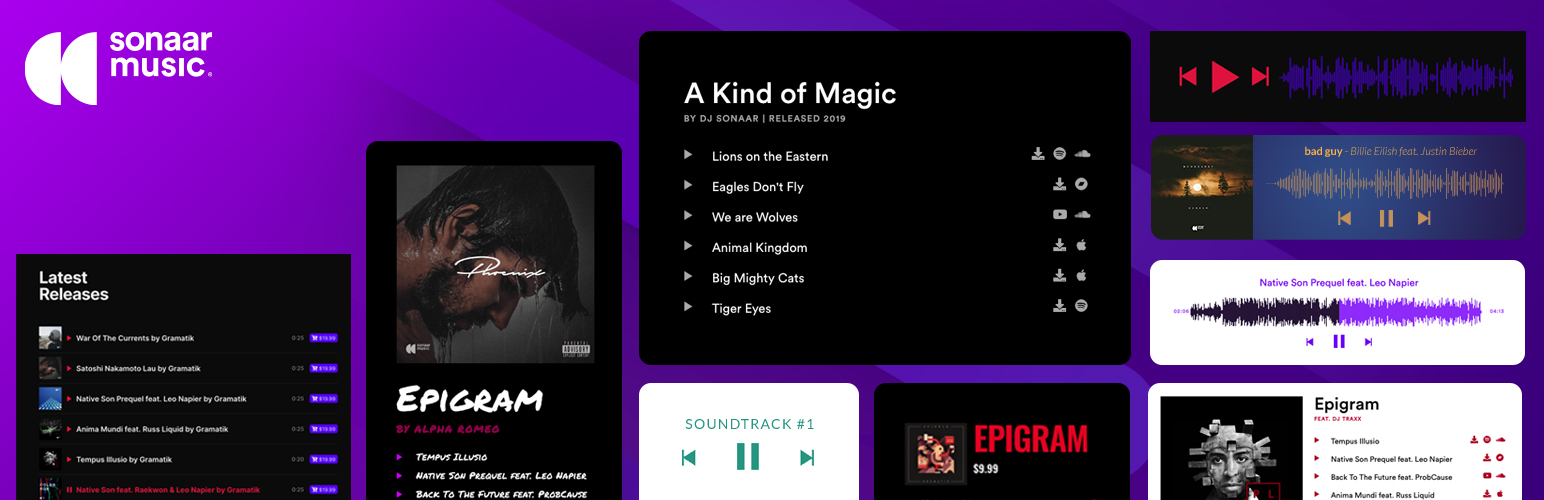
Free 100k+ installs 4.8★ (339)
MP3 Audio Player

The most advanced Audio Player for Music & Podcast. For Elementor, Gutenberg, WooCommerce and more. Add un...
Free 20k+ installs 4.8★ (302)
Music Player for Elementor

Audio Player for Elementor – the go-to plugin for adding MP3s, podcasts & playlists. Fully customizable, W...
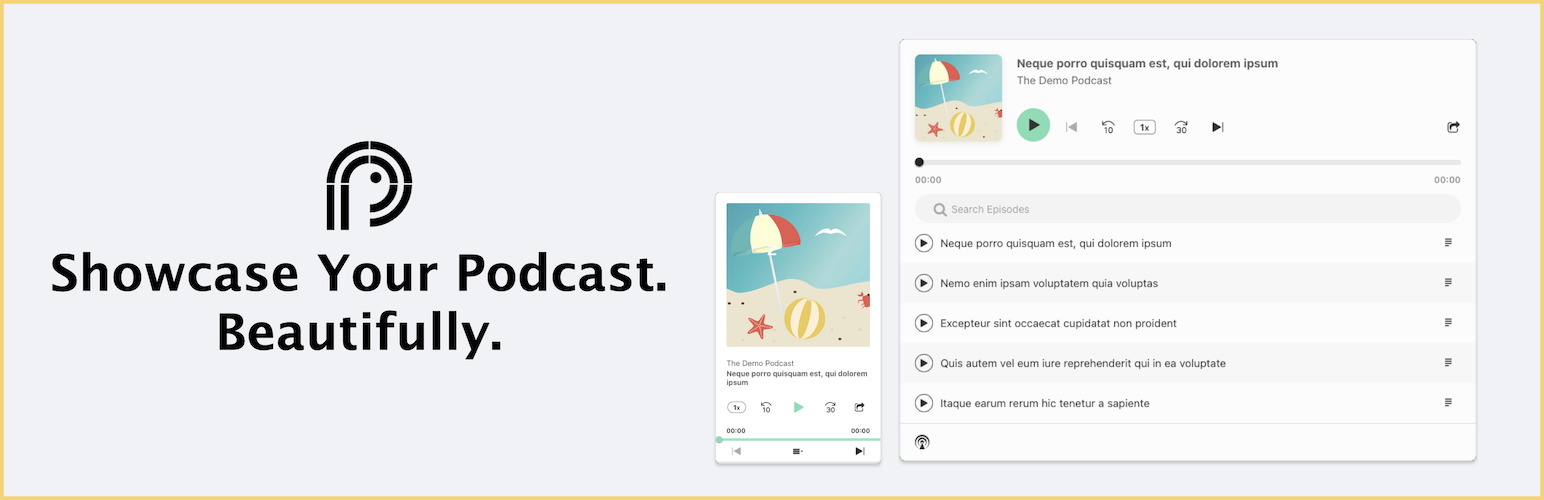
Free 10k+ installs 4.7★ (120)
Podcast Player

Showcase your podcast only using podcasting feed url. Use widget, shortcode or editor block to display podcast...

Free 10k+ installs 4.8★ (113)
HTML5 Audio Player

Maximize your WordPress site's potential with our versatile HTML5 Audio Player plugin. Seamlessly play .m...

Free 10k+ installs 4.6★ (167)