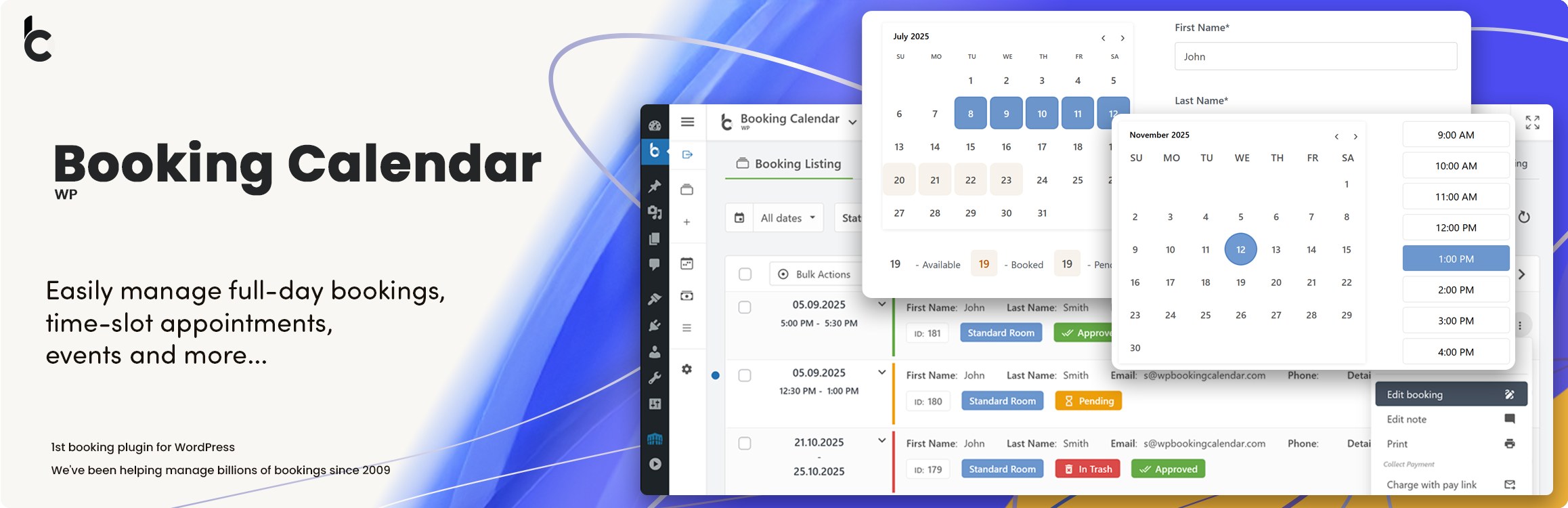
WP Booking Calendar plugin for full-day bookings, time-slot appointments, rentals & events. Accept booking...
Free
40k+ installs 4.7★ (653)
Provides one-time auto-login URLs with HMAC signatures and time limits.
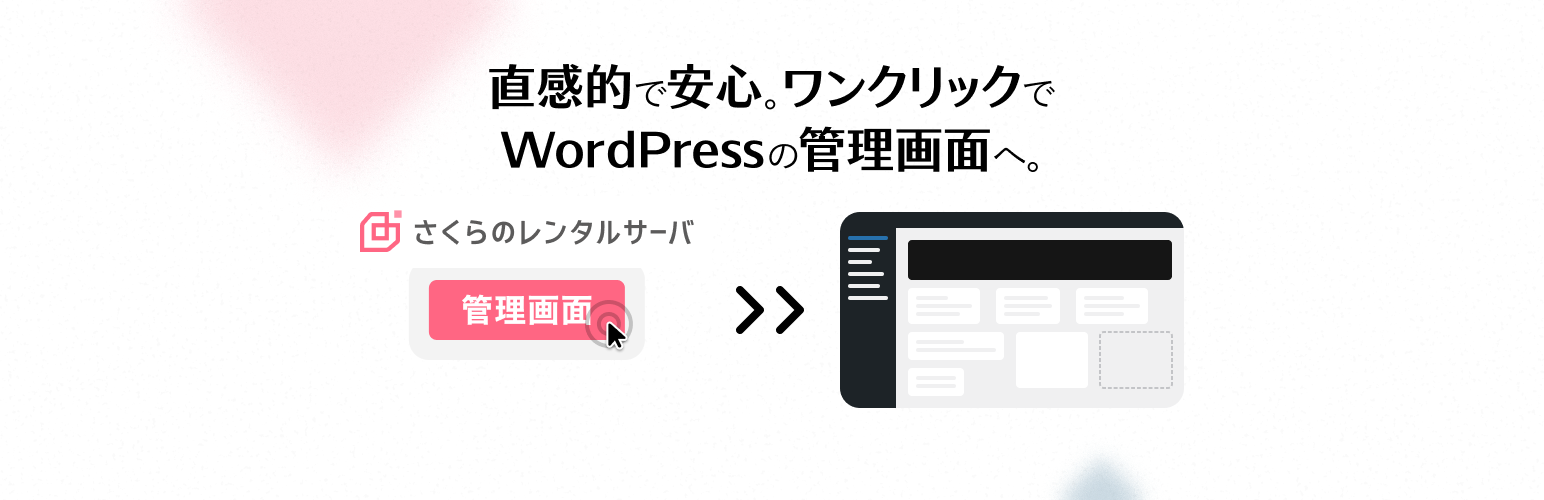
Auto Login for Sakura Rental Server is a WordPress plugin that enables administrators to create one-time, time-limited auto-login URLs using HMAC signatures. This functionality is designed for secure temporary access and system integration, allowing users to log in without traditional credentials.
The plugin generates tokens via WP-CLI, which can be issued with specific expiration times and are invalidated after a single use. It also maintains a history of token issuance, including details such as the issuer's IP address and username, making it suitable for sites that require secure access management and auditing.
Best for: This plugin is suitable for administrators needing secure temporary access to their WordPress site.
What it does well
Where it falls short
Auto Login for Sakura Rental Server provides a focused solution for secure access management, though details on user experience are limited.
sakurainternet's own description of Auto Login for Sakura Rental Server, lightly tidied.
Auto Login for Sakura Rental Server allows administrators to issue one-time, time-limited auto-login URLs using HMAC signatures.
This is useful for secure temporary access or system integration.
Features:
– Secure auto-login with one-time tokens
– Tokens are HMAC-signed and invalidated after use
– Token issuance and usage history (up to 100 entries per user)
– Records IP address and username of the issuer
– Rate limiting: 1 request per second per IP
– WP-CLI commands for token generation and history inspection
Example use cases:
– Temporarily granting admin access
– Safe automatic login from external systems
– Keeping an audit log of who issued a token and from where
wp auto-login-for-sakura-rental-server generate <user_id> [–expires=] [–remote_addr=] [–username=]
Example:
--expires and --username are optionalToken history is stored in the user meta key sakura_auto_login_history.
You can check it via WP-CLI:
wp user meta get sakura_auto_login_history
https://example.com/?rs_auto_login_token=<64-character HMAC token>
Visiting the URL will log in as the corresponding user and redirect to the admin dashboard.
update_option() for caching compatibilityOther plugins for rental businesses.
WP Booking Calendar plugin for full-day bookings, time-slot appointments, rentals & events. Accept booking...

Fast. Flexible. Forward-thinking solution for real estate agents using WordPress. Built for scale, listing man...
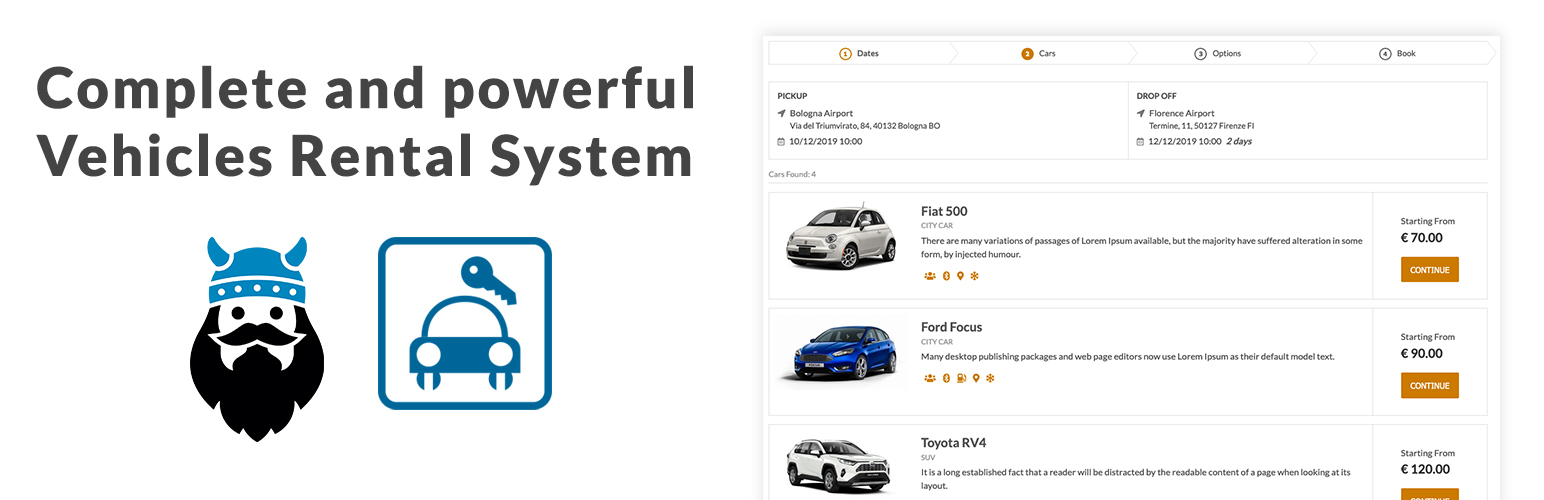
Robust Car Rental Management System for any kind of vechicles. The most reliable booking solution for managing...

The really fast and powerful Booking engine for theme/site developers to create any booking or rental sites (t...
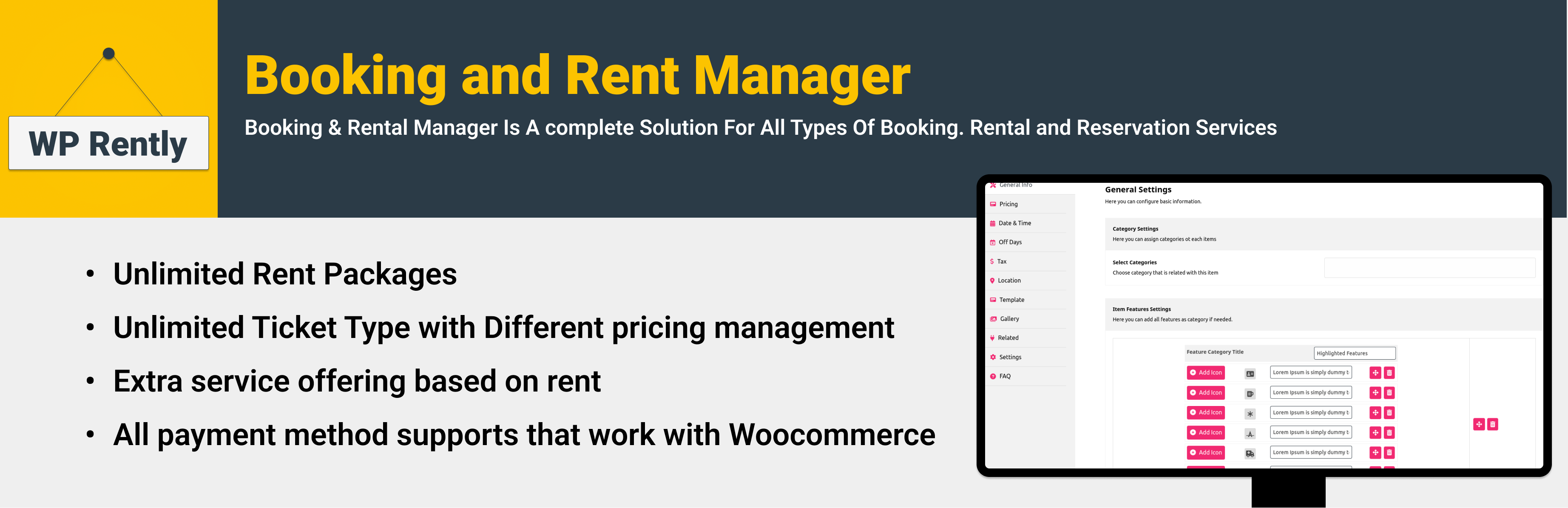
Create rental and booking products with WooCommerce for cars, bikes, equipment, dresses, resorts, appointments...

Flexible WordPress plugin to create professional real estate websites and manage property listings with ease,...