
Create WordPress websites with free forms, Gutenberg blocks, popups, sliders, countdowns, animations, pre-buil...
Free
80k+ installs 4.9★ (22)
Automatically keep your numbered lists in articles displaying the correct number by using this shortcode [auto-list-number].
AutoListicle is a WordPress plugin designed to automatically update numbered lists in your articles. By using the shortcode [auto-list-number], you can easily create and manage lists without manually adjusting the numbering as you add or rearrange items.
This plugin is suitable for bloggers who frequently write list-based content, such as 'top 10' lists or step-by-step guides. It offers various formatting options, including custom start numbers and different display formats, making it versatile for different writing styles.
Best for: Bloggers and content creators who frequently use numbered lists in their articles.
What it does well
Where it falls short
AutoListicle provides a straightforward solution for managing numbered lists, making it a practical choice for those who write listicles regularly.
Andy Feliciotti's own description of AutoListicle: Automatically Update Numbered List Articles, lightly tidied.
Easily keep your listicles with numbered lists updated correctly by using this plugin’s shortcode [auto-list-number]. This will display the number 1 and increment with ever use. Perfect if you write blog posts with steps or “top 10 lists”. This will allow you to easily add items to your lists or move elements around without worrying about updating headings with the correct numbers.
Basic usage
[auto-list-number] Item one.
[auto-list-number] Item two.
[auto-list-number] Item three.
Countdown example (for “Top 10” style lists)
[auto-list-number display="countdown"] Best item (displays 3)
[auto-list-number display="countdown"] Second best (displays 2)
[auto-list-number display="countdown"] Third best (displays 1)
Position display example
[auto-list-number display="position"] First item (displays "1 of 3")
[auto-list-number display="position"] Second item (displays "2 of 3")
[auto-list-number display="position"] Third item (displays "3 of 3")
Custom start number (for multi-part articles)
[auto-list-number start="11"] This displays 11
[auto-list-number] This displays 12
[auto-list-number] This displays 13
Number formats
[auto-list-number format="roman"] Displays I, II, III, IV...
[auto-list-number format="alpha"] Displays A, B, C, D...
[auto-list-number format="padded"] Displays 01, 02, 03...
Before and after text
[auto-list-number before="#" after=":"] Displays "#1:"
[auto-list-number before="Step_" after="_-"] Displays "Step 2 -"
Note: Use underscore (_) for spaces in before/after attributes since WordPress trims spaces.
Extended example using all shortcode functions.
Other plugins for urgency and countdowns.
Create WordPress websites with free forms, Gutenberg blocks, popups, sliders, countdowns, animations, pre-buil...

ShopLentor – More than a WooCommerce builder. A complete growth plugin to boost conversions, UX, and sales for...
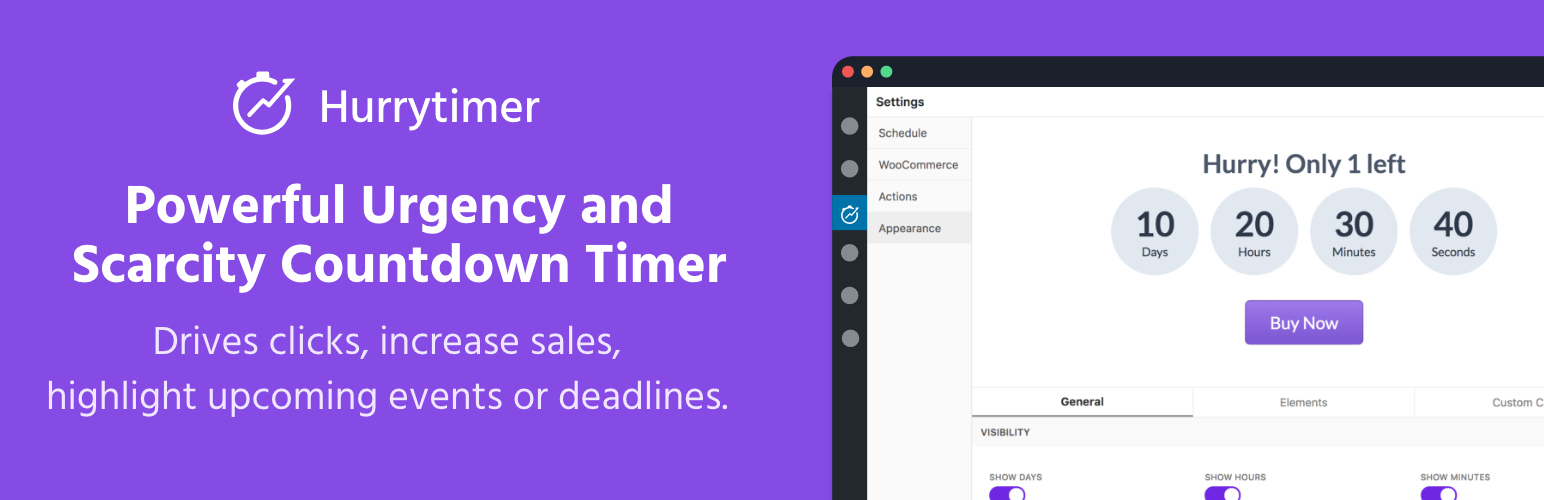
Create unlimited urgency and scarcity countdown timers for WordPress and WooCommerce to boost conversions and...

Free memory & server IP display, PHP EOL countdown, live CPU/RAM sparklines, server location, environment...
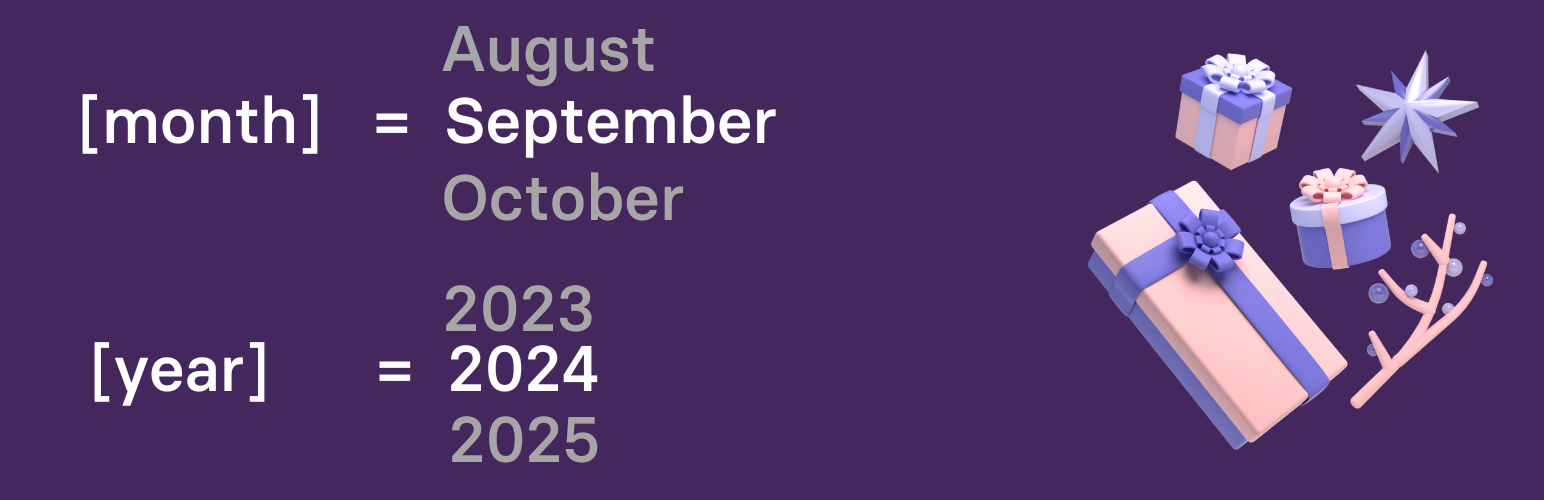
Automate SEO and content with dynamic shortcodes for dates, years, months, age calculations, seasons and count...

Create a coming soon page or maintenance mode screen with 15 responsive templates, countdown timer, MailChimp...