A modern video and audio player for courses, landing pages, marketing, and testimonials — with captions, brand...
Free
100k+ installs 4.8★ (339)
A lightweight WordPress plugin for YouTube, YouTube Shorts, Vimeo, HTML5 video and audio, playlists, and brand-matched colors.
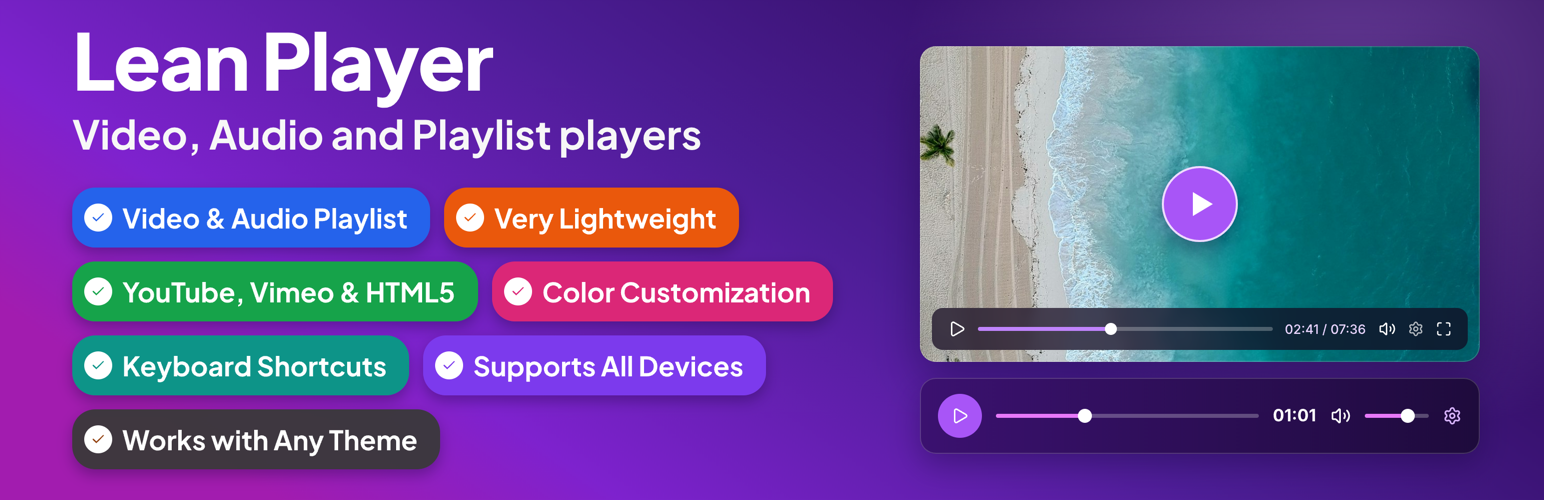
Lean Player is a WordPress plugin designed for embedding audio and video content with playlist support. It allows you to create and manage players for various media sources such as YouTube, Vimeo, and HTML5 video formats, as well as multiple audio formats. The plugin integrates with Elementor, Gutenberg, and the Classic Editor, making it suitable for users who want to enhance their site with multimedia content.
The plugin features a lightweight design that does not slow down your site and offers options like media preload and timestamp links for efficient playback management. It is ideal for those looking to incorporate audio and video elements seamlessly into their WordPress sites without extensive technical knowledge.
Best for: This plugin suits WordPress users looking to add multimedia content to their sites easily.
What it does well
Where it falls short
Lean Player provides a straightforward solution for embedding audio and video, making it a useful tool for enhancing WordPress sites with multimedia features.
LeanPlugins's own description of Lean Player, lightly tidied.
Lean Player handles it all, in one lightweight plugin:
🎬 See Players in Action
🎵 See Playlist Demo
🌐 Visit Official Website
⚡ Upgrade to Pro
Lean Player is a lightweight video and audio player for WordPress with full playlist support. A redesigned admin experience with instant live preview makes setup effortless. Embed players and playlists anywhere in 3 steps:
Works with YouTube, Vimeo, MP4 video (upload or direct URL/CDN), and audio files (MP3, AAC, OGG, WAV, M4A, FLAC — upload or direct URL/CDN). Plays nicely with Elementor, Block Editor, and Classic Editor on any theme, without slowing your site down.
Players Demo | Playlist Demo | Pro | Support
Lean Player also helps keep media-heavy pages fast. With Media Preload, you choose whether video and audio should load only basic info, wait until the visitor clicks play, or start loading immediately. This is useful for pages with multiple players or playlists.
Link directly to a moment in a video or podcast with Timestamp Links. Drop [lean_timestamp time="1:30"]Jump to intro[/lean_timestamp] anywhere in your post content, and clicking it seeks the player to that time and starts playback, no page reload. Great for podcast show notes, course sections, and video reviews.
Player Management:
* Global Player Settings – Set default behavior once for all players
* Player Manager – Create and manage players through admin interface
* Per-Player Configuration – Override global settings for individual players
* Admin Columns – View all players at a glance with Player Type, Source Type, Source, Autoplay status, and copy-ready Shortcode
* Preview Player – Preview your player before publishing directly from the players list or from the player edit page
* Live Preview – See your changes reflected instantly on the edit screen as you configure a player or playlist, no save needed
* Simple Shortcode – [lean_player id=”123″] to embed anywhere
* Timestamp Links – [lean_timestamp time=”1:30″]Jump to intro[/lean_timestamp] to jump a player to a specific moment from your post content
* Player Categories – Group and organize players using categories
Video Sources:
* YouTube video support
* YouTube Shorts support – vertical video fits the screen automatically, no stretching or distortion
* Vimeo video support
* HTML5 video (upload or URL/CDN)
Audio Sources:
* Supported formats: MP3, OGG, WAV, M4A, AAC, FLAC
* Audio streaming support (MP3, AAC streams)
* Media library upload or direct URL/streaming URL
Playback Options:
* Autoplay
* Start Muted
* Initial Volume control (0-100%)
* Loop Playback
* HTML5 Media Preload – Keep pages lighter by controlling when video and audio files start loading
* Starting Playback Speed (0.5x to 4x)
* Pause Other Players – Automatically pause other players when one starts playing (works across standalone players and playlists) [PRO]
* Keyboard Shortcuts – Control playback when the player is focused, with optional global shortcuts for single-player pages
* Time Display Format – Countdown or elapsed time [PRO]
* Skip Forward/Back Amount – Set forward/back jump time (1-60 seconds) [PRO]
* Reset to Start When Finished
Player Controls:
* Fullscreen button
* Click to play/pause
* Picture-in-picture (PIP) mode
* Keyboard shortcuts
* Player Layout – Choose from 5 built-in layouts (Classic, Modern, Simple, Floating, Minimal), each with its own styling and control set
* Custom Preset Builder – Build, name, and save your own control-bar preset (free): show/hide and reorder controls (play-large, play, progress, current-time, mute, volume, captions, settings, pip, airplay, fullscreen, download); applying a preset to a player [PRO]
* Auto-Hide Controls – Hide controls during playback [PRO]
Design & Styling:
* Display your own preview thumbnail
* Primary Color customization – Match player with your brand colors [PRO]
* Compatible on all mobile & desktop devices
* Very lightweight – no major impact on website speed
* Works with all themes
Other plugins for audio and podcasts.
A modern video and audio player for courses, landing pages, marketing, and testimonials — with captions, brand...
The most advanced Audio Player for Music & Podcast. For Elementor, Gutenberg, WooCommerce and more. Add un...
No. 1 Podcasting plugin for WordPress.
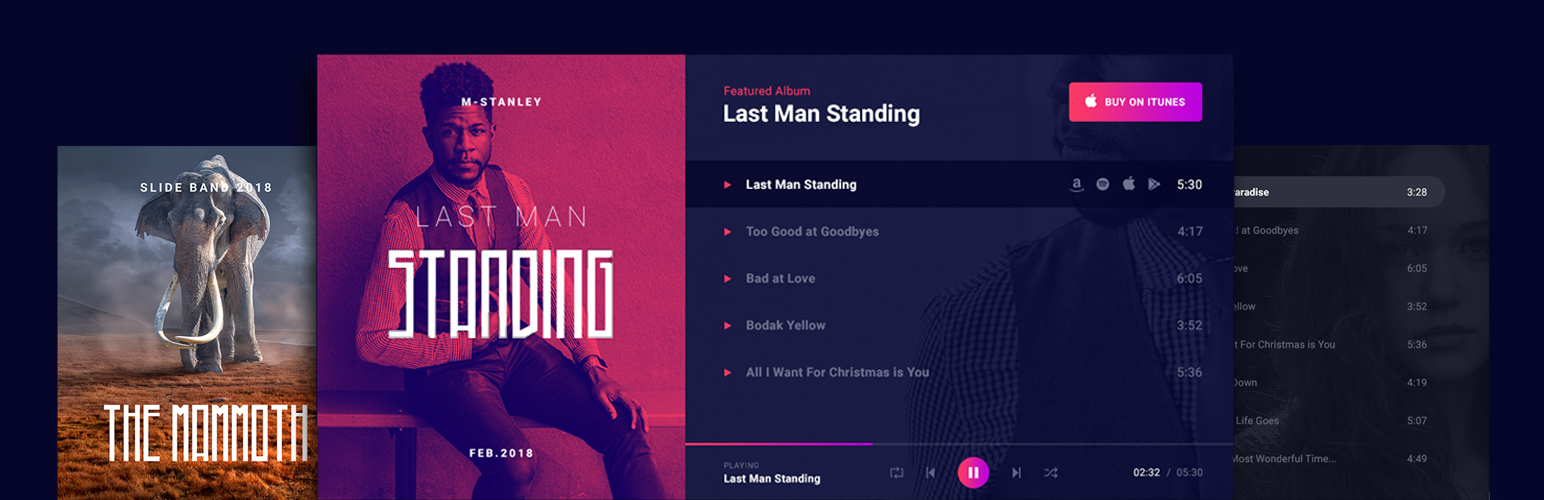
Audio Player for Elementor – the go-to plugin for adding MP3s, podcasts & playlists. Fully customizable, W...
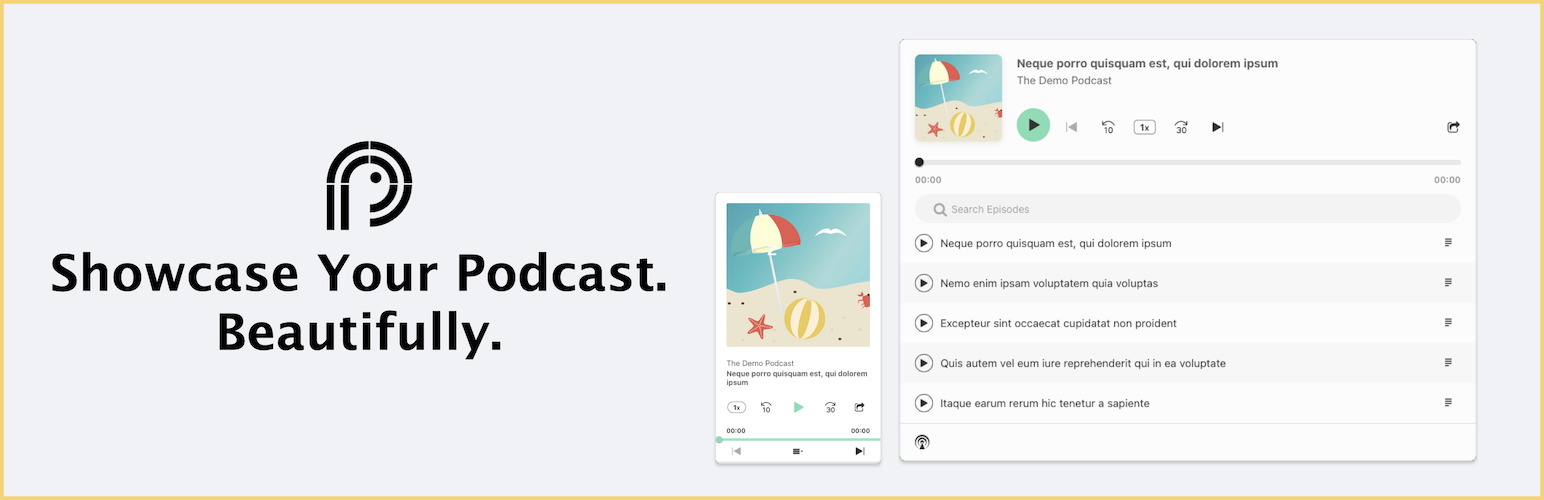
Showcase your podcast only using podcasting feed url. Use widget, shortcode or editor block to display podcast...
Maximize your WordPress site's potential with our versatile HTML5 Audio Player plugin. Seamlessly play .m...