
Build photo galleries, image galleries, and portfolio grids with gallery blocks. Masonry, lightbox, sliders, a...
Free
60k+ installs 4.8★ (336)
Create stunning vertical or horizontal timelines to showcase stories, events, milestones, and memories on any WordPress site – no coding needed.

Timeline is a WordPress plugin that allows you to create interactive timelines for various types of content, such as personal journeys, company histories, and event schedules. It offers both vertical and horizontal layouts, enabling you to customise the appearance without needing any coding skills.
The plugin includes features like start index control, HTML support in titles, and a shortcode generator for easy embedding. It is designed for users who want to visually present chronological information in a responsive format, making it suitable for beginners and those looking to enhance their site's storytelling capabilities.
Best for: This plugin is ideal for individuals or businesses wanting to display chronological content in a visually appealing way.
What it does well
Where it falls short
Timeline provides a straightforward solution for creating interactive timelines. It is user-friendly and effective for showcasing various types of chronological information.
bPlugins's own description of Timeline, lightly tidied.
Turn your history, roadmap, or event schedule into a beautiful interactive timeline visitors can follow at a glance – no code required.
Timeline makes it effortless to create responsive, customizable, and interactive timelines that fit perfectly inside posts, pages, and widgets. Whether you’re displaying a personal journey, company history, project milestones, or event schedules, Timeline gives you complete visual storytelling freedom.
The plugin offers vertical and horizontal layouts, supports start alignment, custom HTML titles, and includes a powerful shortcode generator for quick embedding. Choose the layout you like, add timeline items, customize the visuals – and publish. No hassle. No technical knowledge required.
Upgrade to Timeline Pro for advanced customization, premium themes, and interactive editing options.
Pro features include:
Timeline Block can be used for many types of chronological content.
That’s it – your timeline is live!
Other plugins for showcasing work.
Build photo galleries, image galleries, and portfolio grids with gallery blocks. Masonry, lightbox, sliders, a...

Logo Slider: The best responsive plugin for Logo Showcase, Logo Carousel, and displaying clients' logos....
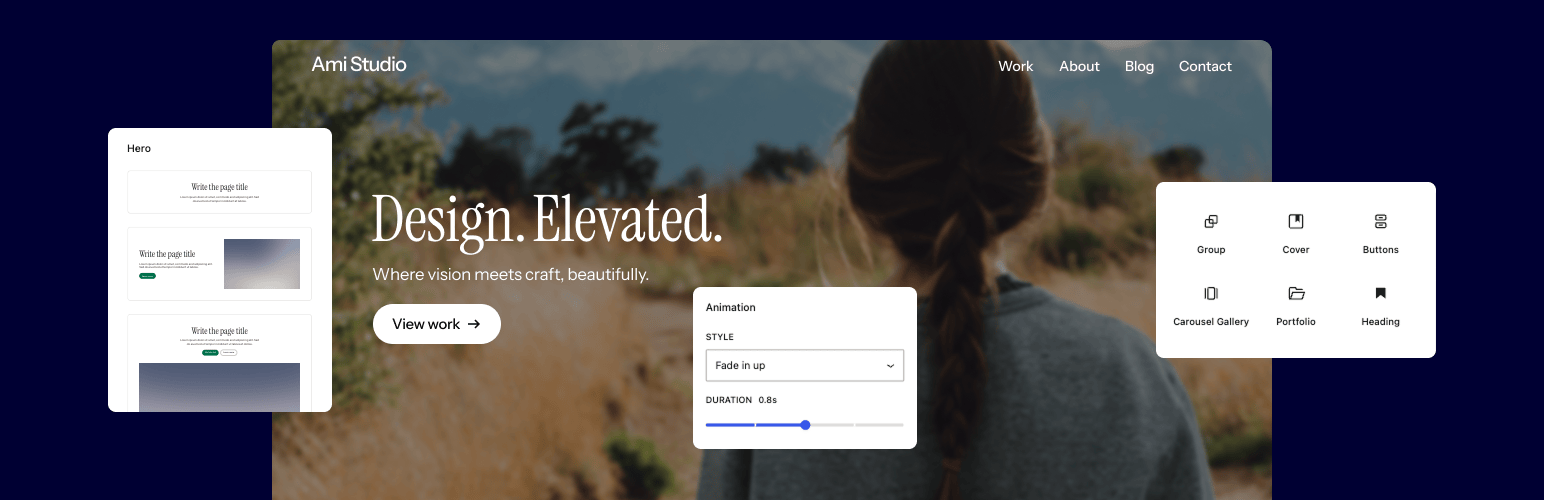
Supercharge the WordPress block editor with enhanced core blocks, hundreds of block patterns, professional sta...

Showcase your story or company history, events, and roadmap in an interactive timeline using the powerful Cool...

Create filterable portfolio galleries with photos, videos, category filters in masonry layouts. Supports Guten...
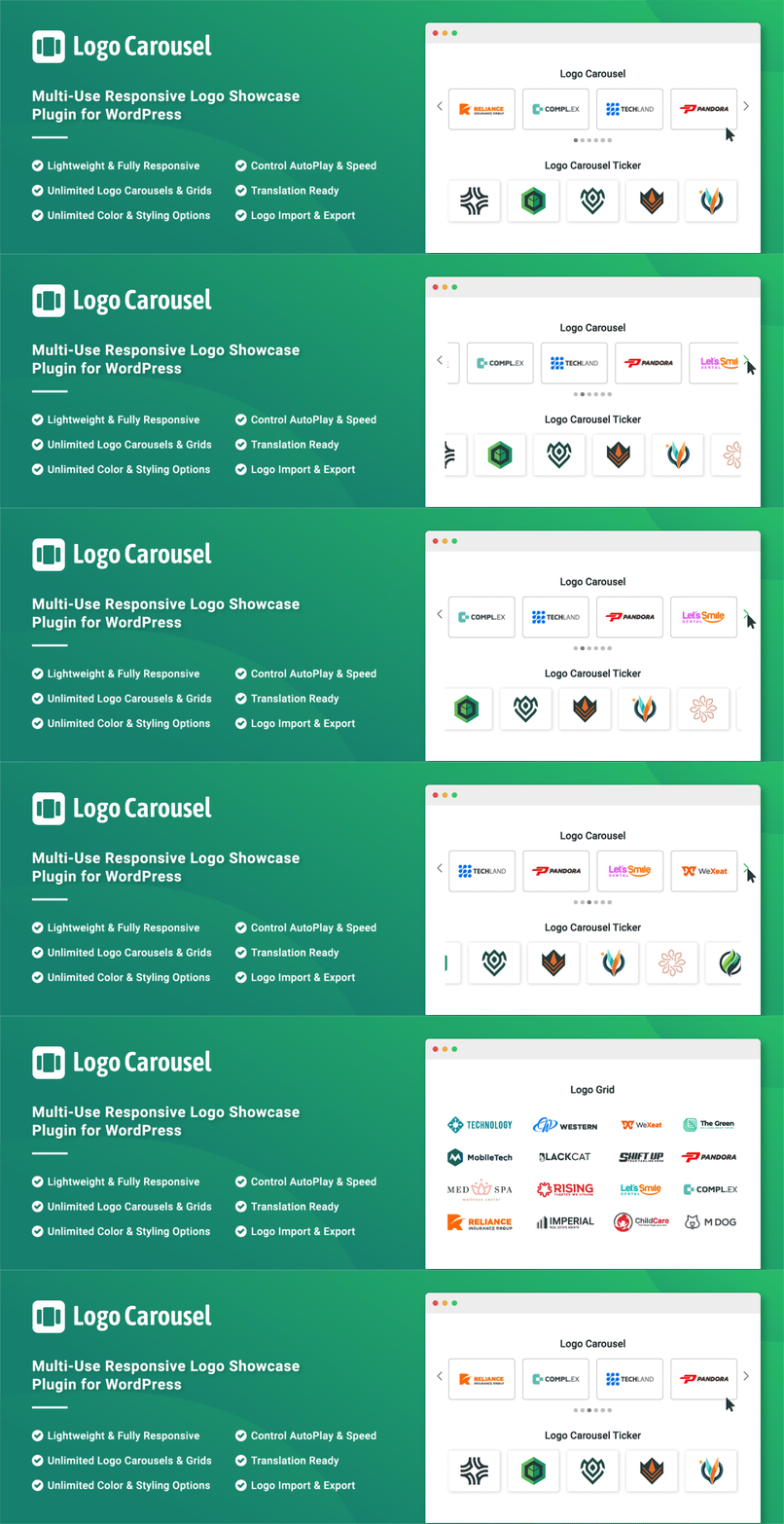
Add, display, and manage clients, partners, sponsors, and brand logos with multiple slideshows on your site. C...