
Advanced management for images, register new sub-sizes, sub-sizes details, regenerate and cleanup files.
Free
8k+ installs 4.7★ (58)
Dynamically generate only needed image sizes for only needed images, with manually selected focal point for crops

Better Image Sizes is a WordPress plugin designed primarily for developers. It allows for the management of image sizes generated by WordPress, enabling users to disable autogenerated sizes and dynamically create only the necessary sizes for uploaded images.
The plugin includes features such as face detection cropping and focal point selection for images. It is intended for those who want to optimize server space and resources by controlling how images are processed and stored in their WordPress sites.
Best for: This plugin suits developers looking to optimize image handling on their WordPress sites.
What it does well
Where it falls short
Better Image Sizes offers useful functionality for developers wanting to manage image sizes efficiently. However, it may not be suitable for non-technical users due to its reliance on coding.
kubiq's own description of Better image sizes, lightly tidied.
This plugin is ment mostly for developers. You need to use its functions in your theme or plugin to make it works.
This plugin offers functionality like face detection crop, focal point selector for every image, function to output responsive <picture> sizes and more.
WordPress will automatically create a lot of smaller images for every uploaded image.
You mostly need just 1 or 2 of them, so this is a waste of your server space and resources.
Also cropped images are generated from the center by default, which can be a problem many times.
This plugin allows you to:
uploads folderbis_get_attachment_image_src( $attachment_id, $size, $crop )
Function inspired by default wp_get_attachment_image_src.
If you used Fly Dynamic Image Resizer before, you don’t need to replace fly_get_attachment_image_src functions in your code – there is a fallback, so you can deactivate Fly Dynamic Image Resizer and it will still work.
Parameters:
attachment_id (integer)(required)
The ID of the image attachment
Example: 123 or get_post_thumbnail_id() or get_field('my_image')
size (array)(required)
An array with the width and height
Example: [ 1920, 1080 ]
crop (boolean/integer/array/string)(optional)
Skip this or pass false or 0 if you don’t want to crop, just rescale,
otherwise pass true or 1 to use focal point crop that is selected in admin media (by default center),
or pass array with string x-axis and y-axis parameters like [ 'right', 'bottom' ]
or pass array with numeric x-axis and y-axis parameters like [ 0.5, 0.8 ]
or pass string 'face' to automatically detect face position (can be exhaustive on server resources)
Returns:
array(
    'src' => (string) url of the image,
    'width' => (integer) width in pixels,
    'height' => (integer) height in pixels
)
Other plugins for farms and agricultural businesses.
Advanced management for images, register new sub-sizes, sub-sizes details, regenerate and cleanup files.
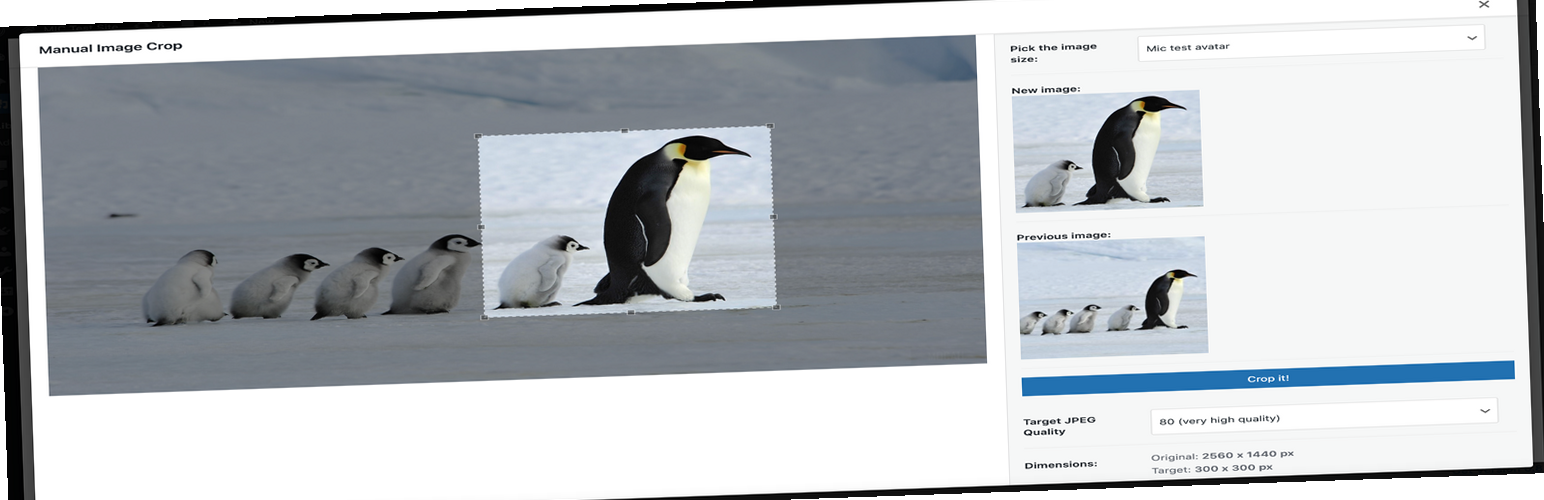
Plugin allows you to manually crop all the image sizes registered in your WordPress theme (in particular featu...

"Crop Thumbnails" made it easy to get exacly that specific image-detail you want to show in your fea...

ACF field that allows user to crop image to a specific aspect ratio or pixel size

Manually Crop and Resize thumbnail images that are uploaded in the Media section.

WP SmartCrop will crop your images on-the-fly to match your CSS, keeping the main focal point in view.