
Autoptimize
92Autoptimize speeds up your website by optimizing JS, CSS, images (incl. lazy-load), HTML and Google Fonts, asy...
Free
800k+ installs 4.7★ (1,428)
Add and customize Google Material Symbols icons in the block editor, output as clean inline SVG — no icon font, no external requests.

Block Icons: Google Library Collection is a WordPress plugin that adds an Icon block to the block editor, allowing you to insert Google Material Symbols into your content. You can browse thousands of icons in three styles—Outlined, Rounded, and Sharp—using search and category filtering features.
The plugin outputs clean inline SVGs without loading icon fonts or making external requests, ensuring fast performance and privacy. It offers per-icon controls for styling, including size, color, and alignment, making it suitable for users who want to enhance their site with icons easily.
Best for: This plugin is suitable for WordPress users looking to enhance their content with icons easily.
What it does well
Where it falls short
Block Icons: Google Library Collection provides a straightforward way to incorporate icons into your WordPress site, though details on user feedback are minimal.
yukyhendiawan's own description of Block Icons: Google Library Collection, lightly tidied.
Block Icons adds a single, focused Icon block to the WordPress block editor for inserting Google Material Symbols.
Browse thousands of icons in three styles (Outlined, Rounded, Sharp) with search, category filtering, and recently-used — then drop one into your content and style it.
Highlights
Other plugins for typography control.
Autoptimize speeds up your website by optimizing JS, CSS, images (incl. lazy-load), HTML and Google Fonts, asy...

The #1 fonts plugin for WordPress. 1,400+ Google Fonts, Adobe Fonts and your own font files. Live preview, no...

Redux is a simple, truly extensible, and fully responsive options framework for WordPress themes and plugins....

The original Google Fonts self-hosting plugin. Automagically caches your fonts locally — no configuration (or...

SpeedyCache is a WordPress cache plugin that helps you improve performance of your WordPress site by caching,...
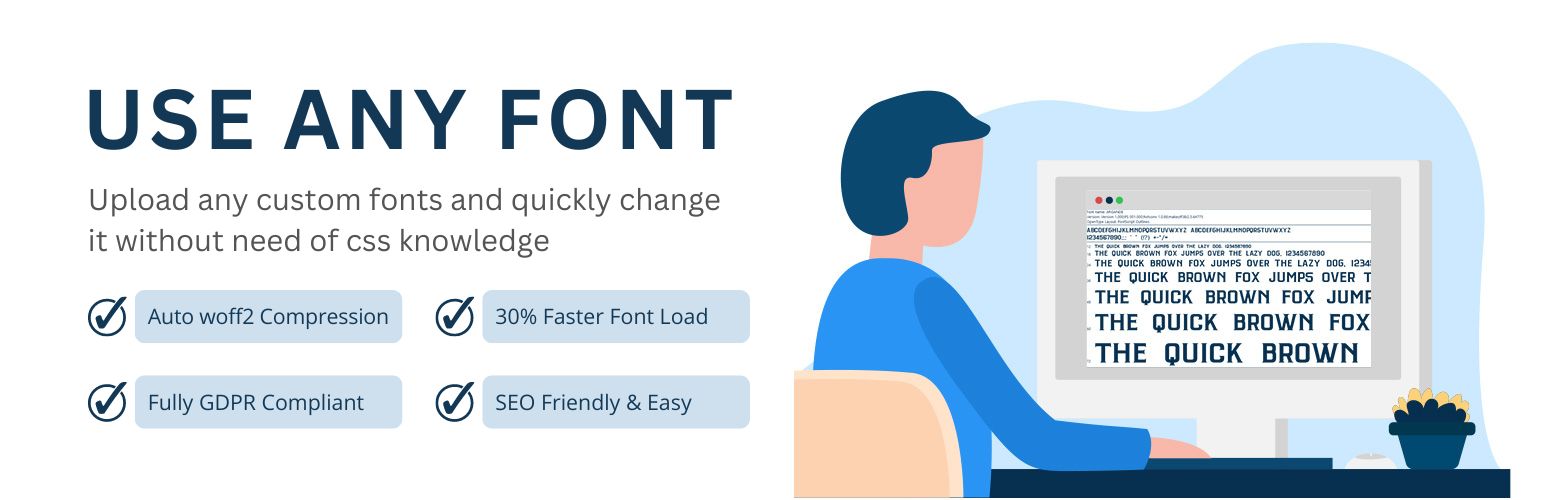
Upload custom fonts with custom font uploader. Auto converts to woff2 for better performance. Self-hosted, GDP...