
MetForm
93Elementor forms builder to create WordPress forms like contact form, booking form, feedback form, survey form,...
Free
600k+ installs 4.7★ (504)
Trafft is a next-level booking system offering limitless opportunities for scheduling appointments and managing your calendar & all of your bookings.
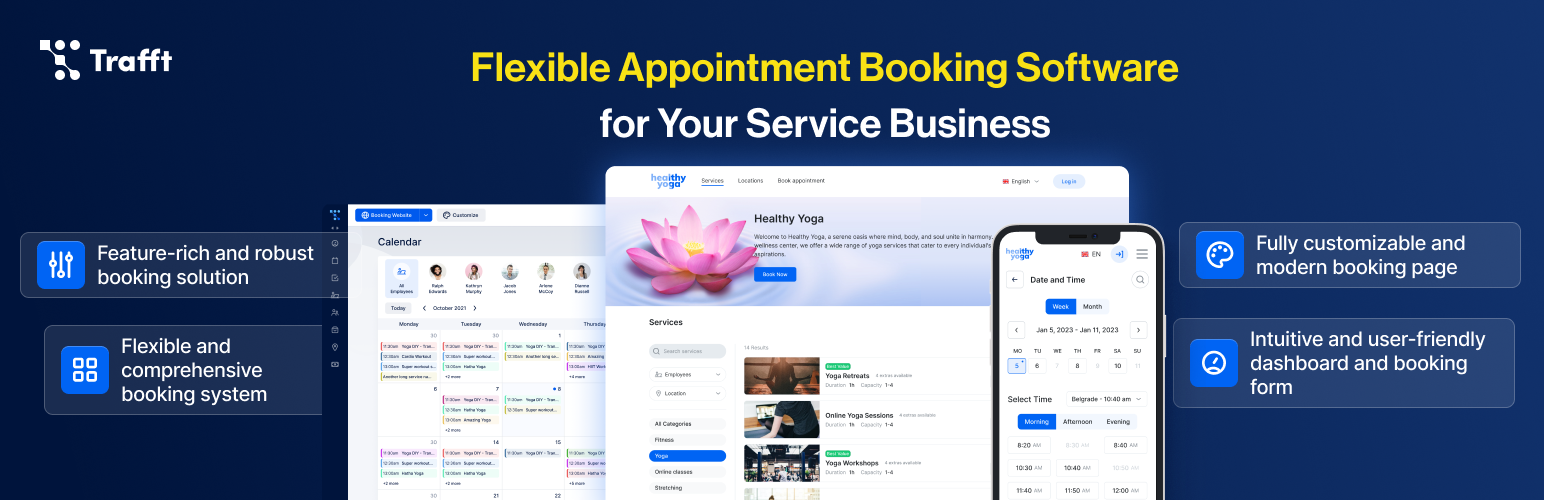
Booking System Trafft is a WordPress plugin that integrates with the Trafft SaaS platform to provide booking and appointment scheduling features. It allows users to manage services, employees, and locations, facilitating a smooth booking process for clients. By linking a Trafft account, you can embed a booking form on your WordPress site, enabling visitors to select convenient time slots for appointments.
The plugin supports automatic notifications, appointment reminders, and online payments, enhancing the overall customer experience. It is suitable for businesses that require an efficient way to manage appointments and want to streamline their booking process through their WordPress site.
Best for: This plugin is best for businesses that need an online booking system integrated into their WordPress site.
What it does well
Where it falls short
Booking System Trafft provides a straightforward solution for managing appointments online, particularly for users of the Trafft SaaS platform. It offers essential features for businesses looking to enhance their booking processes.
Melograno Venture Studio's own description of Booking System Trafft, lightly tidied.
Trafft booking system is a free booking and appointment scheduling software that flawlessly organizes services, employees, and locations. It helps your clients easily navigate the booking process and find the most convenient time slot in their availability calendar for appointments. Trafft, with its impressive scheduling features, enhances customer satisfaction and saves you time by seamlessly transitioning the entire process online. It also offers automatic notifications, appointment reminders, online payments, refunds, and more to provide you with an all-in-one booking system.
This booking plugin is designed as an integration for Trafft SaaS, aiming to assist WordPress users in seamlessly incorporating the Trafft SaaS booking form and availability calendar onto their WordPress pages.
Through seamless integration with WordPress, Trafft grants you the capability to effortlessly incorporate the booking form into any WordPress site with minimal effort. To facilitate this, you need an existing Trafft account, and you can easily link it with Trafft’s dedicated WordPress booking plugin. With this setup in place, you’ll be able to convert more website visitors into loyal customers.
Being an integration for Trafft SaaS, this booking plugin involves specific calls to external servers that store your account data:
Data and layout are retrieved from your Trafft account. All resources are loaded from Trafft and its subdomains. For instance, if your Trafft account URL is myaccount.trafft.com, the loading occurs from this link. In case you wish to find out more you can refer to our terms of service and the privacy policy.
To establish the connection and integrate the booking form on your website, please follow these steps:
If you haven’t signed up for Trafft’s free appointment scheduling software yet, simply follow this link to initiate the account creation process. Right after you create and access the account, you can connect it with the Trafft WordPress booking system. Pro tip: don’t forget to create services and employees, and set up the schedule and booking calendar before adding the booking form to your website.
A wide range of businesses benefit from the Trafft booking system, especially service providers. Let’s see how each industry utilizes Trafft’s appointment scheduling features:
Beauty salons create availability calendars and booking forms for their websites in no time, which allows their customers to schedule appointments without lengthy phone calls. They can also use special tags for employees and services such as “Most Popular” to encourage customers to book immediately. In Trafft’s dashboard, they can see the most occupied employee or service and tailor their marketing strategy according to that data.
Other plugins for taking bookings.
Elementor forms builder to create WordPress forms like contact form, booking form, feedback form, survey form,...

Calculated Fields Form: complete WordPress form builder for contact,booking,quote,payment forms & more,wit...

Appointment booking plugin for WordPress. Let clients self-schedule 24/7, accept payments at booking, and redu...
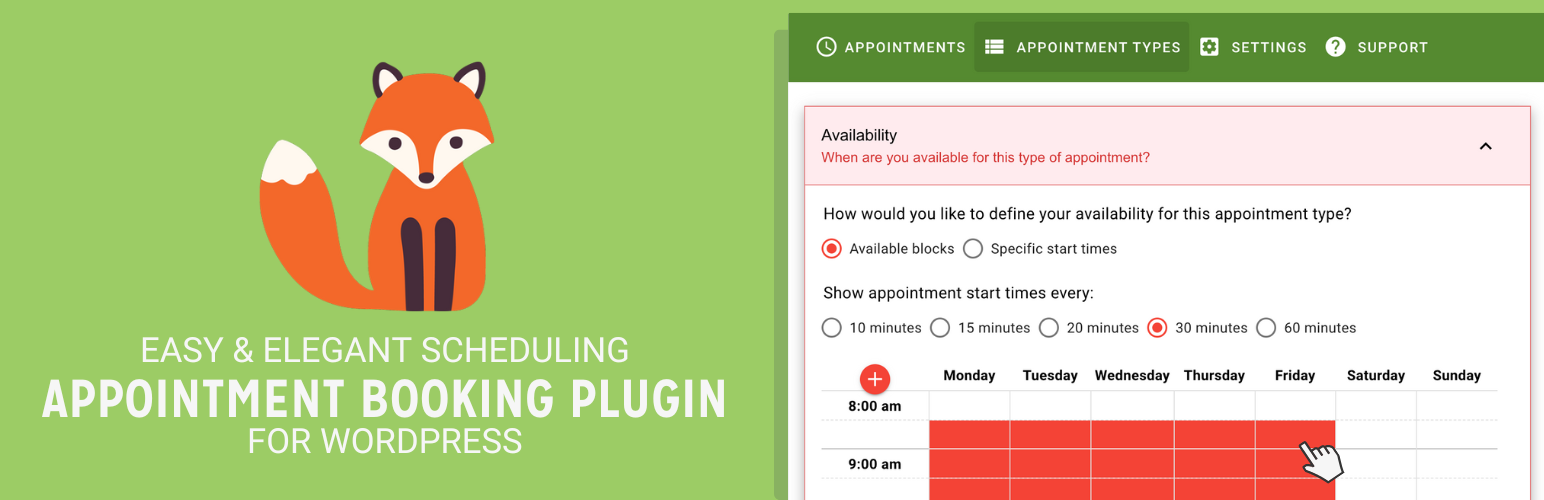
Unlimited appointments, booking calendars, and notifications. Powerful appointment booking plugin and booking...
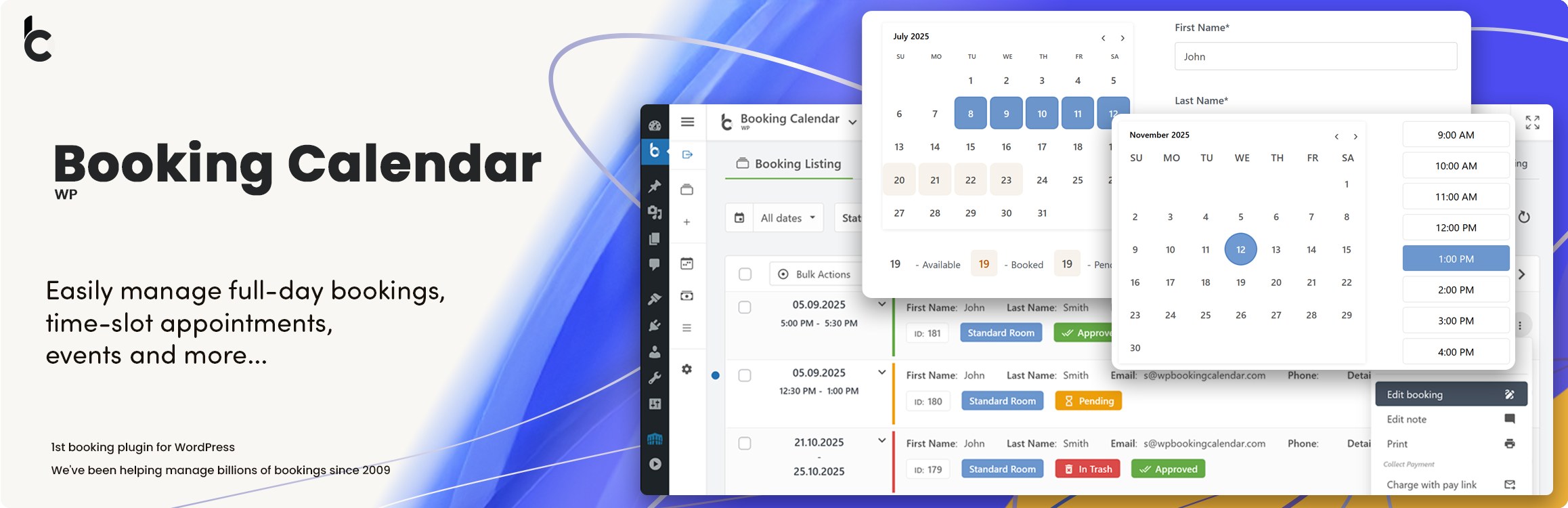
WP Booking Calendar plugin for full-day bookings, time-slot appointments, rentals & events. Accept booking...

Amelia is a powerful booking plugin for appointments and events. Manage scheduling, calendars, and availabilit...