Advanced Ads
91The only complete toolkit for all ad types. Grow your revenue with AdSense, Amazon—or any affiliate network. G...
Free
100k+ installs 4.9★ (1,461)
The official Booking.com search box is a user-friendly, customisable plugin to add the Booking.com search box to your own website in two easy steps.

The Booking.com Official Search Box is a WordPress plugin designed for Booking.com Affiliate Partners to integrate a search box into their website. It allows users to implement the search box easily via a drag-and-drop interface in the sidebar widget area. The plugin offers customization options for the search box, including pre-filled destinations, colour adjustments, and logo positioning.
This plugin is suitable for website owners who are part of the Booking.com Affiliate Partner Programme and want to earn commissions by providing a search tool for hotel bookings. It is also accessible to those who are not yet partners, although full benefits are tied to joining the programme.
Best for: This plugin suits website owners looking to integrate a hotel search feature linked to Booking.com.
What it does well
Where it falls short
The Booking.com Official Search Box provides a straightforward way to add a hotel search feature, but its effectiveness depends on being an Affiliate Partner. User feedback suggests there may be areas for improvement.
SPBooking.com's own description of Booking.com Official Search Box, lightly tidied.
This plugin creates a search box that Booking.com Affiliate Partners can implement into their site using their affiliate ID.
If you’re not an Affiliate Partner yet, you can still implement the plugin. To get the most out of the plugin and earn commission, you’ll need to sign up for the Booking.com Affiliate Partner Programme.
To implement the search box, simply drag and drop the plugin to the sidebar Widget area to publish it – then you’re done!
Once installed, you can choose a pre-filled destination for the search box. This destination is linked to a destination ID, avoiding potential issues for multiple cities with the same name. You can also change the pre-filled destination for each page or post where the search box is displaying, thanks to the meta box feature showed at the end of the editing area.
You can even customize the colour, text, and size of the search box to fit your website design. Check the Features for more details.
Other plugins for review and affiliate sites.
The only complete toolkit for all ad types. Grow your revenue with AdSense, Amazon—or any affiliate network. G...

🌠 Shorten, brand, and track any URL on your own domain. Keep your links — and your data — where they belong....

SliceWP is the quickest and easiest WordPress affiliates plugin for building your affiliate program. Track aff...
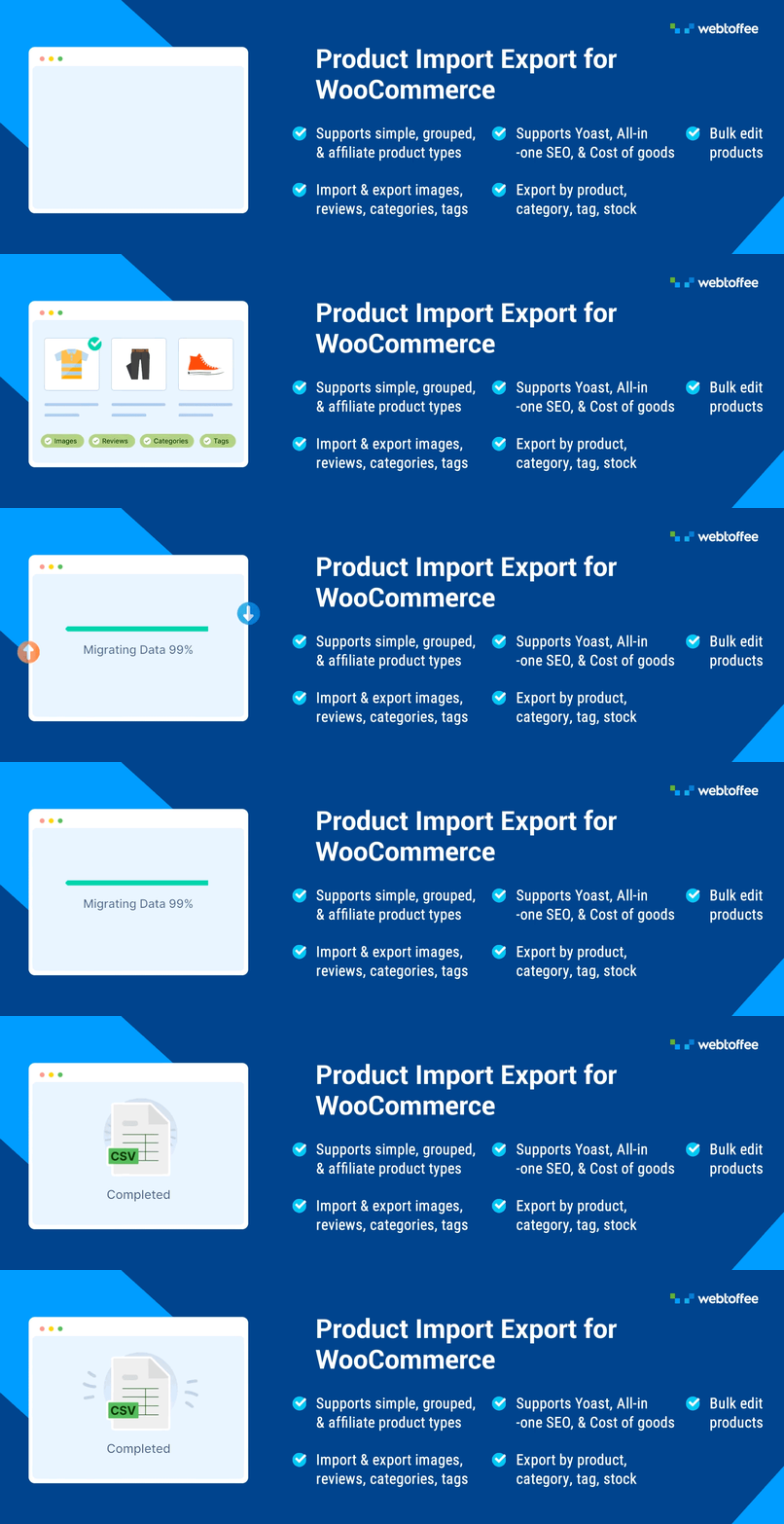
Import/export WooCommerce products via CSV with images, reviews, categories & tags. ChatGPT integration au...

The most powerful affiliate plugin for WooCommerce. Track commission, generate referral URLs, assign affiliate...

🔗 Affiliate link management & cloaker tool. Easily manage, shrink and track your affiliate links in WordP...