
Create WordPress websites with free forms, Gutenberg blocks, popups, sliders, countdowns, animations, pre-buil...
Free
80k+ installs 4.9★ (22)
Redirect WooCommerce customers to any custom URL after checkout. Set a delay, show a countdown timer, and upgrade to Pro for a powerful rules engine.

Boxy WooCommerce Custom Redirect After Checkout is a WordPress plugin that allows you to redirect customers to a custom URL after they complete a WooCommerce order. This can be used to display a branded thank you page, promote offers, or collect feedback. The plugin offers a simple setup with an optional redirect delay and a countdown timer for customers.
The plugin is suitable for WooCommerce store owners who want to enhance the post-purchase experience. It works with both classic and block checkout methods and is designed to be lightweight, ensuring it does not affect store performance. The plugin is fully translatable and compatible with major caching plugins.
Best for: WooCommerce store owners looking to improve customer engagement after checkout.
What it does well
Where it falls short
This plugin provides a straightforward way to redirect customers after checkout, enhancing the post-purchase experience. However, the free version's limitations may require consideration of the Pro version for more complex needs.
mandeep007's own description of Boxy WooCommerce Custom Redirect After Checkout, lightly tidied.
Boxy WooCommerce Custom Redirect After Checkout lets you send customers to any page you choose after a successful WooCommerce order — instead of the default order confirmation page.
Whether you want to show a custom thank you page, promote an upsell offer, collect survey responses, or direct customers to a tutorial, this plugin makes it simple.
The default WooCommerce thank you page is plain and does nothing for your business. A custom redirect lets you:
The free version redirects all customers to the same URL. Pro unlocks a full rules engine so you can redirect different customers to different pages based on what they ordered, who they are, and how they paid.
Rules work like this:
Every rule shows a plain-English live preview:
“When a customer completes checkout and their billing country is Germany, they will be immediately redirected to /de/danke. Customers from other countries will skip this rule.”
Test before going live with the Customer Journey Simulator:
Enter a hypothetical customer profile and see exactly which rule would fire and why — before a single real customer is affected.
Build redirect rules using these conditions:
Specific Product Purchased — redirect based on which products are in the order
Example: Customer buys a T-Shirt — redirect to /tshirt-care-guide
Product Category — redirect based on product category
Example: Customer buys from Electronics — redirect to /warranty-registration
Order Total — redirect based on amount spent (greater than, less than, between)
Example: Order total over $200 — redirect to /vip-club
User Role — redirect wholesale, retail, and member customers differently
Example: Wholesale customer checks out — redirect to /wholesale-thank-you
Other plugins for urgency and countdowns.
Create WordPress websites with free forms, Gutenberg blocks, popups, sliders, countdowns, animations, pre-buil...
ShopLentor – More than a WooCommerce builder. A complete growth plugin to boost conversions, UX, and sales for...
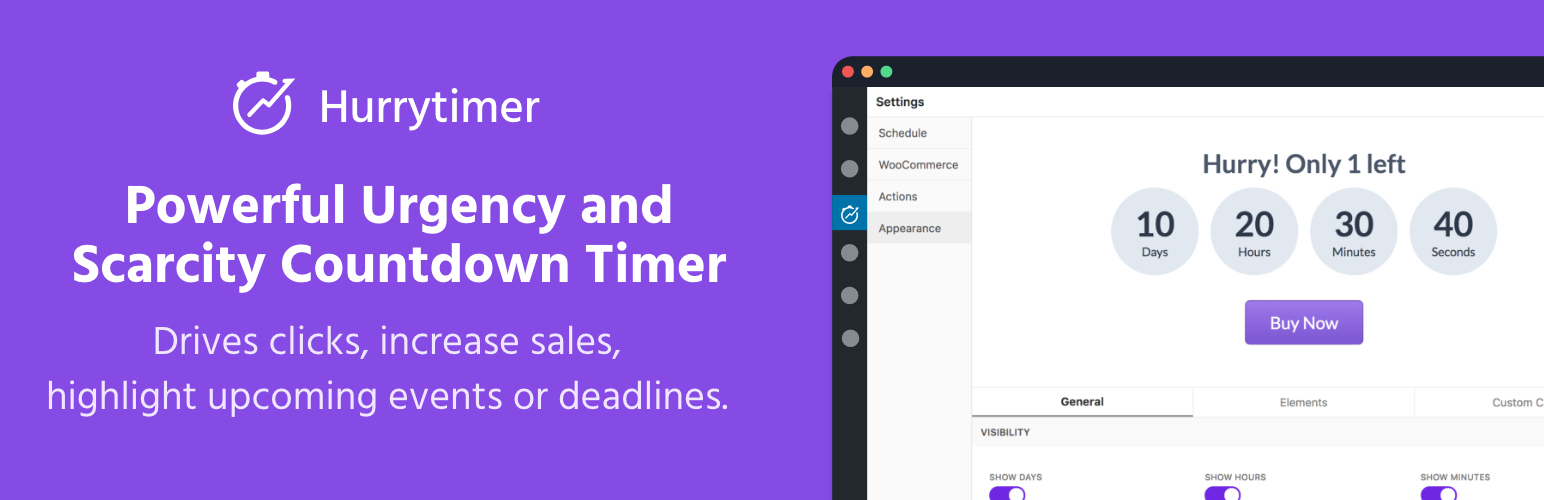
Create unlimited urgency and scarcity countdown timers for WordPress and WooCommerce to boost conversions and...

Free memory & server IP display, PHP EOL countdown, live CPU/RAM sparklines, server location, environment...

Automate SEO and content with dynamic shortcodes for dates, years, months, age calculations, seasons and count...

Create a coming soon page or maintenance mode screen with 15 responsive templates, countdown timer, MailChimp...