
WhatsApp chat, Facebook Messenger, Telegram, TikTok, Instagram, Email, Line, WeChat Phone call, SMS, 20+ live...
Free
300k+ installs 5★ (1,240)
The web's #1 click to call button for your website! A simple and powerful plugin that adds a Call Now Button to your website.
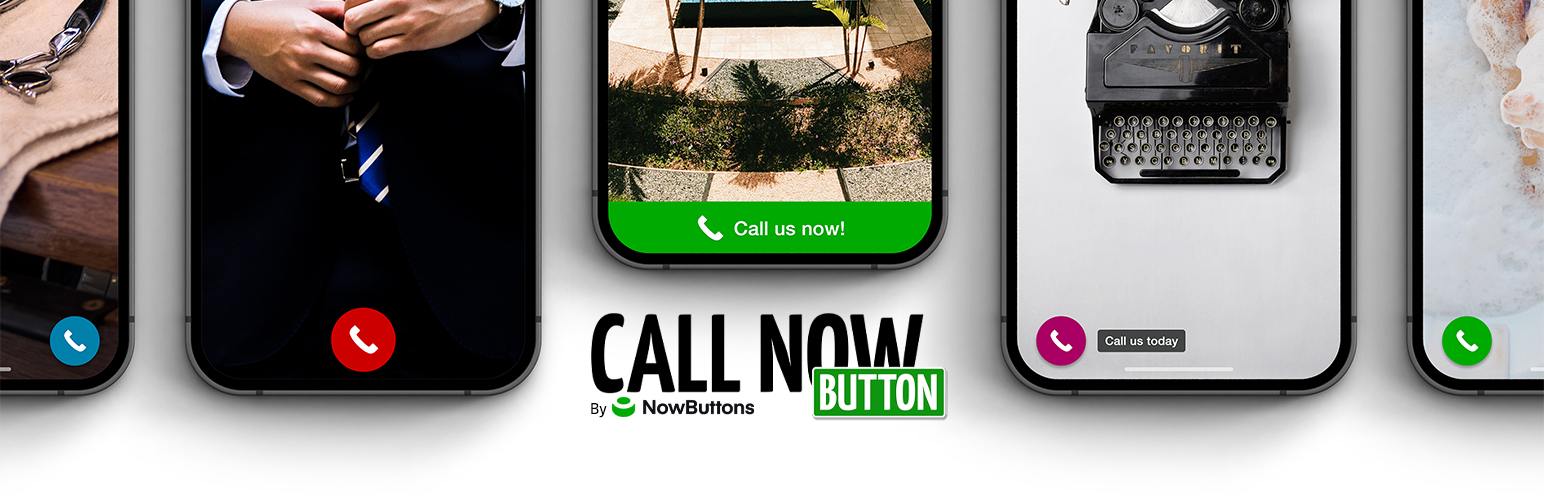
Call Now Button is a WordPress plugin that adds a click-to-call button to the bottom of your website's screen. This allows mobile visitors to call you directly with a single touch, simplifying the process of contacting you without needing to navigate to a contact page or remember your phone number.
The plugin offers easy setup, requiring only the entry of your phone number. It also includes options for customising the button's appearance and functionality, such as click tracking and integration with a cloud service for additional features like social media actions and multiple button creation.
Best for: This plugin is suitable for businesses looking to improve mobile user engagement through direct phone calls.
What it does well
Where it falls short
Call Now Button provides a straightforward solution for enhancing mobile contact options. It is particularly useful for businesses that rely on phone communication.
Jerry Rietveld's own description of Call Now Button, lightly tidied.
This plugin places a Call Now Button (click-to-call button) to the bottom of the screen. Because your mobile visitors already have a phone in their hands this plugin will allow them to call you with one simple touch of the button.
No more navigating to the contact page and no more complicated copy/pasting or memorizing the phone number!
Connect to our cloud service to enable more action buttons such as WhatsApp, Signal, Telegram, Messenger, SMS/Text, Email, Directions, Viber, Zalo, WeChat, Line and more. Find a more complete overview below in the Account section.
The settings are very easy: enable and enter your phone number. That’s it!
The label allows you to add some text to your button. Leaving the label empty will show a nice circular phone button to your visitors (take a look at the screenshots).
Under the Presentation tab you can change the colors of the button, move it to a different screen position and limit the pages on which the button should be visible.
In the Settings menu you’ll find a bunch of features such as click tracking in Google Analytics, fire a conversion tag so a call is registered as a conversion in Google Ads, adjust the size of the button or move the button further backwards in case you want something else to sit on top of it (e.g. your privacy notice). Here you can also enable the connection to our Cloud service.
Connect the plugin to our cloud service NowButtons.com to unlock more features. Here’s an overview:
We also offer a paid version of NowButtons which you can try 14 days for free!
Other plugins for messaging channels.
WhatsApp chat, Facebook Messenger, Telegram, TikTok, Instagram, Email, Line, WeChat Phone call, SMS, 20+ live...

The most installed WordPress plugin for WhatsApp: a customizable floating button that turns your visitors into...

WhatsApp Chat🔥. Let's make your Web page visitors contact you through 'WhatsApp', 'WhatsA...

WhatsApp Chat🔥 allows you to enhance customer engagement! Integrate "WhatsApp" or "WhatsApp Bu...

Customer Reviews for WooCommerce plugin helps you get more sales with social proof. Set up automated review re...

AI chatbot agent & human live chat for customer support, FAQ, chat buttons including WhatsApp with Chatway...