
Join millions who empower their websites with ElementsKit Elementor Addons. Get templates, & 100+ widgets...
Free
1M+ installs 4.9★ (2,036)
Flickr widget plugin. It will show your photos from flickr.

CC Flickr Widget is a WordPress plugin that allows you to display your Flickr photos on your website. After installation, you can add the widget to your theme's widget area and configure it by entering your Flickr ID and the number of photos to display.
This plugin is suitable for users who want to integrate their Flickr photo feed into their WordPress site, particularly those who are familiar with managing widgets in WordPress.
Best for: This plugin is best for WordPress users looking to showcase their Flickr photos.
What it does well
Where it falls short
CC Flickr Widget provides a straightforward way to display Flickr photos, but its outdated status may limit compatibility with newer WordPress versions.
Harun R. Rayhan(thecrazycoder)'s own description of CC Flickr Widget, lightly tidied.
Flickr widget plugin. It will show your photos from flickr. Just install this and go widget menu. You will got a widget name “Cr@ry Coder Flickr“. Drag it to your widget area and set it up as you need.
Demo and instructions link: http://www.crazy-coder.com/plugins/cc-flickr-widget/
Simply download this plugin or search from your wordpress site.
e.g.
1. Download Plugin from here then unzip it and Upload cc-flicker-widget to the /wp-content/plugins/ directory.
2. Activate the plugin through the ‘Plugins’ menu in WordPress
3. Go “Widgets” from “Appearance” menu. (N.B.: Must be support widget in your theme.)
4. Drag it in theme’s widget area and set it up as your setting.
OR,
1. Go “Add New” from “Plugins” menu search by “CC Flickr Widget” and install it.
2. Activate the plugin through the ‘Plugins’ menu in WordPress
3. Go “Widgets” from “Appearance” menu. (N.B.: Must be support widget in your theme.)
4. Drag it in theme’s widget area and set it up as your setting.
OR,
1. Download Plugin from here
1. Go “Add New” from “Plugins” menu. Click “Upload” tab then upload thi zip file
2. Activate the plugin through the ‘Plugins’ menu in WordPress
3. Go “Widgets” from “Appearance” menu. (N.B.: Must be support widget in your theme.)
4. Drag it in theme’s widget area and set it up as your setting.
Ordered list:
Unordered list:
Other plugins for widgets and sidebars.
Join millions who empower their websites with ElementsKit Elementor Addons. Get templates, & 100+ widgets...

Elementor templates, Header footer builder, Elementor Post Grid, Woocommerce Grid builder, Slider, Forms, Gall...

Flexible sidebars for custom classic widget configurations on any page or post. Create custom sidebars with ea...
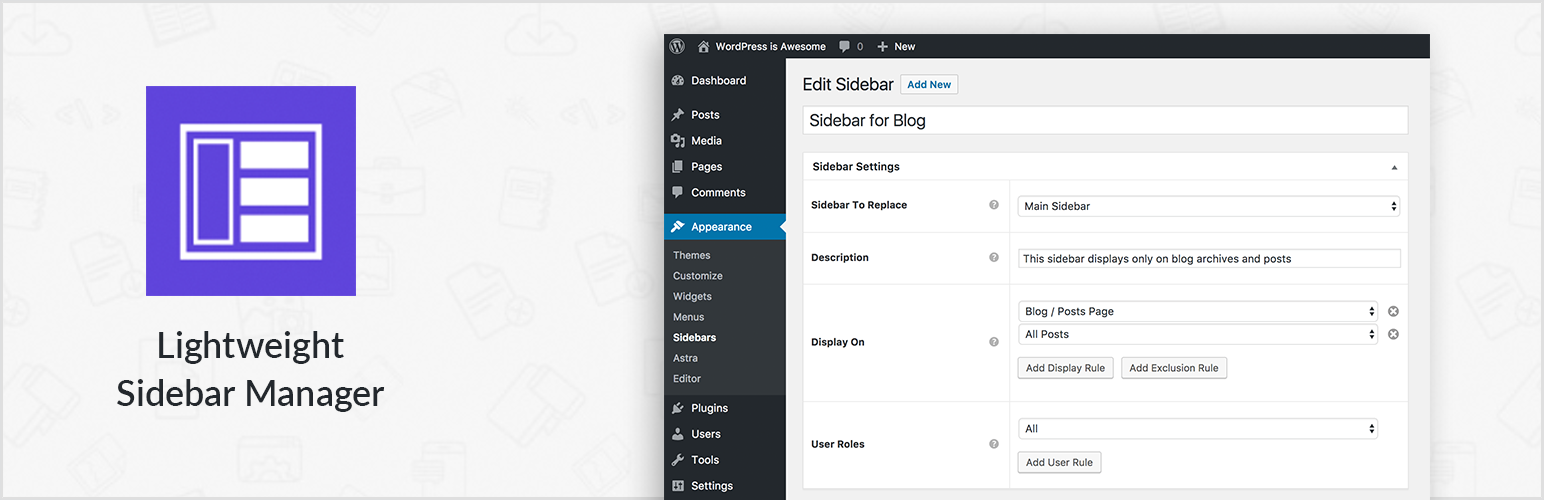
Create new sidebar areas and display them conditionally on certain pages. Works with all themes.

3000+ Elementor & Gutenberg Templates, AI Widget Builder, AI Code Snippets, MCP Workflow, Cloud Workspace...

The complete Elementor addons plugin: 55+ widgets for Elementor, Mega Menu Builder, Popup Builder, Widget Buil...